Conversions & Sales Boosters

Omnibus Price Compliance

PrestaShop price history with earlier-price comparisons, unit prices and records your team uses to check discounts

Version
1.4.0
Improvements
131
Updated
PrestaShop
1.6.1 to 9
Price: €69.00
Tax excluded
Partner price €55.20 Partner price for agencies Agencies with a partner account pay less on every module, depending on what they buy: 20% approved partner 25% from €1,000 a month 30% from €3,000 a month Average of the last 12 months, excl. VAT. Become a partner

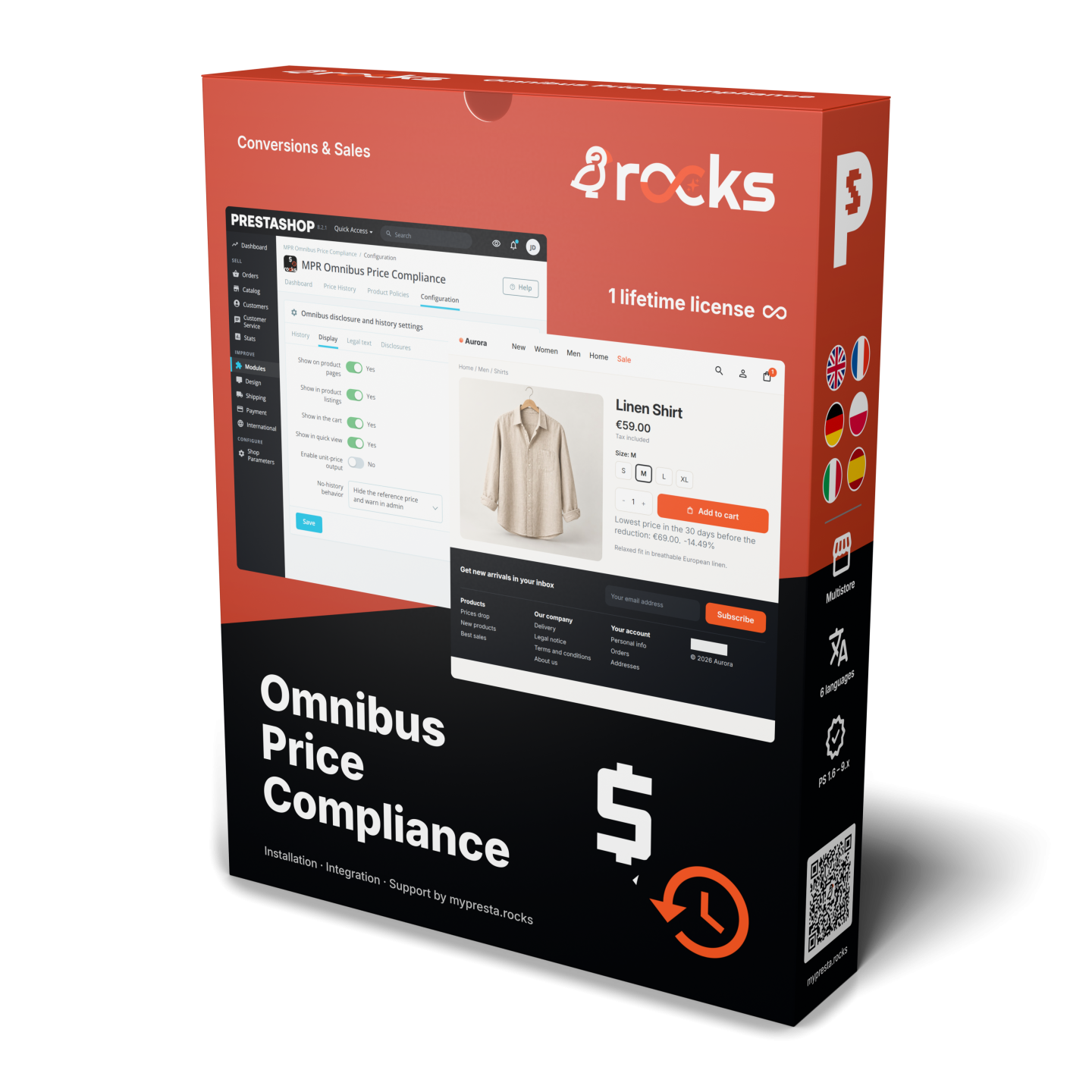
Omnibus Price Compliance records public prices in your PrestaShop store and shows the relevant prior price beside qualifying reductions. Installation starts recording with preset settings.

A crossed-out price does not show what shoppers were offered before a promotion. The standard policy finds the lowest eligible price in the preceding 30 days, using the relevant product or combination, shop, country and currency.

You choose display locations and wording, product policies, and recording schedules and retention. Installation supplies no past history: references stay hidden without enough evidence for the period and reduction start. Cart references also stay hidden when a cart rule applies.

Your team has dated price records and a chart behind each supported comparison, reducing manual work gathering the figures that explain a promotion.

In the box

  • Lifetime licence for one shop
  • 12 months of updates, security fixes free forever
  • 3 months of support by mypresta.rocks
  • PrestaShop 1.6.1 to 9

Recent changes

  • Choose countries to track in Settings; the default country stays included, and the initial selection uses delivery countries from valid orders in the last 12 months.
  • Daily snapshots track each selected country and active currency even without visits; newly added countries build their own 30-day price history.
  • Integrity warns about missing country or currency coverage and snapshots older than two days; the new setting and check support German, Spanish, French, Italian and Polish.
Full changelog

What does Omnibus Price Compliance do for your shop?

  • Records public product prices to support prior-price comparisons
  • Shows qualifying reference prices on product pages, listings, quick views and carts
  • Matches the relevant combination, shop, country and currency
  • Gives your team price-history charts and reduction-start evidence
  • Provides product policies, unit prices and editable shop disclosures
  • Runs scheduled recording and hides references without sufficient evidence

Omnibus Price Compliance connects the price shown beside a qualifying reduction to the history your shop has recorded. Your team controls the policy and wording in the back office, while shoppers see the applicable prior-price statement at the point of comparison.

Discounted PrestaShop product with an evidenced prior-price statement beside its price

Which earlier price will shoppers see?

The standard policy finds the lowest eligible public price in the 30 days before the reduction. The comparison uses the relevant shop, country and currency, so prices recorded for one market do not stand in for another market's history.

Combinations with their own pricing use the corresponding history; combinations that share the product price use its history where appropriate. A compact statement brings the prior price onto listing cards, helping shoppers assess a qualifying offer before opening the product page.

Category product card showing the compact prior-price disclosure

Does the price explanation follow the product into the cart?

Eligible cart lines display a short prior-price statement, so the comparison remains available as the shopper prepares to order. Product pages and supported quick views have their own reference display, and the wording is editable for each shop language.

The module checks whether the displayed price matches the public price being compared. Cart references are hidden when a cart rule is present, for gift lines and when a line price differs or cannot be established. This keeps the public-price comparison tied to the offer it actually describes.

Eligible cart product with its prior-price disclosure

What evidence does your team have behind a promotion?

The back-office history view brings together a price chart and the recorded observations for the selected product, combination and market. Your team sees the applied prices, their dates, their source and whether they qualify for the reference calculation.

The history view shows when the discount began and whether that date came from the pricing information or recorded changes. If the start cannot be established, it explains why the price comparison is hidden. Staff have a record to consult when a customer questions a promotion.
Back-office price-history chart with the evidence for the reduction start

How does the display fit different kinds of products?

Product policies cover the offering date for new goods and the price before the first reduction for perishable goods. Unit pricing uses the product's existing unit information or a quantity and comparison basis entered by your team, helping shoppers compare different pack sizes. Exemptions retain a reason for your records.

Country policies and the treatment of successive reductions remain under your control. The module also publishes your explanations of product ranking and review handling, with a configurable personalized-price notice. These statements describe the practices your shop has chosen; your team supplies their wording.

Product policy settings for the offering date, perishable goods and unit-price basis

What happens while your shop builds its price history?

Installation starts the first recording work. Supported price changes and scheduled catalogue checks build the record, while the dashboard shows changes waiting to be recorded, recording progress and errors. Recording settings provide control over timing, workload and retention as your catalogue grows.

A new installation does not supply a complete past price history. The storefront reference stays hidden until the applicable period and reduction start have sufficient evidence. Regular scheduled execution keeps recording moving when the shop is quiet, and job status gives your team a way to spot interrupted work.

Recording dashboard and a product whose reference remains hidden because its history is insufficient
  • Reference
    mpromnibus
  • Version
    1.4.0
  • Improvements
    131
  • Released
  • Updated
  • PrestaShop Compatibility
    PS 1.6 – 9.x
  • Pricing Model
    One-time Purchase
  • Module Type
    Front & Back-office
  • GDPR Relevant
    No
  • Business Goal
    Legal & Compliance
  • External Account Needed
    No
  • Module Complexity
    Feature-Rich Module
  • Customer Journey Stage
    Manage Store
  • Works With Platform
    No External Platform

What customers say about us

Company reviews
5.0 ★ ★ ★ ★ ★ (4 reviews)
Customer Reviews for PrestaShop Modules and Support

No product reviews yet

Be the first to share your experience with this product.

Write a Review

Quick start

  1. Install the ZIP through Modules > Module Manager > Upload a module and open Omnibus Compliance > Configuration for the intended shop.
  2. In History, review Enable module, Jurisdiction profile and Jurisdiction policies by country (JSON); the initial policy is PL with a 30-day window.
  3. Keep Enable daily snapshots and Enable dirty-price worker on; set Daily snapshot start and processing bounds, then Save.
  4. Schedule the token-protected module cron URL or a compatible task runner so Process Omnibus price-history work runs regularly; its task interval is 300 seconds.
  5. Review Show on product pages, Show in product listings, Show in the cart, Show in quick view and all Legal text translations.
  6. Use Product Policies and Save policy for offering-date, perishable or unit-price exceptions; keep optional Disclosures off until their wording matches your shop.
  7. Check Dashboard progress and Price History eligibility, then verify an evidenced reduction and combination changes on every enabled storefront surface.

Requires PrestaShop 1.6.1 or later and PHP 7.1 or later.

Open the full help page

Loading tab content...
30 days return right
Easy return - no questions asked
Plug & Play Modules
Install, set up and take profit
Dedicated Support First
Priority Help & Satisfaction Over Sales

Who builds and maintains this module

Built and maintained by David Miller and mypresta.rocks. David Miller has worked with PrestaShop since 2013, and the company behind this shop has been registered since 3 December 2018. Every module in this catalogue is our own work, so your questions to support reach the people who wrote the code. The changelog on this page lists every update with its date.

About us

More modules

Smart Dynamic & Scheduled Discounts

Omnibus Price Compliance records the prices your shop actually applied and shows the lowest price from the 30 days before each reduction, and Smart Dynamic Scheduled Discounts creates those reductions on schedule. Promotions that stay in line with the EU Omnibus rules.

Mass Price Updater

Mass Price Updater changes prices in bulk with formulas, and Omnibus Price Compliance keeps a record of the prices actually applied and shows the 30-day lowest price on every reduction. Bulk price changes that stay compliant.
Weekly Sale

Weekly Sale cuts prices every week automatically, and Omnibus Price Compliance shows the lowest price from the 30 days before each reduction, based on the prices your shop really applied. Weekly deals that respect EU price indication rules.

Loading...
Back to top