

Discord Chat Integration: setup and help
Quick start
- Upload the
mprdiscordchatintegrationZIP through Modules > Module Manager > Upload a module. - Click Configure and open Discord Connection.
- Enter only your Discord invite code in Invite Code, for example
AbCdEfG123. - Keep Enable Discord Chat on and review Button Appearance, including Position and Button Style.
- Review Show on Mobile, Show on Pages and Fallback Delay (seconds) in Display Behavior, then save.
- Use Test link in Discord Setup to confirm the invite is valid.
- Open an allowed storefront page, interact or wait for the fallback, then click the button and confirm your Discord invite opens in a new tab.
Requires PrestaShop 1.6 or later and PHP 7.1 or later.
Setup manual
Install and configure
Follow the steps in Quick start.
Discord Connection
Open Configure in Module Manager. Create an invite for your Discord server before configuring the module. Prefer an invite that will remain valid for your intended use.
| Setting | Default | What you configure |
|---|---|---|
| Enable Discord Chat | Yes | Allow the invite button to render on eligible pages. |
| Invite Code | Empty | Enter 2 to 64 letters, numbers, underscores or hyphens. Paste the code after discord.gg/, not the full URL. |
For https://discord.gg/AbCdEfG123, enter AbCdEfG123. After saving, Discord Setup shows your code and a Test link. New identifier edits are validated. An invalid edit keeps the previous settings. The button requires an invite code; an expired Discord invite still opens its link.
Display Behavior
| Setting | Default | What you configure |
|---|---|---|
| Show on Mobile | Yes | Allow the button for devices detected as mobile by PrestaShop. |
| Fallback Delay (seconds) | 0 | Load on first interaction, or after this maximum wait. Zero uses a 10-second fallback. |
| Show on Pages | All Pages (all) |
Select Product Pages Only (product), Category Pages Only (category) or Checkout Pages Only (checkout). |
Checkout targeting matches cart, order, order-opc, orderopc and checkout. A custom checkout with another controller name will not match this selection.
The shared renderer inserts the button on the first interaction, such as scroll, click or touch, or when the fallback expires. It manages timing outside the template and sets the template's own delay to zero while rendering. You therefore do not need to add data-delay or a second timeout.
Storefront behavior
The module registers its local views/css/mprdiscordchatintegration.css file through displayHeader and renders its button through displayBeforeBodyClosingTag. The link opens https://discord.gg/YOUR_CODE in a new tab with noopener noreferrer.
You get an invite link with an inline SVG icon, local styling and the shared loader. The module does not load a Discord SDK or embed conversations in your shop. Visitors complete the join process in Discord with a Discord account. There is no Pre-filled Message field or message handoff in this version.
Verify and troubleshoot
Use Test link to test the invite separately from the widget. Then check a product page, a category page and checkout against your targeting choice. Test first interaction and a fresh page left untouched for the fallback. Check translated text and the mobile setting.
If the button is absent, check the enabled switch, code, page/controller match and mobile detection. Confirm your theme executes both registered hooks and loads the local stylesheet. Check JavaScript errors if the interaction loader never releases the button.
If the button overlaps another control, adjust Position, Margin from Edge (px) or your theme CSS. If the invite fails, replace it with a valid code in Discord Connection. The module cannot renew expired Discord invites.
Disable or uninstall
Set Enable Discord Chat to No and save to pause the button while keeping settings. Uninstall through Module Manager to remove its menu and module configuration. Manage the server, membership and invites in Discord.
Reference screenshots
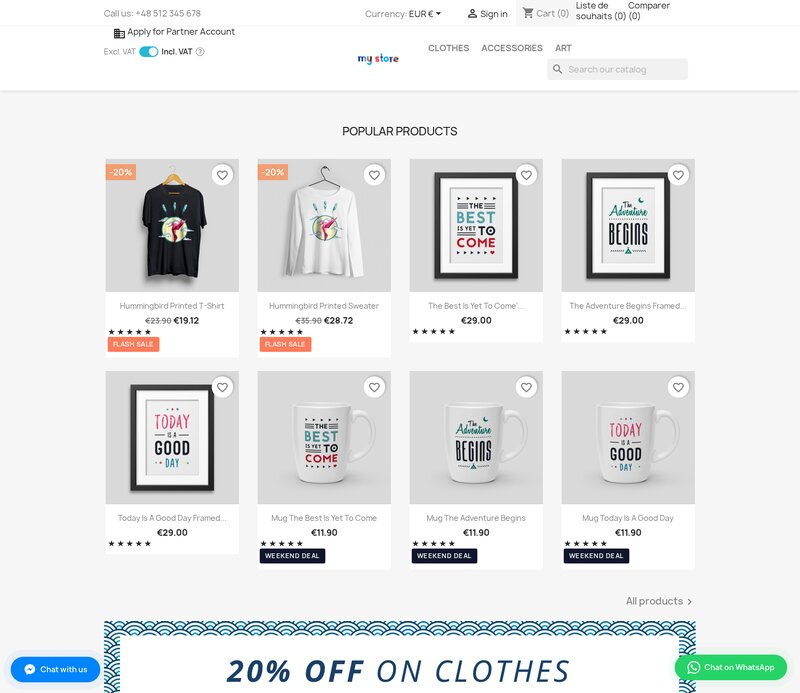
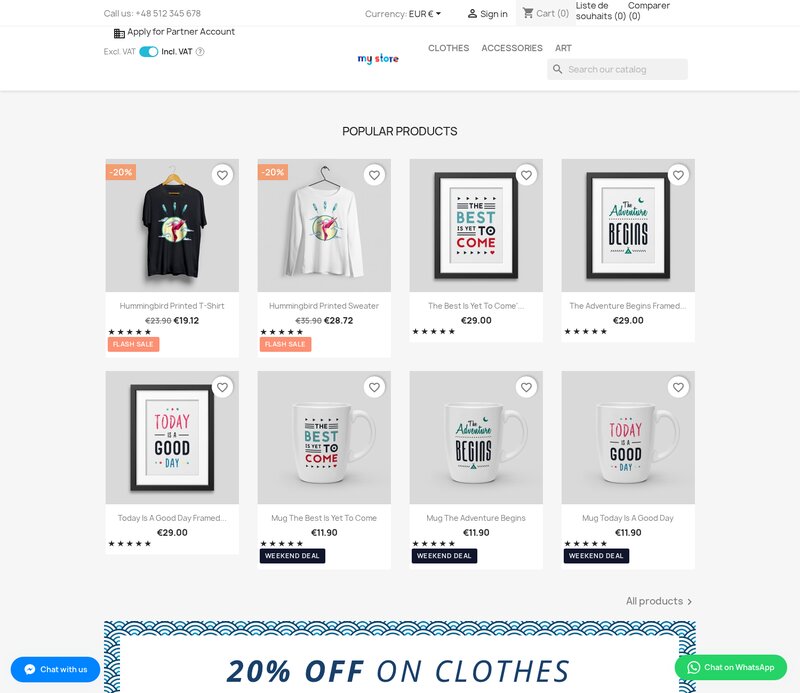
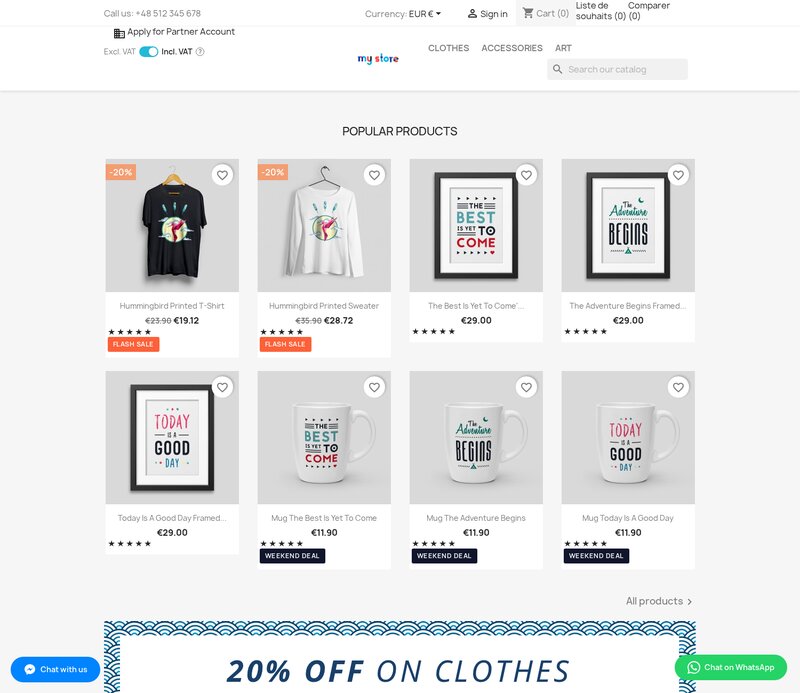
Use the setting names above when a reference screenshot differs from your installed version.



Questions
1
Does the Discord invite button send shopper identity or save conversations?
The button opens your invite at https://discord.gg/ in a new tab without adding shopper identity or a message. It uses local styling and an inline SVG icon and does not save Discord conversations in PrestaShop.
Known Issues
5
Settings labels remained untranslated
Chat link accessible name did not match its text
Outdated setup warning after saving
Asset combination compatibility
Older chat settings not migrated
Feature Requests
5
Implemented
One-click module updates
Multilingual interface
Installation checks and repair
Discord contact link
Visitor text per language
Changelog
v1.1.132026-09-02
- Addedcomplete FR/DE/ES/IT/PL translations
- FixedMigrate chat config from ps_configuration to ConfigTable
Older releases
v1.3.02026-04-20
- Addedadmin menu management via MenuInstaller for streamlined module setup
- AddedLicense management tab with key management and renewal options
- Addedself-healing integrity checks for automatic diagnostics and repair
- Addedcomplete FR/DE/ES/IT/PL translations
v1.2.02026-02-16
- AddedPrestaShop 9 and Hummingbird theme compatibility
- Addedconfigurable widget tooltip text displayed on mouse hover
- Improvedmobile button positioning with adjustable bottom offset to avoid browser navigation bar
- Fixedwidget appearing on checkout pages when hide-on-checkout option is enabled
- Addedconsent-aware loading: widget defers until functional cookie consent category is accepted
v1.1.02025-06-20
- Addedoption to open Discord invite in a new tab or in an embedded popup overlay
- Addedconfigurable button icon: Discord logo, generic chat bubble, or community icon
- Improvedbutton animation options: pulse, bounce, or static display
- Fixedwidget not rendering on category pages when PS theme uses deferred DOM insertion
v1.0.02025-05-30
- Initialrelease with Discord Chat Integration
- InitialFloating Discord community button displayed on all front-end pages
- InitialConfigurable Discord invite URL and button corner position
- InitialBack-office toggle to show or hide independently on desktop and mobile devices
Demo
Test the full module before you buy
Buy a licence later and keep your settings.
- Your 30-day demo Test it on your own shop for 30 days from the first install.
- Ready demo shop Explore a ready demo shop in your browser.
- No registration No account, email or store domain needed.
By downloading, you accept the demo terms and privacy policy.
By opening this demo you accept the demo terms and the privacy policy.