Latwy zwrot - bez pytan
Zainstaluj, skonfiguruj i zarabiaj
Priorytet pomocy i satysfakcji
Czyszczenie Revolution
Usuń nieużywane dane i zoptymalizuj bazę danych PrestaShop
Kompletny pakiet czyszczenia i konserwacji sklepu PrestaShop
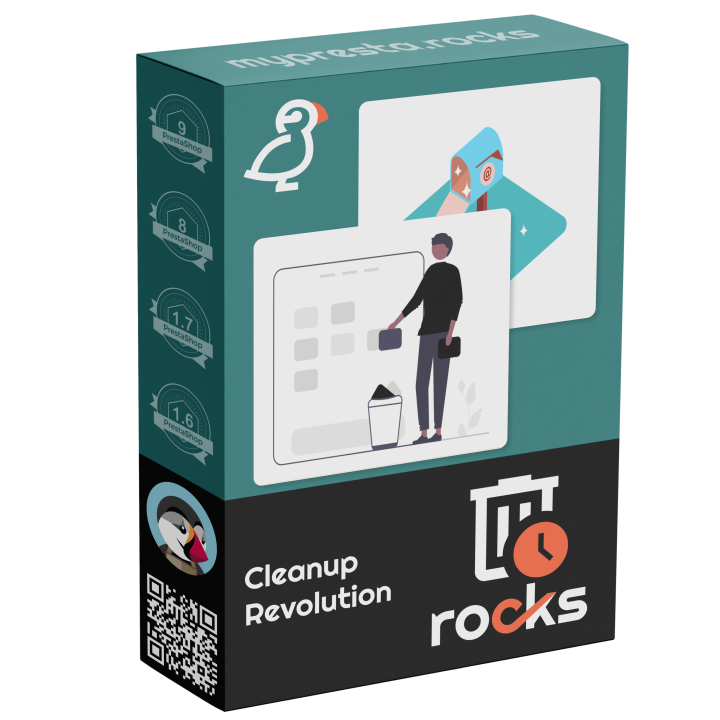
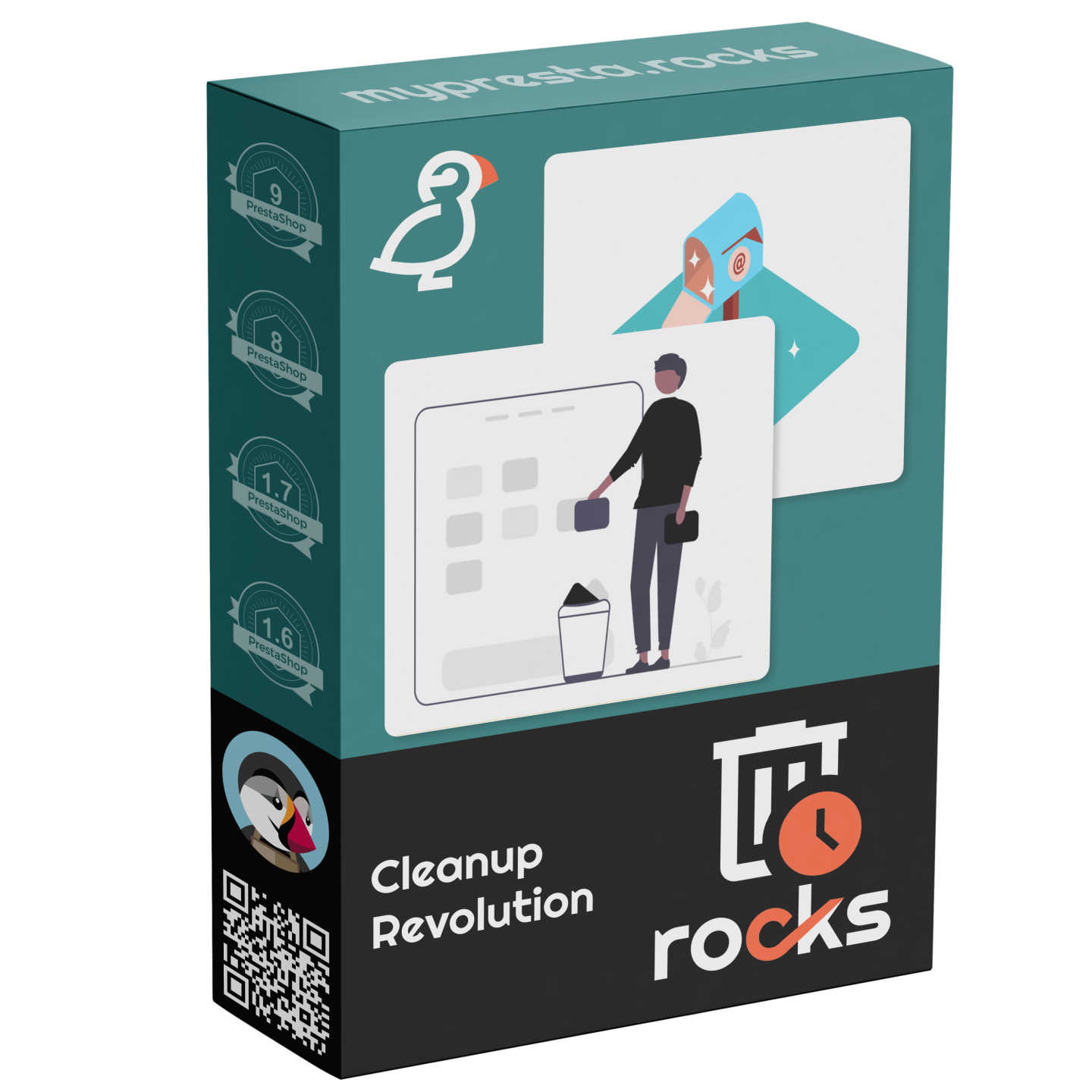
Cleanup Revolution to kompleksowe rozwiązanie do utrzymania porządku w sklepie. Znajduje i usuwa osierocone rekordy bazy danych, zduplikowane obrazy, nieużywane pliki, pozostałości po modułach i rozdęty cache — wszystko z jednego panelu z pełnym logowaniem audytu i trybem podglądu zmian.
- Czyszczenie bazy danych — wykrywaj i usuwaj osierocone rekordy, optymalizuj rozmiary tabel i odzyskuj zmarnowaną przestrzeń
- Zarządzanie obrazami — znajdź osierocone obrazy produktów, wykryj duplikaty i zidentyfikuj brakujące pliki graficzne
- Czyszczenie plików i cache — usuwaj nieaktualny cache, pliki tymczasowe i pozostałości po odinstalowanych modułach
- Wyszukiwarka duplikatów — lokalizuj zduplikowane produkty, kategorie i inne elementy w całym katalogu
- Kontrola stanu systemu — kompleksowy audyt środowiska sklepu z konkretnymi zaleceniami
- Automatyzacja CRON — zaplanuj cykliczne zadania czyszczenia, aby utrzymać sklep w dobrej kondycji bez ręcznej interwencji
- Logowanie audytu — każda akcja zapisana ze znacznikami czasu, listą dotkniętych rekordów i danymi do cofnięcia zmian
- Tryb podglądu — sprawdź co zostanie wyczyszczone zanim zatwierdzisz jakiekolwiek zmiany
Kompatybilny z PrestaShop 1.7 do 9.x. Jedna licencja, dożywotnie aktualizacje, 90 dni dedykowanego wsparcia.

Your Store Accumulates Clutter — Clean It Up
Every PrestaShop store accumulates digital debris over time. Abandoned carts pile up in the database. Uninstalled modules leave orphaned tables and configuration entries behind. Product images for deleted products consume disk space. Log files grow unbounded. This clutter slows down database queries, inflates backups, and makes troubleshooting harder than it needs to be.
Cleanup Revolution provides a comprehensive maintenance toolkit that identifies and removes every type of store clutter — from orphaned database records to abandoned image files to stale module leftovers. Every cleanup action supports a dry-run preview mode so you can see exactly what will be affected before committing any changes, and a full audit log records every action for accountability and rollback.
Database Cleanup & Optimization
The database is where most performance degradation begins. PrestaShop stores with a few years of history typically have millions of rows in cart, log, and statistics tables that serve no ongoing purpose. Cleanup Revolution identifies these records and lets you remove them safely.
- Abandoned cart cleanup — remove carts older than a configurable threshold (30, 60, 90+ days) that were never converted to orders
- Guest account pruning — delete guest accounts that never completed a purchase and have no associated data
- Log table trimming — clear connection logs, page-not-found logs, mail logs, and other log tables that grow indefinitely
- Statistics cleanup — remove outdated statistics data that impacts query performance without providing actionable insights
- Orphaned record detection — find database rows that reference products, categories, or other entities that no longer exist
- Table optimization — run OPTIMIZE TABLE on fragmented tables to reclaim wasted space and improve query performance
- Size reporting — see exactly how much space each table consumes and how much can be reclaimed
Image Management
- Orphaned image detection — find product images on disk that have no matching database record (deleted products, failed imports)
- Missing image detection — identify database records that point to image files that no longer exist on disk
- Duplicate image finder — locate identical images uploaded multiple times, wasting storage space
- Unused thumbnail cleanup — remove regenerated thumbnails for image types that are no longer in use
- Disk space reporting — detailed breakdown of image storage by type (product, category, manufacturer, CMS)
- Selective deletion — review detected issues and choose which to fix, with bulk actions for efficiency
File & Cache Cleanup
- Cache purging — clear Smarty cache, Symfony cache, and theme cache files that can grow to gigabytes on busy stores
- Temporary file cleanup — remove files in /tmp, /upload, and other temporary directories left by imports, exports, and failed operations
- Module leftover detection — find files, directories, and assets left behind by uninstalled modules
- Override cleanup — identify overrides from modules that are no longer installed
- Email template cleanup — detect duplicate or outdated email templates across themes
Duplicate & Integrity Finder
- Duplicate product detection — find products with identical names, references, or EAN codes that may have been imported twice
- Duplicate category detection — identify categories with the same name and parent, often created by failed imports
- Data integrity checks — verify referential integrity across product-category, product-image, and product-attribute relationships
- Missing translation detection — find products and categories with incomplete translations across your active languages
System Health Check
A comprehensive audit of your store environment that goes beyond cleanup to identify configuration issues, performance bottlenecks, and potential problems before they become emergencies.
- PHP configuration audit — check memory limits, max execution time, upload sizes, and OPcache settings
- MySQL performance review — analyze slow query log, buffer pool utilization, and table engine mix
- Disk space monitoring — track total, used, and available space with threshold warnings
- Module conflict detection — identify modules hooking into the same positions that may cause conflicts
- Actionable recommendations — each finding includes a specific recommendation with expected impact
CRON Automation & Audit Logging
- Scheduled cleanup tasks — configure recurring database, image, and cache cleanup on daily, weekly, or monthly schedules
- Dry-run mode — preview every cleanup action before execution, showing exactly which records and files will be affected
- Full audit trail — every cleanup action logged with timestamp, affected record count, reclaimed space, and rollback data
- Rollback capability — critical operations create restore points that allow reversal if needed
- Email reports — receive summary reports after each automated cleanup run
Why is this module unique?
- The only PrestaShop cleanup module that covers database, images, files, cache, and module leftovers in a single tool — most competitors handle only one area
- Dry-run mode with detailed preview prevents accidental data loss that is common with aggressive cleanup tools
- Full audit logging with rollback data provides accountability and safety that enterprise stores require
- System health check goes beyond cleanup to provide proactive infrastructure monitoring
- Module leftover detection finds orphaned overrides, hooks, and database tables that other tools miss entirely
Use Cases
- Mature stores (2+ years old) — accumulated abandoned carts, logs, and guest accounts can add gigabytes to the database, slowing queries across the entire store
- Stores after major catalog changes — product deletions and reimports leave orphaned images and database records that waste space and confuse search indexing
- Stores with many module installations/uninstalls — module leftovers accumulate over time and can cause conflicts with new modules
- Agency-managed stores — the audit log provides transparency into what was cleaned and when, satisfying client reporting requirements
- Performance-sensitive stores — database optimization and cache management directly improve page load times and admin panel responsiveness
- Stores preparing for migration or upgrade — clean up the database and file system before migrating to a new server or upgrading PrestaShop versions
-
Indeksmprcleanuprevolution
-
W magazynie999 Przedmioty
-
Kompatybilnosc z PrestaShopPS 1.7 – 9.x
-
Model cenowyJednorazowy zakup
-
Typ moduluBack-office
-
Dotyczy RODONie
-
Cel biznesowyUsprawnic operacje
-
Wymagane konto zewnetrzneNie
-
Zlozonosc moduluKompletne rozwiazanie
-
Etap sciezki klientaZarzadzac sklepem
-
Dziala z platformaBez zewnetrznej platformy
Latwy zwrot - bez pytan
Zainstaluj, skonfiguruj i zarabiaj
Priorytet pomocy i satysfakcji
No reviews yet. Be the first to leave a review!
Write a Review