

reCAPTCHA & hCaptcha Protection: setup and help
Quick start
- Upload and install the mprrecaptcha ZIP in Module Manager.
- Click Configure to open CAPTCHA Settings.
- Choose CAPTCHA Provider and save matching Site Key and Secret Key.
- Select the required entries in Protect Forms.
- Configure v3 threshold and fallback keys if you use v3.
- Enable CAPTCHA Protection and save.
- Confirm that valid submissions succeed and missing or invalid tokens block every selected form; resolve any integration failure before relying on protection.
Requires PrestaShop 1.6 or later and PHP 7.1 or later.
Setup manual
Check protection before deployment
The module can render Google reCAPTCHA v2, reCAPTCHA v3 or hCaptcha widgets. Test every selected form with a valid, a missing and an invalid token: a visible widget alone does not mean the form handler rejects submissions without a valid token.
For selected native login, registration and newsletter forms, missing or invalid CAPTCHA responses prevent submission. Turning CAPTCHA Protection off leaves native registration available.
Install and configure
- Upload and install the
mprrecaptchaZIP through Modules > Module Manager. - Click Configure to open CAPTCHA Settings.
- Select CAPTCHA Provider.
- Obtain the matching provider keys for your shop domain. Paste Site Key and Secret Key.
- Select the forms under Protect Forms.
- Enable Enable CAPTCHA Protection and click Save.
- Test valid, missing and invalid tokens on every selected form. Confirm that failed checks prevent the underlying operation.
The CAPTCHA switch starts off. Rendering and verification remain inactive unless both main keys are present. Secret fields are masked in the settings form. You need PHP cURL and an HTTPS connection from your server to the provider verification endpoint.
Configure CAPTCHA Settings
| Setting | Default | When to change it |
|---|---|---|
| Enable CAPTCHA Protection | Off | Enable after saving keys and testing the integration. |
| CAPTCHA Provider | Google reCAPTCHA v2 (checkbox) | Select Google reCAPTCHA v3 (invisible) or hCaptcha if you have matching keys. One provider applies to all selected forms. |
| Site Key | Empty | Public key for the selected provider and shop domain. |
| Secret Key | Empty | Private verification key from the same provider setup. |
| Protect Forms | Contact form and Customer registration | Other choices are Customer login and Newsletter subscription. These select the module's built-in integrations. |
| reCAPTCHA v3 Threshold | 0.5 |
Enter a score from 0.0 to 1.0. A higher threshold rejects more low-score responses. A blank value falls back to 0.5. |
| Fallback to reCAPTCHA v2 after low v3 score | Off | With v3, enable a checkbox challenge after a low score. Requires both fallback keys. |
| Fallback v2 Site Key | Empty | Public key for a separate Google v2 checkbox setup. |
| Fallback v2 Secret Key | Empty | Private key for that v2 setup. |
| Load provider script only when a protected form is present | Off | Enable to load scripts through the widget/injector. Leave off if your legacy theme requires global header loading. |
For example, choose v3, select Contact form, Customer registration and Newsletter subscription, and set the threshold to 0.6. These settings apply v3 protection to the selected forms.
For a v3 fallback test, select v3, use a stricter threshold such as 0.7, fill both fallback v2 keys and enable the fallback switch. The module records a pending challenge for the form after a low score. The next attempt uses the v2 checkbox. A successful fallback clears that pending state.
Check theme placement
The module renders through these form hooks where your theme calls them:
{hook h='displayContactContent'}
{hook h='displayCustomerLoginFormAfter'}
{hook h='displayCustomerAccountForm'}
{hook h='displayNewsletterRegistration'}
It also uses displayGDPRConsent for relevant contact placement and a footer injector for recognizable standard forms. Examples include #login-form, #customer-form, .block_newsletter form and controls named submitMessage, submitLogin or submitAccount.
Keep the widget inside the form. Adding a display hook only adds a widget. You still need a working server validation integration.
You can target .mprrecaptcha-widget, .mprrecaptcha-contact, .mprrecaptcha-registration, .mprrecaptcha-newsletter and .mprrecaptcha-login in theme CSS.
Provider scripts use:
https://www.google.com/recaptcha/api.js
https://www.google.com/recaptcha/api.js?render=YOUR_SITE_KEY
https://js.hcaptcha.com/1/api.js
Google responses use g-recaptcha-response. hCaptcha uses h-captcha-response. The v3 fallback adds mprcaptcha_v2_fallback=1.
Verify server validation
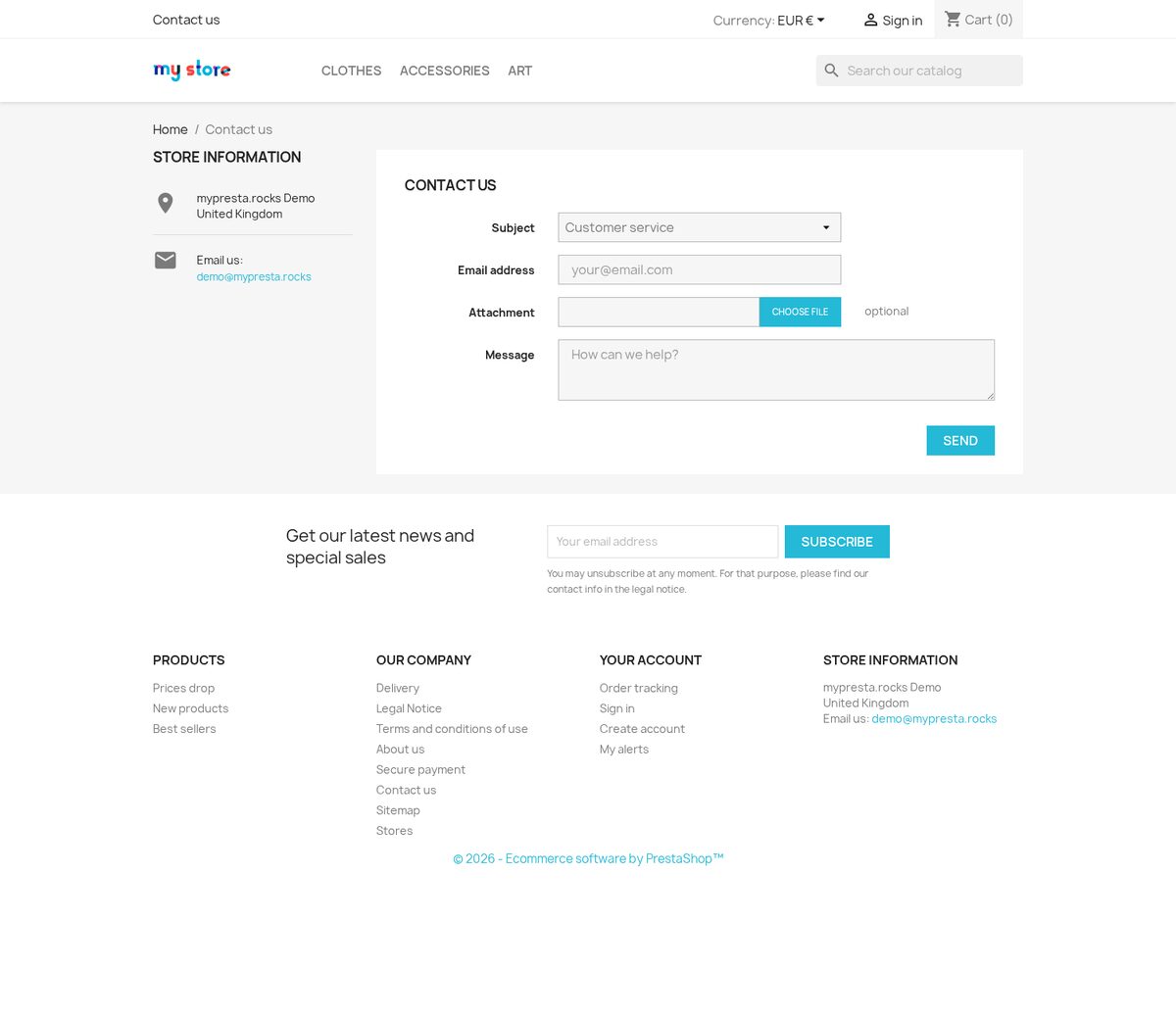
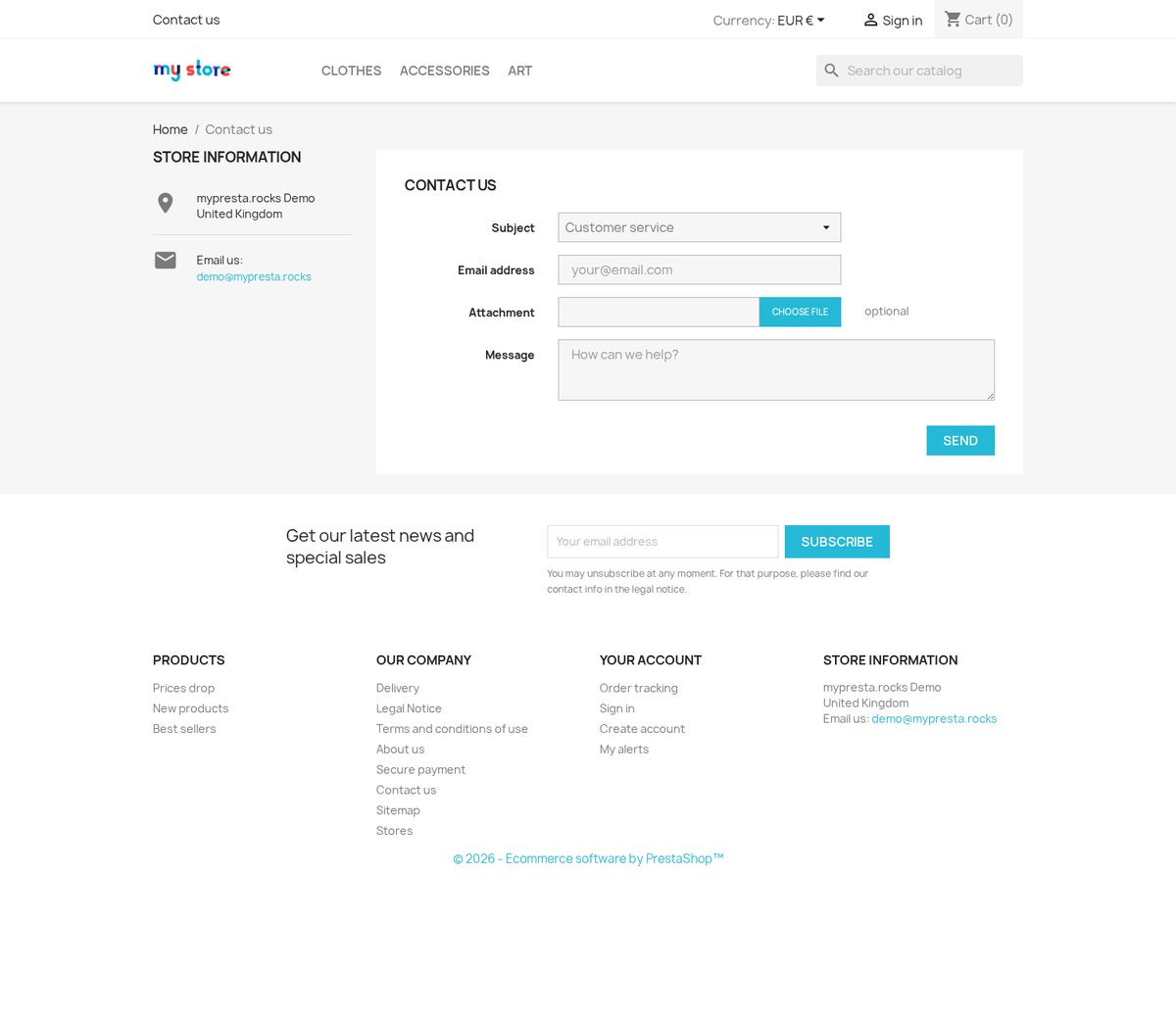
The native contact form is checked before submission. A failed CAPTCHA response prevents the message from being sent.
The contact integration also checks submitMessage on the native contact controller during actionFrontControllerSetMedia. If validation fails, it sets the contact honeypot field. Test this path with your installed contact module.
For each selected form:
- Submit valid data with a valid challenge and confirm success.
- Submit without a token and confirm that no message, login, account or subscription is created.
- Repeat with an invalid token.
- Test mobile and desktop placement.
- If you use v3 fallback, test the failed first attempt and successful checkbox retry.
If invalid submissions succeed, the form handler needs integration work. Changing the provider or adding a widget does not fix that.
Integrate another form
There are no ready-made settings for checkout, password reset, reviews or arbitrary third-party forms. A developer can use renderForForm($formId) and verifyForForm($formId, $token, $ip) for a custom integration. Use a stable form ID containing only letters, digits, underscores or hyphens. The form handler must refuse the operation when verification returns false. Verification returns true while module protection is inactive.
Troubleshoot and uninstall
If a widget is absent, check keys, enable state, selected forms, display hooks, selectors and provider requests. If real users fail v3, review the threshold and provider response. If verification fails for everyone, check domain/key type and server HTTPS/cURL access. Use the module's Integrity page for installation checks.
Turn off Enable CAPTCHA Protection and save to stop the module's CAPTCHA rendering and validation. Uninstall through Module Manager to remove its menu and stored settings.
Compatibility
Requires PrestaShop 1.6 or later and PHP 7.1 or later.
Reference screenshots



Questions
1
How does the module avoid adding a second widget on the native contact page?
When the active contactform module is registered in displayContactContent, this module skips its widget in that hook. It can render the contact CAPTCHA through displayGDPRConsent on the contact controller instead. Check the final contact page in your theme after enabling protection.
Known Issues
11
Repeated form submissions reuse an expired verification
Customers cannot create an account
Security hardening
Contact CAPTCHA appears outside the form
Newsletter CAPTCHA refusal has no visible message
Refreshed forms lose working CAPTCHA
Late forms and fallback challenges do not initialize
Administration labels remain untranslated
Module fails to load on PHP 7.1
Damaged translated text
CAPTCHA widgets missing from standard forms
Feature Requests
9
Implemented
Invisible reCAPTCHA v3 with optional v2 fallback
Form CAPTCHA protection
Updates from the back office
Multilingual administration
Setup readiness checks
CAPTCHA for additional forms
Friendly Captcha v2 support
Checkbox fallback for reCAPTCHA v3
Conditional CAPTCHA script loading
Changelog
v1.3.02026-10-25
- Addedadmin menu management via MenuInstaller for streamlined module setup
Older releases
v1.2.02026-10-15
- AddedPS 9 / Hummingbird theme compatibility
- AddedhCaptcha provider as an alternative to Google reCAPTCHA
- Addedserver-side verification with configurable score threshold for v3
- Improvederror messaging — failed verification now shows localised inline alert
- FixedreCAPTCHA v3 token expiry on slow connections causing false negatives
v1.1.02026-06-23
- Addedper-form enable/disable toggles: contact, login, registration, newsletter
- AddedreCAPTCHA v2 invisible badge support
- Fixedduplicate script injection when multiple protected forms on one page
v1.0.142026-05-27
- Addedcomplete FR/DE/ES/IT/PL translations
- FixedRender CAPTCHA on native contact forms
v1.0.152025-12-31
- Maintenance release: refreshed bundled shared libraries and module icon
v1.0.02025-03-20
- Initialrelease: Google reCAPTCHA v2 and v3 for PrestaShop forms
- InitialContact form, account login, customer registration, and newsletter protection
- InitialBack-office site key / secret key configuration
- InitialCompatible with PS 1.7.x and PS 8.x
Demo
Test the full module before you buy
Buy a licence later and keep your settings.
- Your 30-day demo Test it on your own shop for 30 days from the first install.
- Ready demo shop Explore a ready demo shop in your browser.
- No registration No account, email or store domain needed.
By downloading, you accept the demo terms and privacy policy.
By opening this demo you accept the demo terms and the privacy policy.