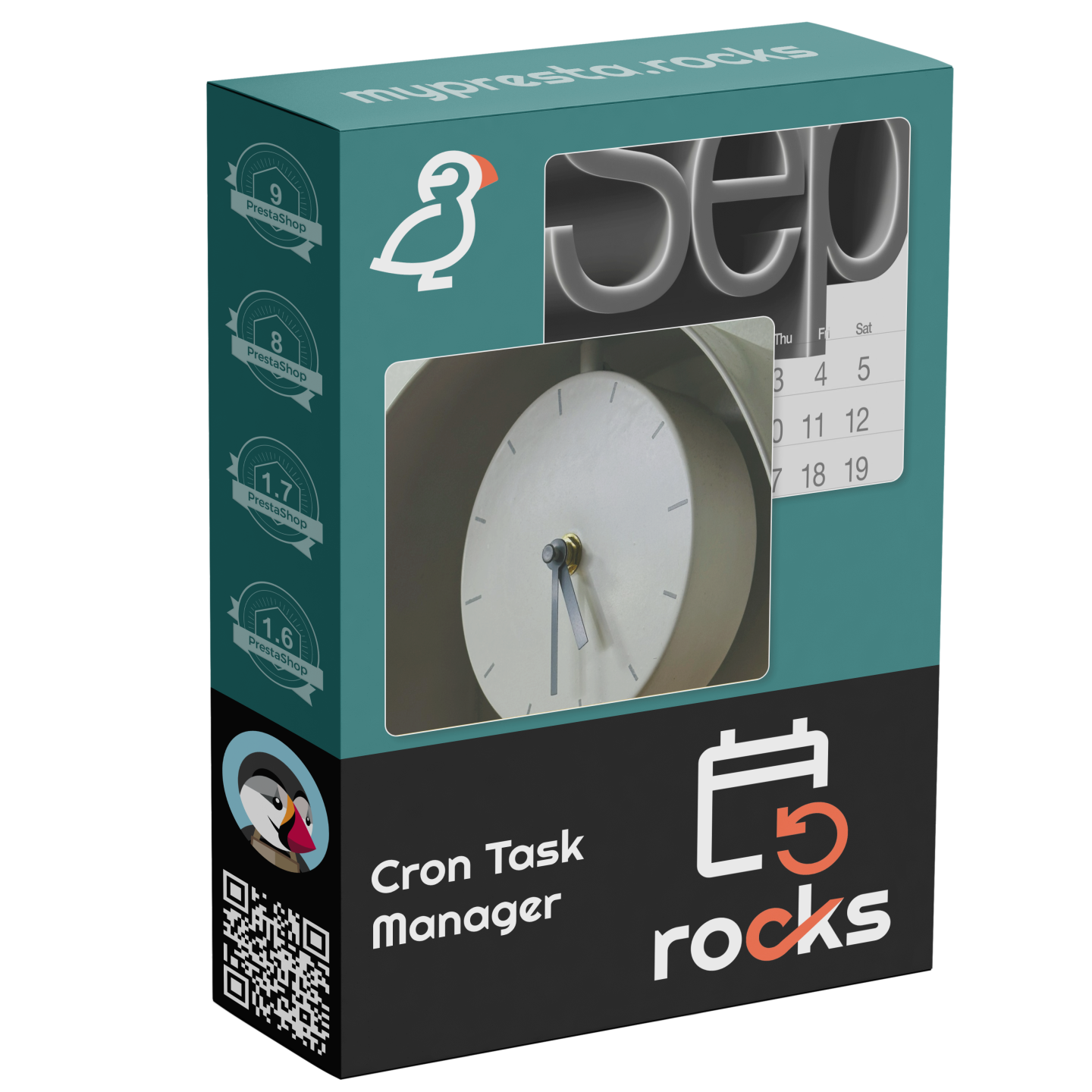
MPR Cron Gestionnaire

Planifiez et surveillez les tâches automatisées depuis votre back office

Price: 0,00 €
TTC

Gestionnaire centralisé de tâches planifiées pour PrestaShop

MPR Cron Manager fournit un tableau de bord unique pour surveiller et gérer toutes les tâches planifiées de vos modules MPR. Au lieu de configurer des entrées cron séparées pour chaque module, ce gestionnaire sert de hub central — une seule URL cron gère tout, avec un pseudo-cron de secours qui exécute les tâches via les chargements de page lorsqu'aucun vrai cron n'est disponible.

  • Tableau de bord unifié — visualisez toutes les tâches planifiées de tous les modules MPR en un seul endroit avec statut, dernière exécution et prochaine exécution
  • Entrée cron unique — une seule tâche cron système déclenche toutes les tâches des modules, simplifiant la configuration serveur
  • Pseudo-cron de secours — les tâches s'exécutent automatiquement via les chargements de pages front-office ou back office lorsqu'aucun vrai cron n'est configuré
  • Rotation automatique des logs — nettoyage intégré supprimant les logs de plus de 30 jours pour éviter l'engorgement de la base de données
  • Synchronisation des tâches — découvre et enregistre automatiquement les tâches des modules MPR nouvellement installés

Compatible avec PrestaShop 1.7 à 9.x. Module gratuit — fonctionne comme planificateur central pour tous les modules MPR.

Product availability: Téléchargement immédiat après achat
Partager
5 viewed
4 watching now

One Cron Job to Rule Them All

PrestaShop modules that need scheduled tasks — sitemap generation, email campaigns, stock synchronization, cleanup routines — each require their own cron entry. Managing dozens of separate cron jobs across multiple modules is tedious, error-prone, and makes it nearly impossible to see at a glance what is running and when.

MPR Cron Manager provides a centralized dashboard that discovers, monitors, and executes all scheduled tasks from all MPR modules through a single cron entry. Instead of maintaining separate cron jobs for each module, you configure one URL and the manager handles the rest. For hosting environments where real cron is not available, a built-in pseudo-cron fallback executes tasks via page loads.

Unified Task Dashboard

  • All tasks in one view — see every scheduled task from every MPR module with status, last run time, next scheduled run, and execution duration
  • Task status indicators — visual indicators show which tasks are running, succeeded, failed, or overdue
  • Manual execution — trigger any task on demand directly from the dashboard for testing or immediate needs
  • Task history — view execution logs for each task with timestamps, duration, and output messages
  • Enable/disable per task — temporarily disable specific tasks without uninstalling the parent module

Single Cron Entry

Configure one cron job on your server and the manager distributes execution across all registered tasks based on their individual schedules. This dramatically simplifies server configuration and makes it easy to verify that cron is working.

  • Ready-to-use cron URL — copy the generated URL directly into your hosting control panel or crontab
  • Secure token — the cron URL includes a security token to prevent unauthorized execution
  • Recommended intervals — the dashboard suggests the optimal cron interval based on your registered tasks

Pseudo-Cron Fallback

Not every hosting environment supports real cron jobs. Shared hosting, some managed platforms, and development environments may not allow crontab access. The pseudo-cron fallback executes overdue tasks during regular front-end or admin page loads, ensuring that scheduled tasks still run even without server-level cron configuration.

  • Automatic activation — pseudo-cron kicks in automatically when real cron has not run within the expected interval
  • Non-blocking execution — tasks execute after the page response is sent, so visitors experience no delay
  • Configurable trigger — choose whether pseudo-cron triggers on front-office visits, admin visits, or both

Automatic Maintenance

  • Module task sync — automatically discovers and registers tasks from newly installed MPR modules without manual configuration
  • Log rotation — built-in cleanup removes execution logs older than 30 days to prevent database bloat
  • Orphan task cleanup — automatically removes task registrations for modules that have been uninstalled

Why is this module unique?

  • Eliminates the need to manage separate cron entries for each module — one cron URL handles everything
  • Pseudo-cron fallback ensures scheduled tasks run even on hosting without cron support
  • Unified dashboard provides visibility into all scheduled tasks that is impossible when using raw crontab entries
  • Free module — included as the central scheduler for all MPR modules at no additional cost

Use Cases

  • Stores with multiple MPR modules — centralize cron management instead of maintaining a separate entry for each module
  • Shared hosting environments — pseudo-cron fallback ensures tasks run even when crontab access is restricted
  • Agency-managed stores — the dashboard provides a clear overview of all automated tasks for documentation and client reporting
  • Troubleshooting — task history and execution logs help diagnose why a scheduled task did not run or produced unexpected results
  • Référence
    mprcron
  • En stock
    999 Produits
  • Compatibilite PrestaShop
    PS 1.7 – 9.x
  • Modele tarifaire
    Achat unique
  • Type de module
    Back-office
  • Concerne le RGPD
    Non
  • Objectif commercial
    Optimiser les operations
  • Compte externe requis
    Non
  • Complexite du module
    Widget leger
  • Etape du parcours client
    Gerer la boutique
  • Compatible avec la plateforme
    Aucune plateforme externe
0.0
0 reviews
5 ★
0
4 ★
0
3 ★
0
2 ★
0
1 ★
0

No reviews yet. Be the first to leave a review!

Write a Review

Rate specific aspects (optional)
Qualite
Rapport qualite-prix
Stabilite
Compatibilite
Support
Retour sous 30 jours
Retour simple - sans questions
Modules Plug & Play
Installer, configurer et profiter
Support en priorite
Aide et satisfaction avant tout

Plus de cette catégorie

Chargement...
Retour en haut