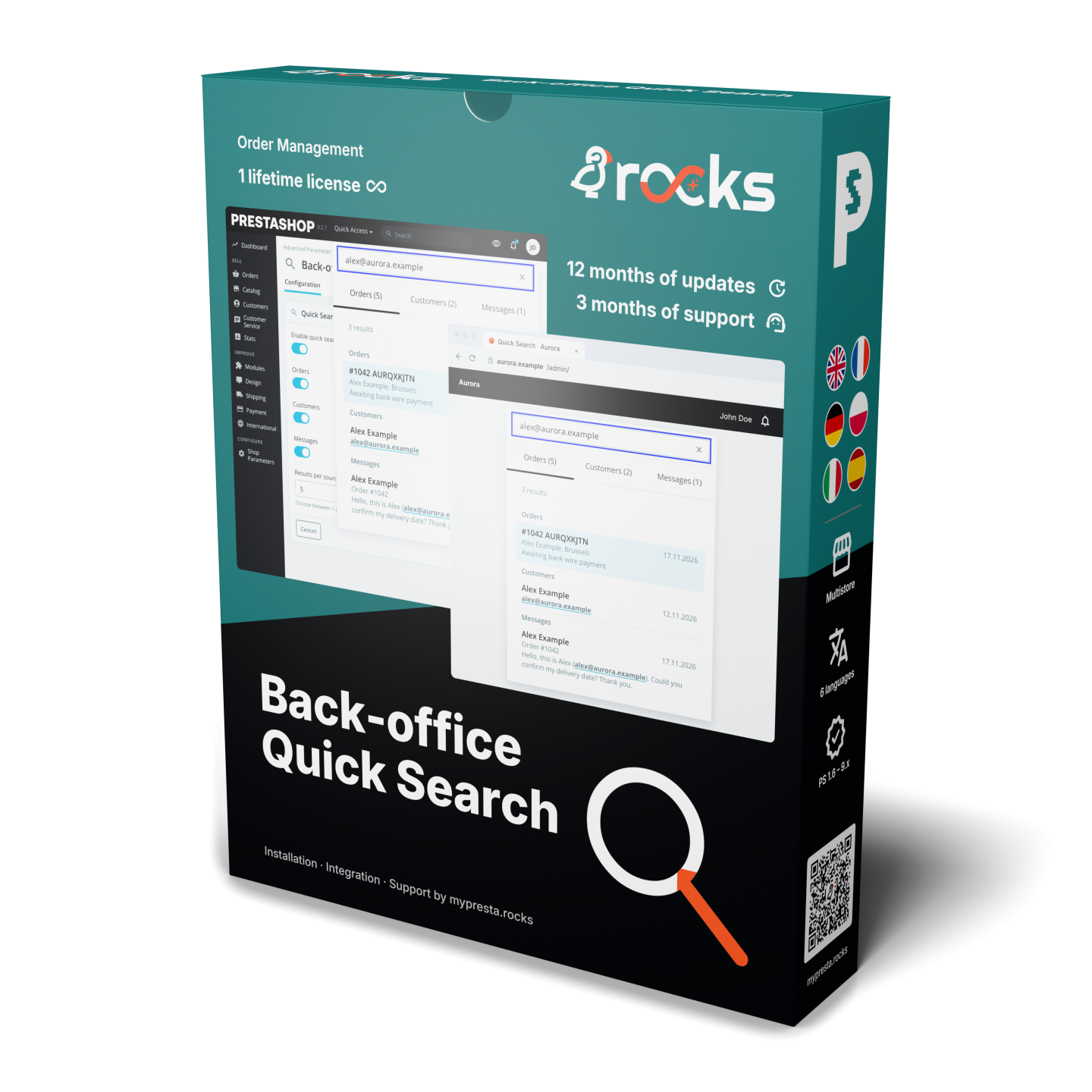
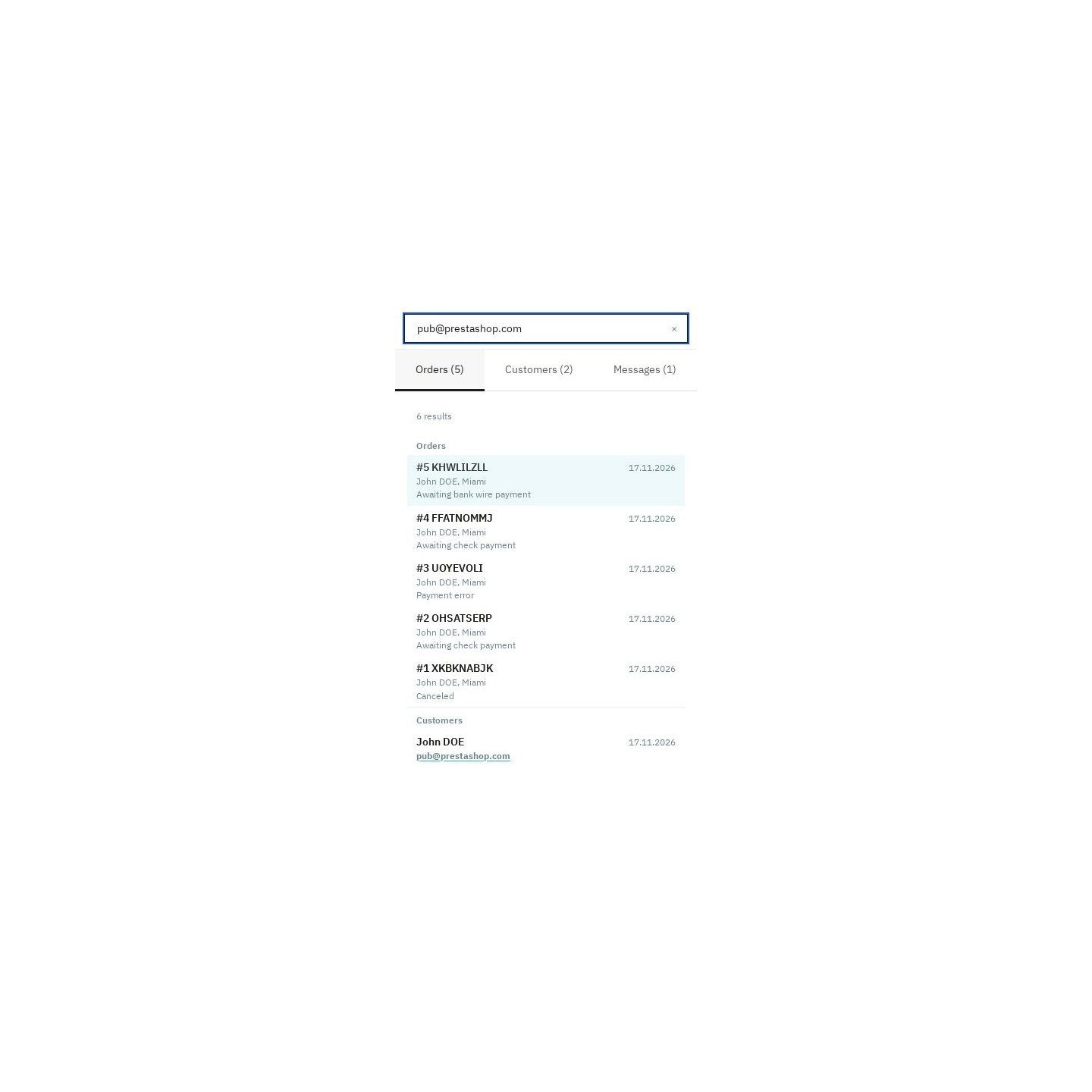
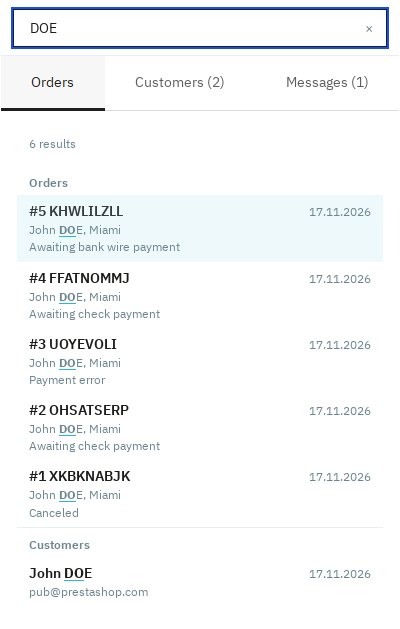
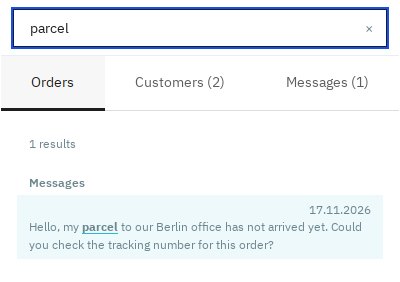
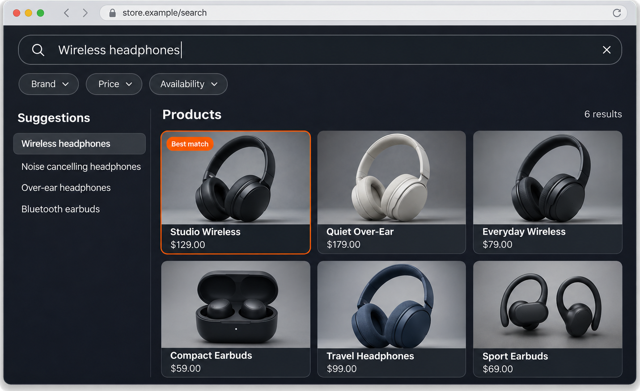
Find the order, customer or conversation you need from the notification menu in your PrestaShop back office. Back-office Quick Search puts grouped results and links to the right records in one place.
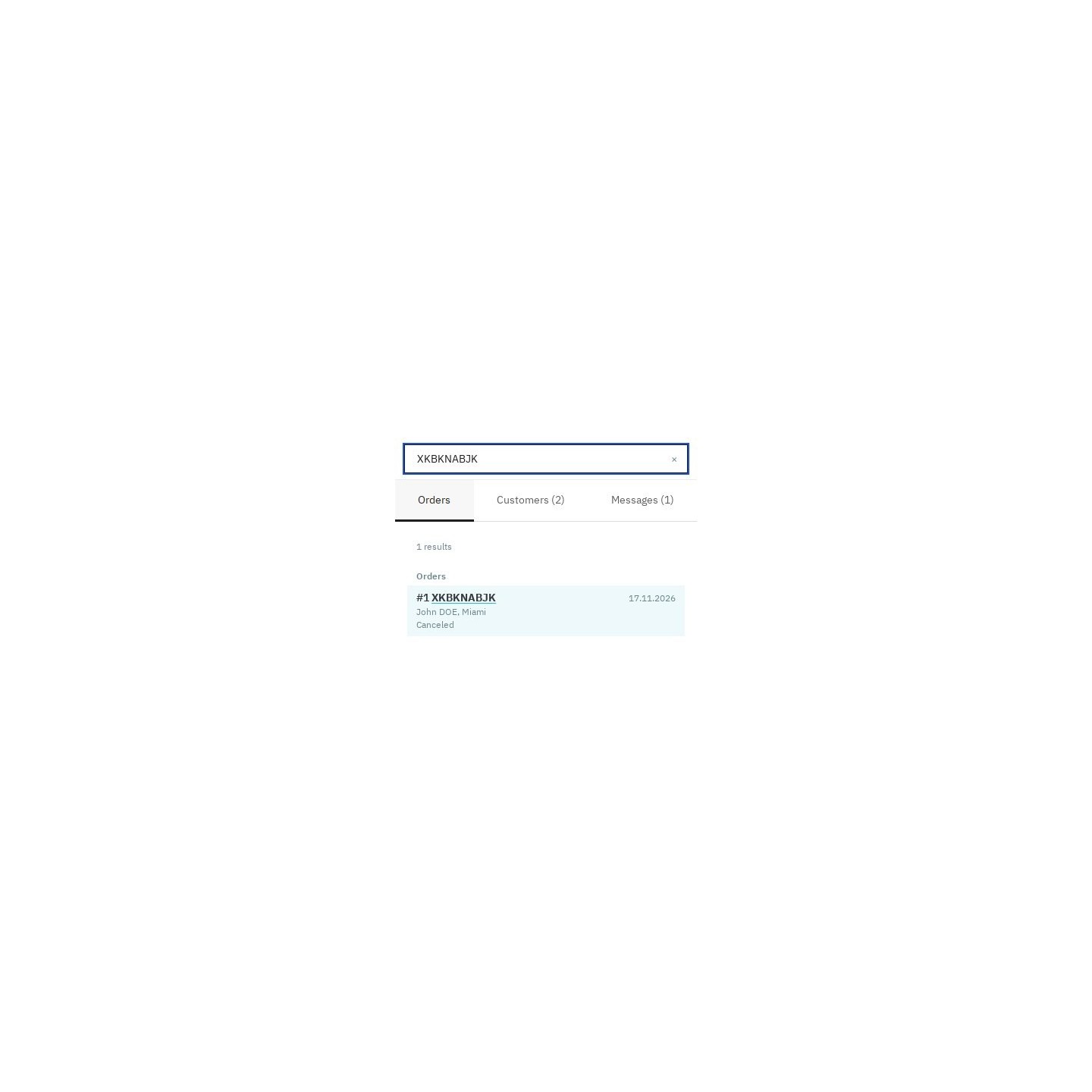
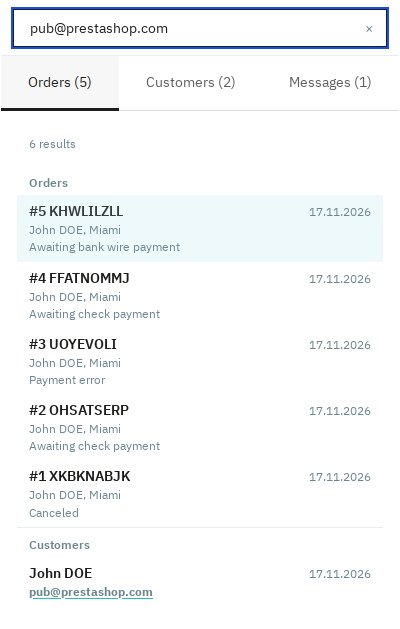
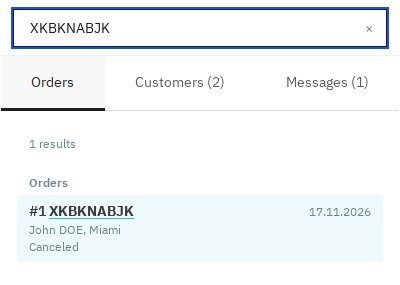
Start with the detail you have: an order reference, invoice number, customer email, delivery city or tracking number. See the order reference, customer and state before opening the order.
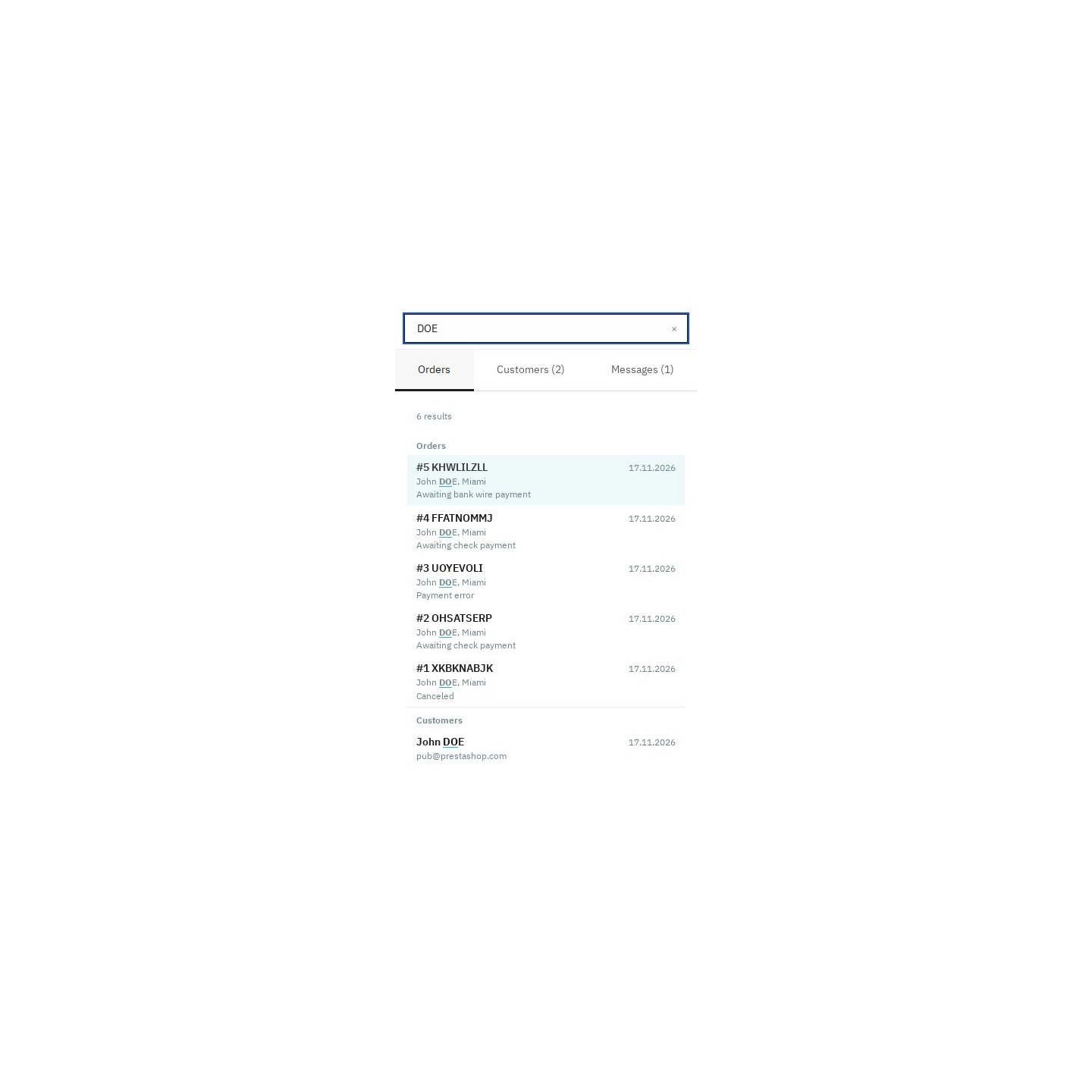
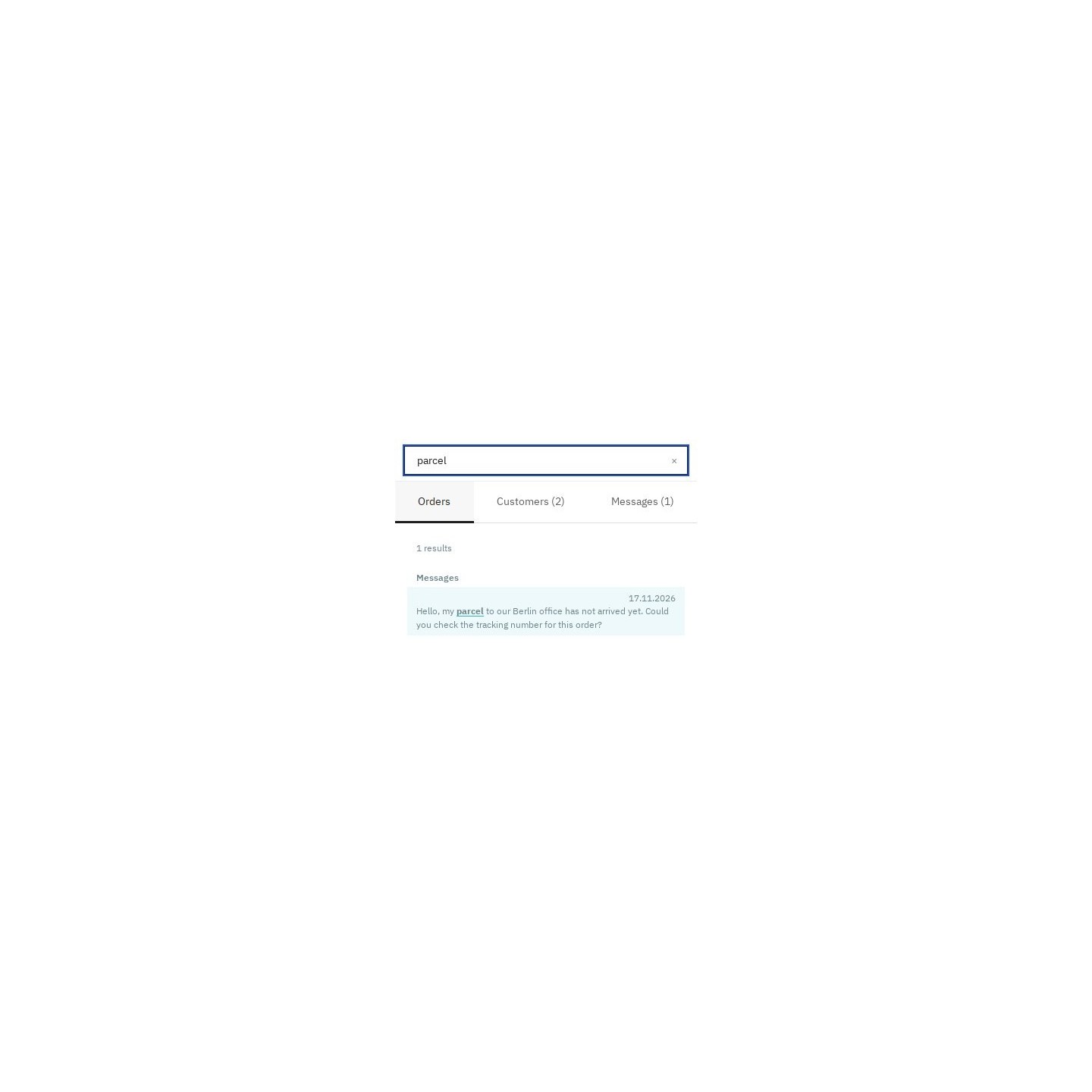
Find customers by name, email, company or phone, and search the text of native customer-service messages. Open a customer record or return to a conversation from the same field.
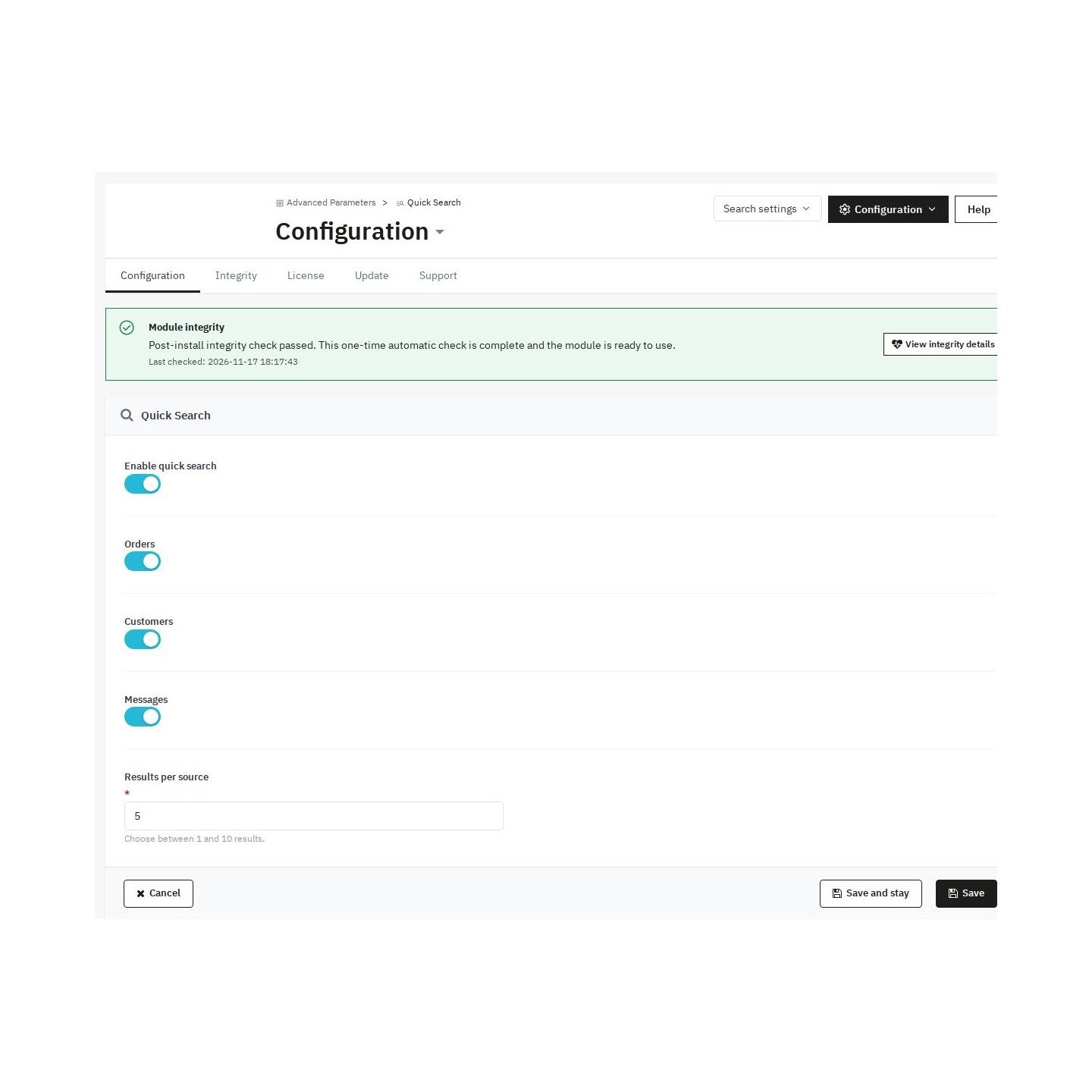
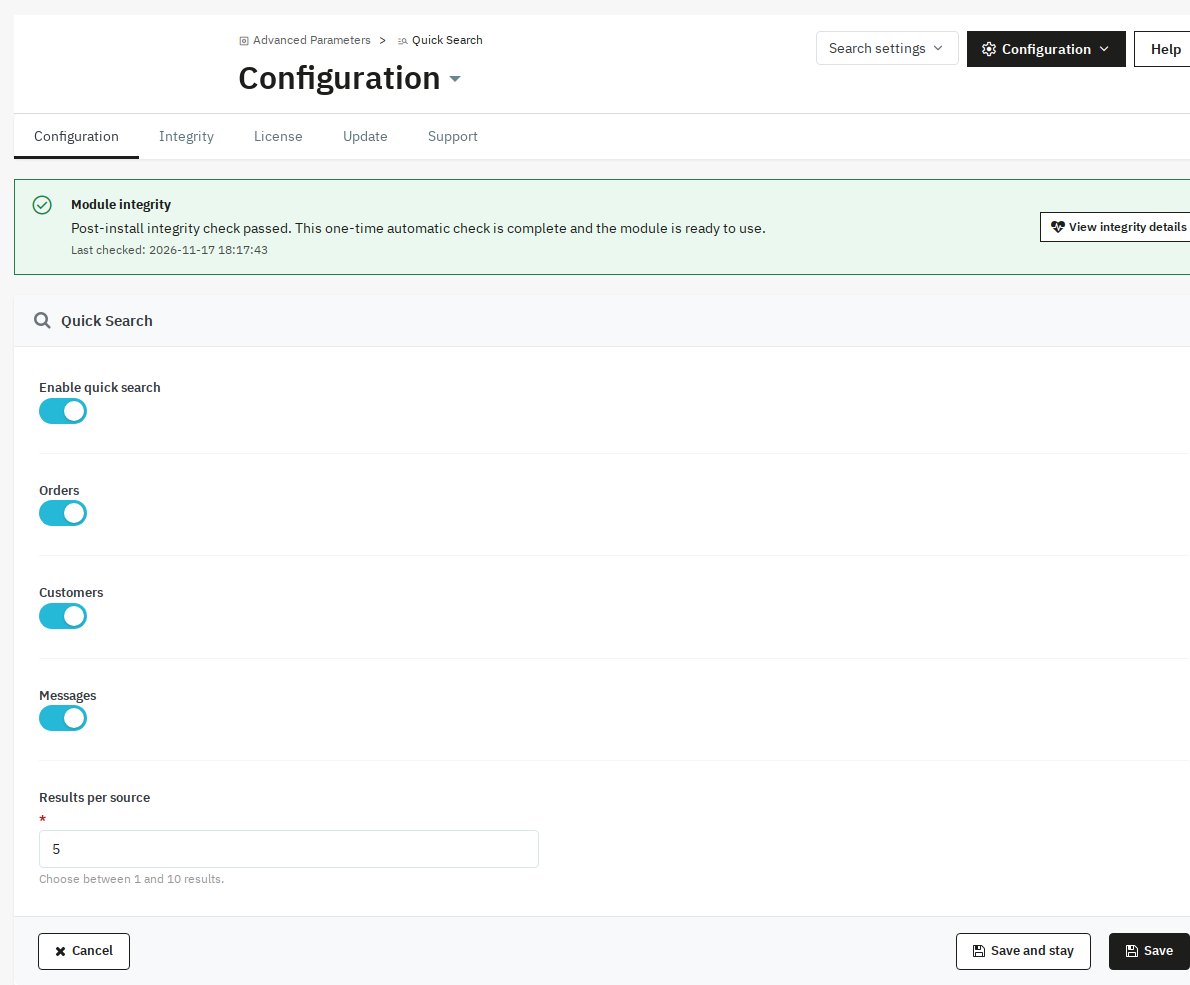
Type words in any order and move through results with the arrow keys. Enter opens the selected record, and clearing the field brings your notifications back. Choose the sources your team uses and the number of results shown.
For back-office use, with the employee’s existing page permissions and the shop’s customer-sharing rules. Each source shows up to 10 results. Search runs on your shop’s data without an external search account, index or cron.