Product Issue Reports
Issue Tracker shows known issues and their status right on the product page, and Support Revolution handles everything else as tickets. Customers check the known issues first, so your team answers fewer repeated questions.




Support Revolution gathers customer-account requests, guest messages and support email into one tracked ticket queue inside PrestaShop. Installation adds My Tickets, a request form and four working departments.
A shared inbox leaves ownership and progress unclear. Each ticket holds a reference, status, priority, department and owner, with the conversation and relevant order history together. There is no charge per employee or ticket.
You set department routing, notification recipients and file rules, then connect the mailbox if needed. Referenced email replies join the existing case; customer replies reopen waiting or resolved tickets. Guest access uses a protected form and private conversation link, while records stay with the shop.
Your team sees who owns the next reply and the customer's earlier messages in the same case.
Support Revolution turns customer questions into tracked tickets and brings the customer portal, guest requests, the support mailbox, staff workflow and the knowledge base into one support operation inside the store.
The installed module already adds My Tickets, the request form, a dashboard and four departments. That small starting point grows into detailed routing and automation without replacing the workflow later.
A signed-in customer opens a request from My Tickets. A guest uses the same clear form with human verification and receives a private link to the conversation. Subject, department, priority, message, data-processing consent and several attachments are collected together, and the creation confirmation arrives with the ticket reference and route back to the conversation.
The account list shows status, priority, department, message count and the latest customer and staff replies. Search covers the reference, subject, status, department and conversation text. Inside the ticket, both sides read the complete exchange, open each attachment and add further files. The customer closes a solved ticket without sending another message, while a new reply to waiting or resolved work returns it to the active queue.

The connected support mailbox feeds the same queue. An unread message without a known ticket reference becomes a new case; a message carrying the reference joins the existing conversation. Duplicate messages are ignored, registered customer addresses connect the ticket to the account, and ordinary email remains a practical entry point without creating a second support history.
The collection interval belongs to the merchant. Automatic replies, delivery failures, mail already marked as spam, blocked senders and excessive messages from one address stay out of the queue. When a customer answers a waiting or resolved ticket, the case opens again. Resolved work closes after the chosen number of quiet days, so yesterday's finished cases do not hide today's work.

The dashboard shows the volume and current state of support, while the queue filters reference, subject, customer, email, status, priority, department, owner, message count and dates. Each department has translated names, its own recipients, staff members and routing rules. An order question therefore reaches the order team and a return reaches the people who settle refunds, with a fallback for anything that matches no special rule.
Assignment gives the case an owner and moves new work into progress. The ticket view keeps the customer, relevant orders, earlier service messages, source, dates and full conversation together. Staff change status and priority, attach files, write private notes, use saved replies and open a complete ticket on behalf of a caller. Separate customer and staff response times expose who is waiting for whom.

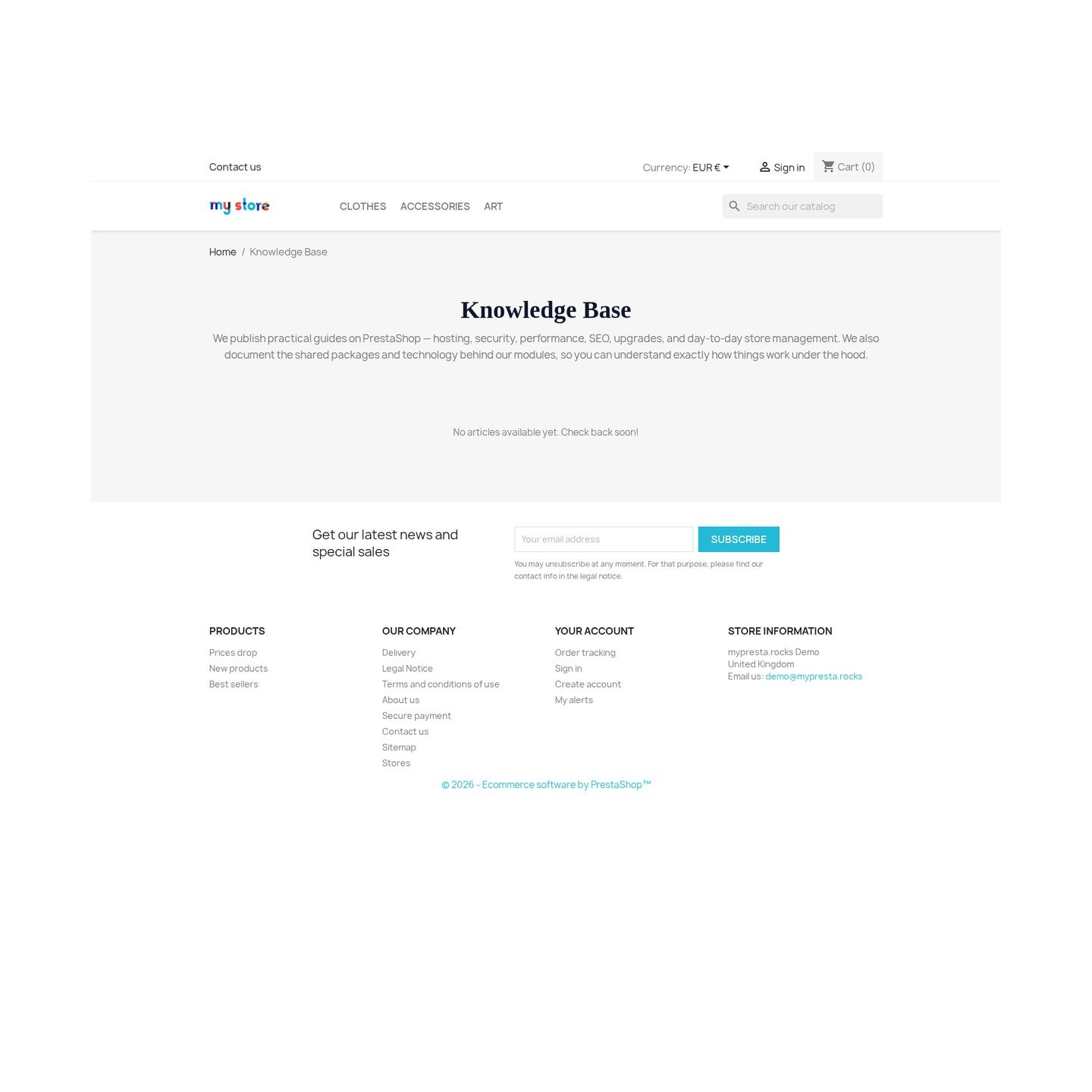
The module publishes a multilingual knowledge base on the storefront with category hubs, article lists and complete help pages. Customers search article titles and content in their own language, move through localized addresses and reach the ticket form directly when an article does not settle the issue. Every shop keeps its own categories and articles, while page titles, descriptions, preferred addresses and search-engine inclusion remain under store control.
Article views and helpful or not-helpful votes show which answer ends the search and which one needs work; an optional comment explains what was missing. Automated search-engine visits do not inflate those numbers. The same public support area includes a passive PrestaShop security scan that reports visible version risk and missing browser protections after the visitor confirms ownership of the store.

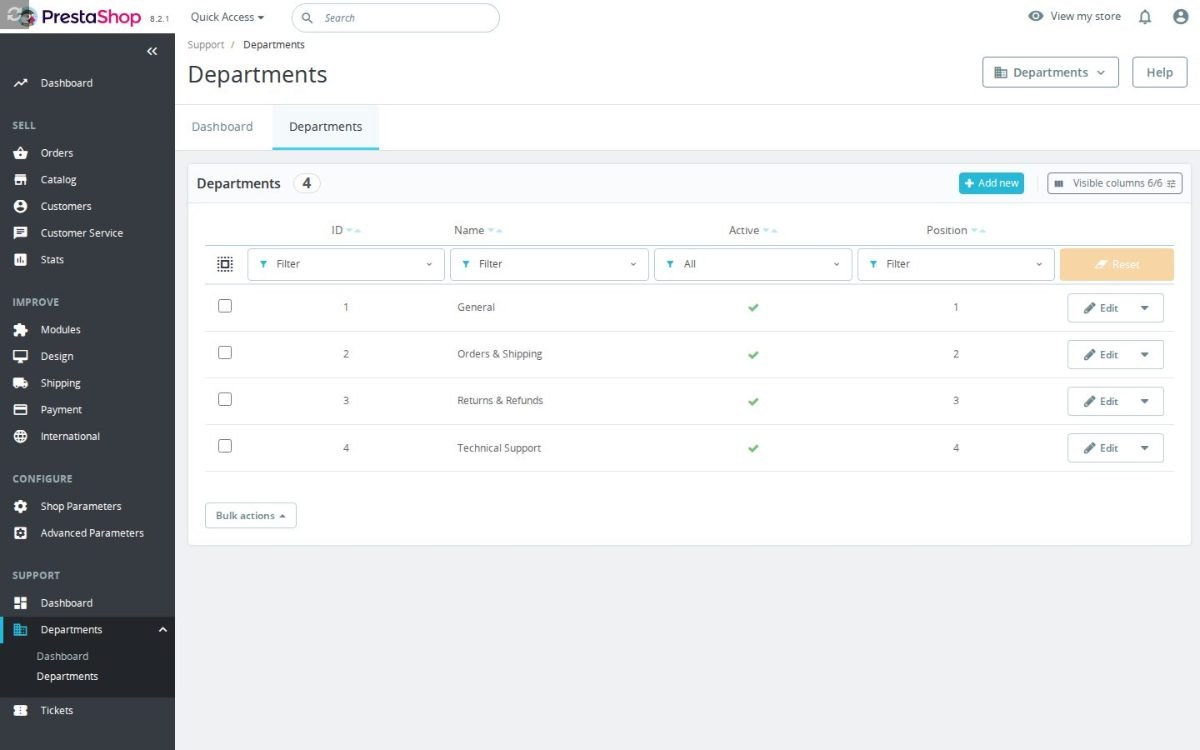
Installation creates the support area, My Tickets entry, dashboard and four working departments: General, Orders and Shipping, Returns and Refunds, and Technical Support. The basic form therefore works immediately. The settings then cover the reference prefix, default department, priority and status, guest access, file size and types, support identity, notification events, recipients and copies, mailbox connection, collection rhythm and the inactivity period before closure.
Ticket, message, file and article records stay with the shop, and notifications leave through PrestaShop's own mail system. There is no charge for another employee or another ticket. In an installation with several shops, customer access, staff queues, automation, reporting and content stay isolated per shop. Other installed modules also place their own support cases into the same queue, with the normal routing and notifications preserved.
This is the balance behind Support Revolution: a usable support desk after installation, and enough control for several teams, languages, shops and request sources when the operation becomes more demanding.

Requires PrestaShop 1.6.1 or later and PHP 7.1 or later.
 30 days return right
 Plug & Play Modules
 Dedicated Support First
Built and maintained by David Miller and mypresta.rocks. David Miller has worked with PrestaShop since 2013, and the company behind this shop has been registered since 3 December 2018. Every module in this catalogue is our own work, so your questions to support reach the people who wrote the code. The changelog on this page lists every update with its date.
Issue Tracker shows known issues and their status right on the product page, and Support Revolution handles everything else as tickets. Customers check the known issues first, so your team answers fewer repeated questions.
Many support tickets are about deliveries and returns. Warehouse Revolution handles fulfilment, shipments and returns with grading, and Support Revolution routes the customer's questions about them to the right department.
Support Revolution solves the individual problem, and Mail Revolution keeps the relationship going with newsletters and personal emails your staff approve. Service and communication from the same shop, in two focused suites.
Compliance & Legal
News & Updates
News & Updates
News & Updates
News & Updates
News & Updates