SEO & Traffic Growth

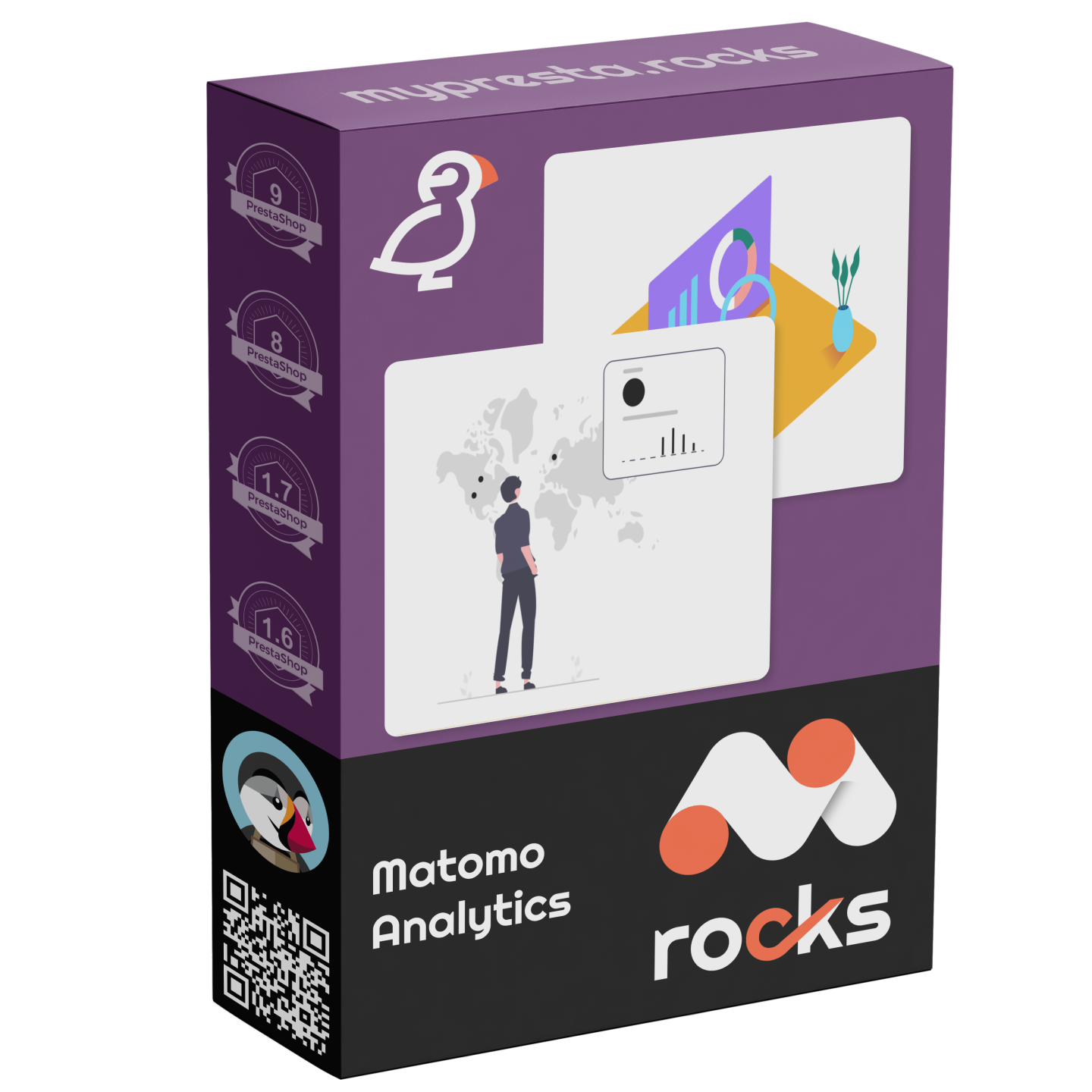
Matomo Analytics

PrestaShop Matomo analytics module, ecommerce revenue reporting on your own Matomo, gated by consent

Version
1.3.37
Updated
PrestaShop
1.6 to 9
Price: €129.00
Tax excluded
Partner price €103.20 Partner price for agencies Agencies with a partner account pay less on every module, depending on what they buy: 20% approved partner 25% from €1,000 a month 30% from €3,000 a month Average of the last 12 months, excl. VAT. Become a partner

Matomo Analytics connects your PrestaShop buying journey and order values to Matomo Cloud or your own Matomo installation. The Matomo address and numeric site identifier are enough to start measurement.

Matomo provides visitor, traffic-source, product, order and revenue reports. Its self-hosted core software is free; the paid Cloud service includes hosting, maintenance, updates and backups, with a free trial.

You select event families, normal, cookieless or explicit-consent measurement, and staff or bot exclusions. Each shop keeps separate settings. Confirmed orders also enter a delivery queue independently of the confirmation page, with retries after failures and a shared transaction reference to avoid counting a purchase twice.

Your revenue reports depend less on customers keeping the order-confirmation page open, while delivery history identifies orders still awaiting a successful send.

Professional Setup We fully configure the module to your needs: all options set, tested & verified within 1 business day. +€29.00
Visual Integration CSS & template adjustments to match your theme: includes cross-device verification and screenshot review. +€49.00
Share
1 viewed

In the box

  • Lifetime licence for one shop
  • 12 months of updates, security fixes free forever
  • 3 months of support by mypresta.rocks
  • PrestaShop 1.6 to 9

Recent changes

  • One download for every shop: each shop gets its own 30-day trial from installation, then you activate it with your licence key.
  • Shared components updated to the current release set.
Full changelog

Summary of what the module offers

Matomo Analytics connects a PrestaShop store to Matomo Cloud or a self-hosted Matomo installation and protects every completed order with a second delivery path that does not depend on the confirmation page.

  • Connection: a Matomo address and numeric site identifier start standard measurement.
  • Reports: Matomo shows visitors, sources, countries, devices, products, orders, revenue, goals and funnels.
  • Buying journey: product discovery, cart changes, checkout stages, purchases, refunds and abandoned carts form one measurable path.
  • Order reliability: confirmed orders enter a queue, failed deliveries return for another attempt and matching transaction references prevent duplicates.
  • Store-specific insight: merchant-defined actions and a high-intent product signal measure what standard events miss.
  • Control: privacy modes, exclusions, embedded reports, delivery history and diagnostics keep the integration understandable.
The Matomo Analytics configuration screen in the PrestaShop back office

What does Matomo reveal about the store?

Matomo presents live visitors, acquisition sources, countries, devices, visited pages, goals and funnels in its own dashboard. Its ecommerce reports connect products and categories with cart activity, orders, revenue and conversion rate, so a traffic total becomes an explanation of what sells.
The self-hosted core software is free and runs on infrastructure controlled by the business. Matomo Cloud is a paid hosted service with a free trial and includes maintenance, updates and backups. With read-only reporting access, the module also brings date-range revenue, channels, countries, top products and top categories into the PrestaShop back office, where reports are downloaded for further work.

Product page monitor showing the Matomo Analytics ecommerce view with SKU, category and price

Which buying steps become measurable?

You choose the event families separately: ordinary page views, category and product-list impressions, product selection, product views, additions to and removals from the cart, cart view, address, delivery and payment stages, orders, refunds, searches, registration, login and logout.

Each event carries the business context behind it. Product lines include name, reference, variant, brand, category, price and quantity. Orders include transaction reference, currency, tax, shipping, discounts and every purchased item. Abandoned-cart reporting then identifies journeys that reached meaningful cart or checkout activity without producing an order.

Order confirmation monitor showing the Matomo Analytics order with revenue, tax and shipping

Why do completed orders stay in the numbers?

The browser reports a purchase on the confirmation page, and the shop records the same order independently when PrestaShop validates it. The direct path carries the transaction reference, value, currency, tax, shipping, discounts and product lines even when the shopper closes the page or browser measurement is blocked.

Every confirmed order receives a stable delivery identity and enters a durable queue. A small batch is tried immediately, unsuccessful deliveries return for later attempts, and the shared transaction reference keeps the browser and direct paths from counting one sale twice. Delivery history shows pending, successful and failed work together with the order concerned.

Storefront monitor with Site ID, ecommerce events and the Matomo Analytics HTTP API purchase fallback

How does measurement fit the way the store sells?

A size guide, finance tab, quote request or configurator step often says more about intent than a page view. You name the action and tie it to a selected button, a page address containing chosen text, a page type or a signal already produced by the store. Fixed descriptive values travel with it, while direct customer identifiers are rejected.

The high-intent product signal is ready for deeper product analysis. It combines distinct gallery interactions, variant review, product-detail clicks and a chosen time threshold, then records one result per product and session with the product, value and reason. Matomo therefore separates casual views from the products shoppers considered seriously.

Matomo action mockup tracks a lamp’s Request quote button, with no customer ID and a received storefront test event.

How do privacy and tracking quality stay under control?

You choose normal, cookieless or explicit-consent measurement. The selected consent manager starts and stops analytics with the shopper's decision, the browser's request not to be tracked is respected, and a customer-facing opt-out remains available. Separate controls cover secure cookies, subdomains, journeys across store domains, employees and known automated traffic.

Two values are enough for the first measurement. The same screen then opens the deeper controls for event families, order delivery, reporting access, retention, product intent and store-specific actions. Diagnostics inspect the rendered storefront, consent state, duplicate site identifiers, report connection, queue health and recent deliveries, and direct repairs restore incorrect ordering or missing shop visibility.

the connection and measurement settings on one screen
  • Reference
    mprmatomo
  • Version
    1.3.37
  • Released
  • Updated
  • PrestaShop Compatibility
    PS 1.6 – 9.x
  • Pricing Model
    One-time Purchase
  • Module Type
    Front-office
  • GDPR Relevant
    Yes
  • Business Goal
    Marketing & Retargeting
  • External Account Needed
    Yes
  • Module Complexity
    Lightweight Widget
  • Customer Journey Stage
    Attract Visitors
  • Works With Platform
    Ad & Analytics Networks

What customers say about us

Company reviews
5.0 ★ ★ ★ ★ ★ (4 reviews)
Customer Reviews for PrestaShop Modules and Support

No product reviews yet

Be the first to share your experience with this product.

Write a Review

Quick start

  1. Upload the mprmatomo ZIP through Modules > Module Manager > Upload a module.
  2. Click Configure and enter your positive numeric Site ID and Matomo URL for an existing Matomo site.
  3. Set Matomo site currency to the three-letter uppercase currency configured for that Matomo site, such as EUR.
  4. Review Exclude employee sessions and Respect analytics consent, then set Enable Matomo Analytics to Yes and save.
  5. Check Matomo tracking readiness. Open your storefront in a customer browser and grant the required analytics/service consent.
  6. Confirm a page view and product/category events in your Matomo tracker, then place a test order in the configured currency.
  7. If you need server purchases, enable Enable Tracking HTTP API purchase fallback, save its options and verify the shared send_matomo_tracking_api worker and queue status.

Requires PrestaShop 1.6.0.0 or later and PHP 7.1 or later.

Open the full help page

Loading tab content...
30 days return right
Easy return - no questions asked
Plug & Play Modules
Install, set up and take profit
Dedicated Support First
Priority Help & Satisfaction Over Sales

Who builds and maintains this module

Built and maintained by David Miller and mypresta.rocks. David Miller has worked with PrestaShop since 2013, and the company behind this shop has been registered since 3 December 2018. Every module in this catalogue is our own work, so your questions to support reach the people who wrote the code. The changelog on this page lists every update with its date.

About us

More modules

Cookies Revolution

Matomo Analytics adds analytics, ecommerce tracking and custom events with consent handling, and Cookies Revolution collects consent by category with script blocking and consent logs. Analytics you control, with consent that is documented.

Hotjar

Matomo Analytics measures traffic, ecommerce and goals, and Hotjar adds heatmaps, recordings and feedback tools. Matomo tells you what visitors do and Hotjar shows how they do it.

Checkout Revolution

Matomo Analytics reveals where your checkout funnel leaks, and Checkout Revolution shortens it with an express checkout, wallets and guest checkout. Measure the leak, then fix it.

Loading...
Back to top