Knowledge Base
Intercom Chat Integration adds the Intercom messenger with product tours and automated engagement, and Knowledge Base publishes searchable, translatable help articles in your shop. Guided conversations backed by solid documentation.


Intercom Chat Integration opens Intercom Messenger over selected pages in your PrestaShop store and connects conversations with customer and order details. Installation and one App ID start the first connection.
Intercom provides live chat, a shared inbox and help content. Its card-free trial lasts fourteen days; plans start at $29 per full seat monthly, with Fin billed at $0.99 per resolved outcome and some extras charged separately.
You assign workspaces by shop, language and page, set office hours and select the customer, product, cart and order fields sent. Guests stay unidentified until they share details. Authorised agents handle linked tickets and approved order or refund actions, with permissions and an audit history.
An order question arrives with the relevant shop context, so your team starts from the case itself.
Intercom Chat Integration places Intercom Messenger inside the shop, keeps the conversation over the page where the question arose and connects it with verified customer and commerce context.

The Intercom launcher appears on the selected shop page. When the customer opens it, Messenger expands over that same page, so product information, the cart or the checkout remains in view. A real member of the support team replies from Intercom Inbox, and the conversation remains in the shared history.
Intercom supplies the Messenger spaces for messages, tickets and help articles, together with the shared Inbox, reports and Fin AI Agent. Its current offer starts with a fourteen-day trial without a payment card. Paid plans begin at 29 US dollars per full seat each month, Fin costs 0.99 US dollars per resolved outcome, and selected outbound channels and extras have separate Intercom charges.
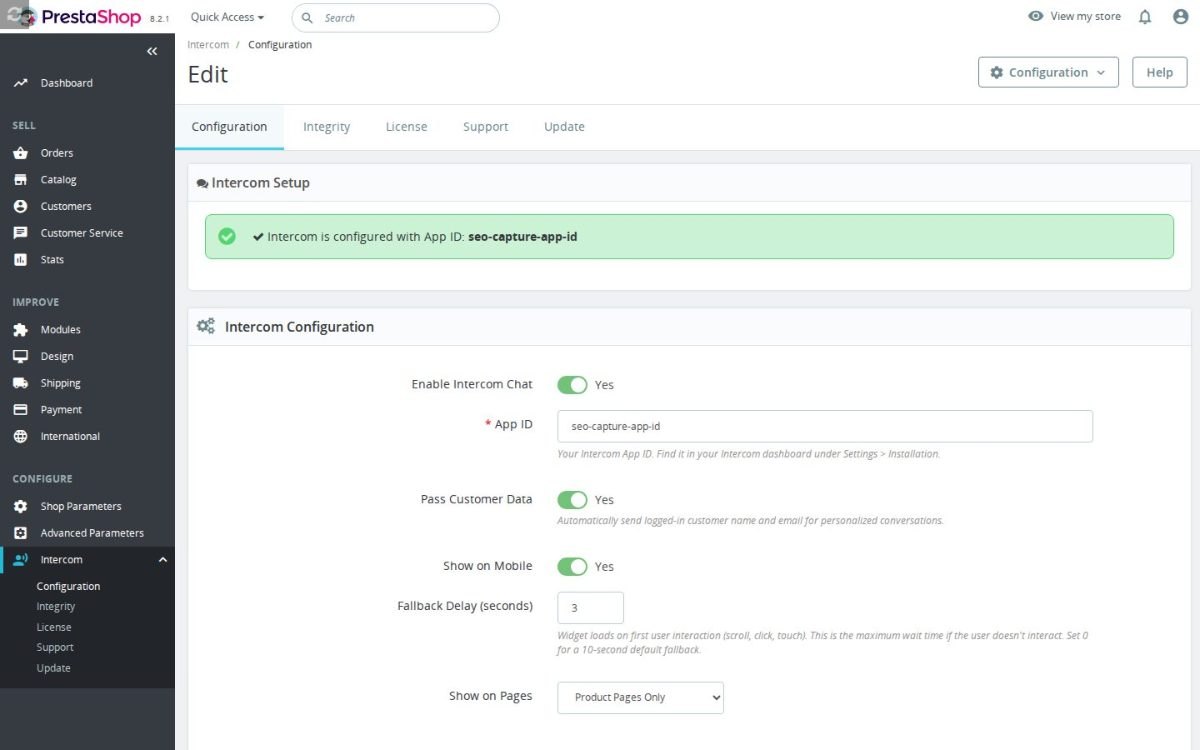
For a signed-in customer, the module verifies the shop identity before sending the selected details to Intercom. Name and email sit beside the current product, cart contents, order reference, delivery state and purchase history. You choose each transferred field and its matching place in Intercom.
The first reply therefore addresses the actual case. A size question carries the product, a checkout problem carries the cart, and an after-sale request carries the relevant order. A guest starts without an attached identity and remains unidentified until details are provided in the conversation.
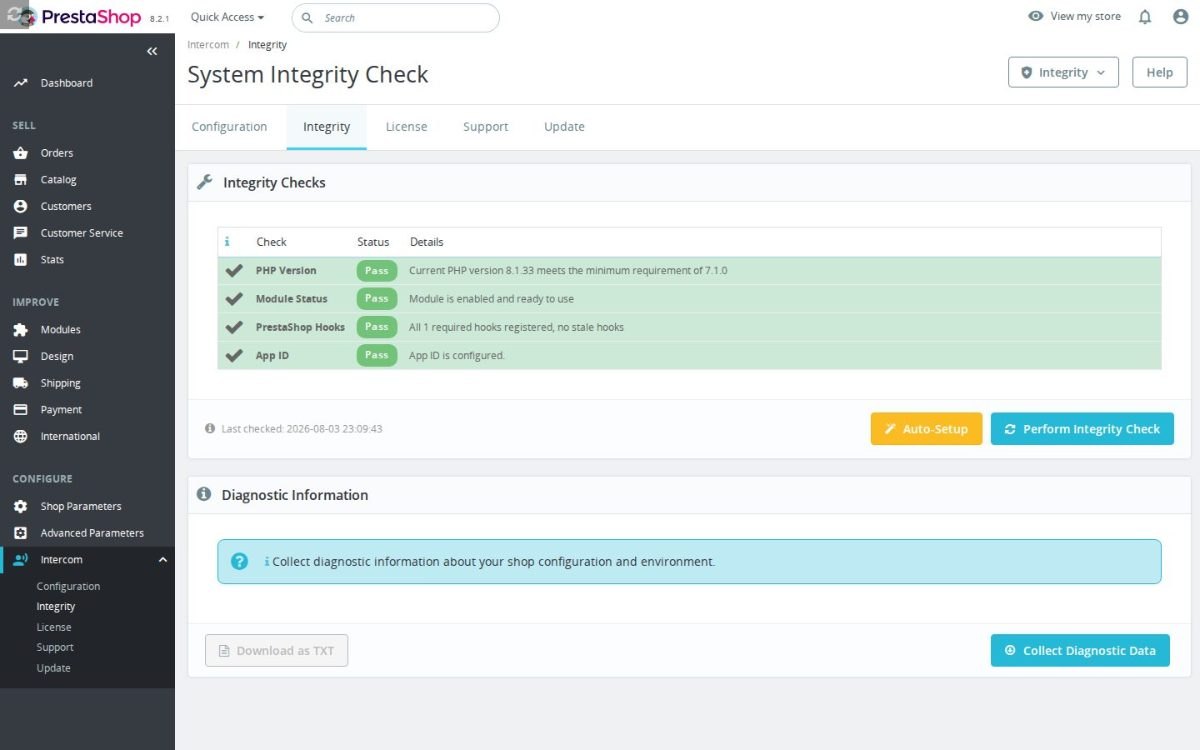
The first connection needs one App ID. The deeper settings assign separate Intercom workspaces and Messenger configurations by store, language and shopping context. You choose page types, exact page addresses, products, categories and content pages, with include and exclude rules in a clear priority order.
Device visibility, left or right launcher position and weekly office hours belong to the same rule. A wholesale storefront reaches its own team, a French product page receives its localized entry point, and checkout keeps the most direct route to support. A default configuration covers every context without a more specific match.
The module sends consented abandoned-cart events to Intercom and links a support ticket to the matching customer, cart and order. The team sees the commercial situation beside the messages instead of rebuilding it across several screens, and every update remains attached to the case.
Authorized agents review the current order state, add the agreed note, start an approved refund or resend the relevant order information from their workspace. Permissions, confirmation and an audit history protect every store action. The conversation ends with a recorded result rather than another instruction for the customer.
The module waits for the store's consent decision and the shopper's first scroll, click or touch before contacting Intercom. A maximum fallback time still makes Messenger available to a visitor who reads without interacting. Page and mobile rules are checked first, and an excluded page sends no request to the service.
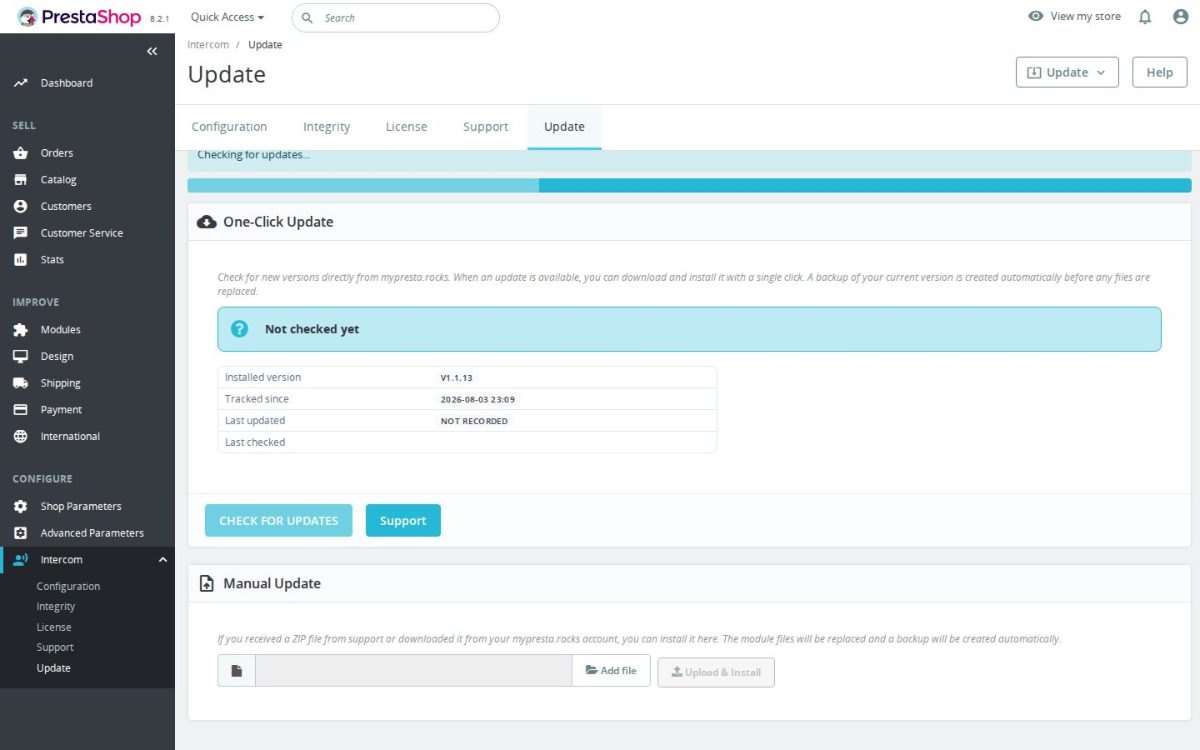
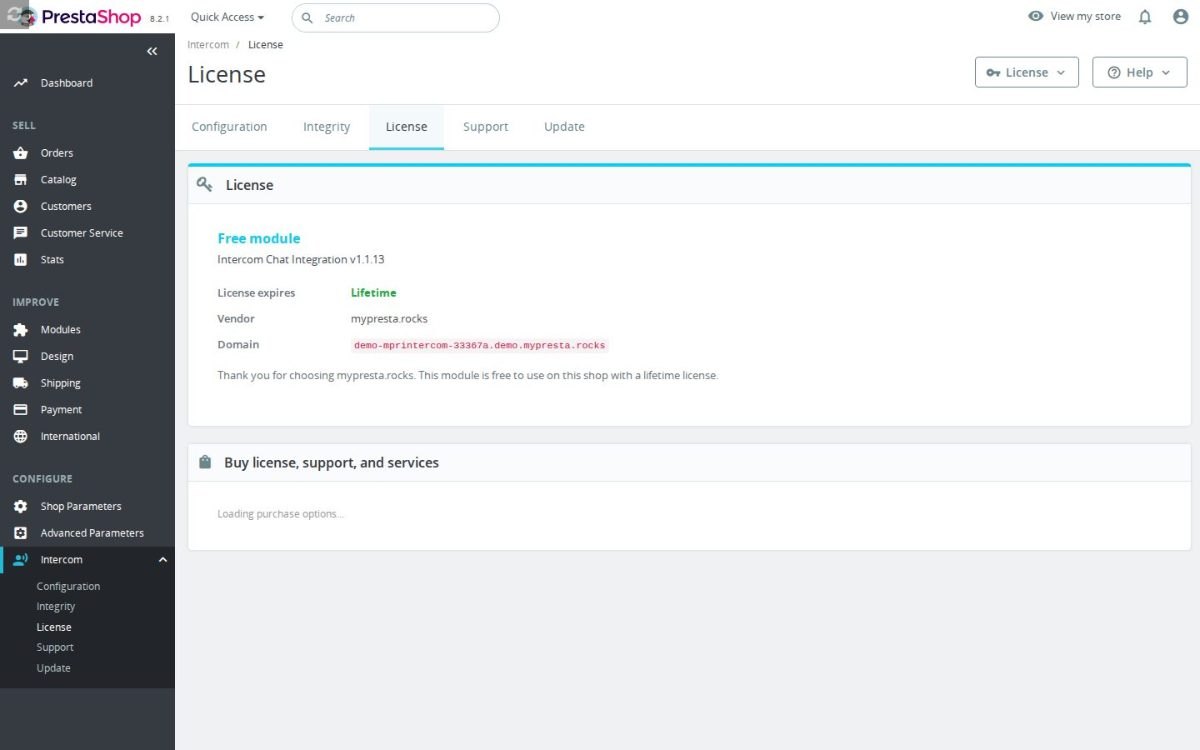
The configuration screen validates the App ID and states exactly what needs repair when the connection is incomplete. The integrity screen checks module state and storefront registration, then gathers shop, server, runtime, database and installed-module details for support. The setup stays small, while the diagnostics remain deep enough for a busy store.

Requires PrestaShop 1.6 or later and PHP 7.1 or later.
 30 days return right
 Plug & Play Modules
 Dedicated Support First
Built and maintained by David Miller and mypresta.rocks. David Miller has worked with PrestaShop since 2013, and the company behind this shop has been registered since 3 December 2018. Every module in this catalogue is our own work, so your questions to support reach the people who wrote the code. The changelog on this page lists every update with its date.
Intercom Chat Integration adds the Intercom messenger with product tours and automated engagement, and Knowledge Base publishes searchable, translatable help articles in your shop. Guided conversations backed by solid documentation.
Intercom Chat Integration handles customer conversations, and Issue Tracker publishes known issues and their status on the product page. Customers see what is already known before they open a chat.
Intercom Chat Integration engages visitors with automated messages and live answers, and Checkout Revolution lets them buy right away with an express checkout from any page. Engagement that ends in a purchase.
Compliance & Legal
News & Updates
News & Updates
News & Updates
News & Updates
News & Updates