FAQ Manager
Ask About Product lets shoppers send a question from the product page and receive the answer by email, and FAQ Manager publishes answers to the questions you hear most often. Individual answers for some, instant answers for everyone.


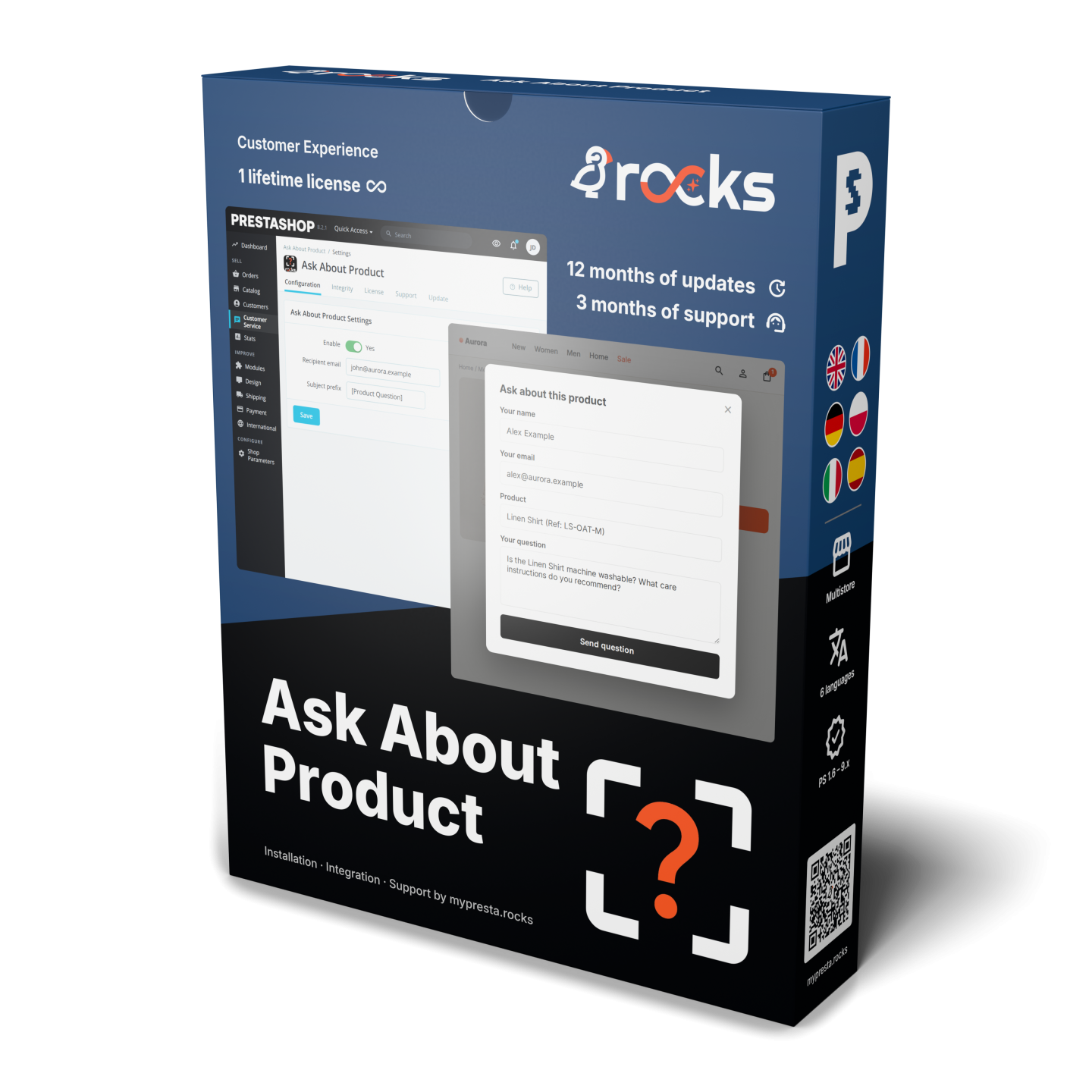


Ask About Product places a private enquiry form beside your PrestaShop products and sends each question with the item and selected combination. One settings screen holds the recipient and activation switch; the default form is ready immediately.
Questions about dimensions, compatibility or delivery need an exact product reference. The form opens over the current page, keeping the product visible and the cart undisturbed while the customer writes.
You choose placement, required fields, allowed attachments and recipient addresses. Signed-in details fill automatically, and wording follows the store language. Privacy-policy consent is required; submission protection limits automated and repeated messages. Each shop keeps separate settings, while the panel records enquiries, owners and reply status.
Your first reply addresses the product question with the reference and combination already attached, reducing follow-up requests for missing details.
Ask About Product adds a private enquiry route to products and keeps the product, customer and message together from the storefront form to the team’s reply.

The question button sits beside the product information and opens a window over the current page. Name, email and the question are entered there, while the product remains visible behind it. Sending does not reload the page or disturb the cart, and the same window reports success or explains what needs correction.
You choose the exact placement: beside the product details, in a product tab, below the description, in a theme position selected by the shop, or on product listings. The route stays private and focused on one item rather than turning the question into public content.

The module attaches the product name, reference, selected combination and product address to the enquiry. The subject identifies the item at a glance, while the message gives the team the exact variant the customer was viewing. A short product summary remains visible in the form, so a similar name never becomes the wrong item.
For a signed-in customer, name and email are already filled in. Store-language labels, confirmations and notification wording follow the active language. Your first reply therefore addresses the real issue, such as fit, compatibility or delivery, instead of beginning with a request for the missing product details.

You choose the fields and decide which are required. Name, email, phone, question, checkboxes and file attachments form the enquiry that fits your support process. Allowed file types keep photographs and useful documents separate from risky uploads, while minimum and maximum message lengths prevent empty notes and unmanageable blocks of text.
Privacy-policy consent is required before submission. Automated submissions are caught silently, repeated attempts are limited and blocked links or wording are rejected. The window remains usable on a phone, so protection and detail do not make the customer’s question harder to send.

You choose one or more recipient addresses and set the subject pattern used for product questions. Routing assigns enquiries by shop, language or product area, while the shop address remains the sensible starting value. The notification uses a safe reply address, so the team answers the customer directly from the message without delivery problems.
Every enquiry is also kept in the shop panel with its product, customer, date, owner and reply status. This history shows what still needs an answer and preserves the conversation when staff change. FAQ Manager has a separate role: it publishes recurring answers on product pages, so private questions handled by Ask About Product gradually reduce repeated support work.

A working setup starts on one screen with the module enabled and the recipient checked. The default form and product-page placement are ready immediately, while the deeper options stay available for shops that need their own fields, wording, positions and routing.
Each shop in a multistore installation keeps its own recipients, language text, placements and consent wording. You control product pages and product lists separately, and no theme file needs changing. A small first setup therefore grows into a precise product-enquiry workflow without rebuilding it for every storefront.

 30 days return right
 Plug & Play Modules
 Dedicated Support First
Built and maintained by David Miller and mypresta.rocks. David Miller has worked with PrestaShop since 2013, and the company behind this shop has been registered since 3 December 2018. Every module in this catalogue is our own work, so your questions to support reach the people who wrote the code. The changelog on this page lists every update with its date.
Ask About Product lets shoppers send a question from the product page and receive the answer by email, and FAQ Manager publishes answers to the questions you hear most often. Individual answers for some, instant answers for everyone.
Ask About Product captures pre-sale questions on the product page, and Support Revolution handles after-sale issues as tickets with threads and departments. Questions before and after the purchase both have a clear path.
Product Extra Info Tabs puts specifications and details in tabs on the product page, and Ask About Product lets shoppers ask about anything the tabs do not cover. Fewer unanswered questions, fewer lost sales.
Compliance & Legal
News & Updates
News & Updates
News & Updates
News & Updates
News & Updates