Knowledge Base
LiveChat Integration adds professional live chat with routing, ticketing and analytics, and Knowledge Base publishes searchable articles your agents can point customers to. Shorter chats and better self-service.


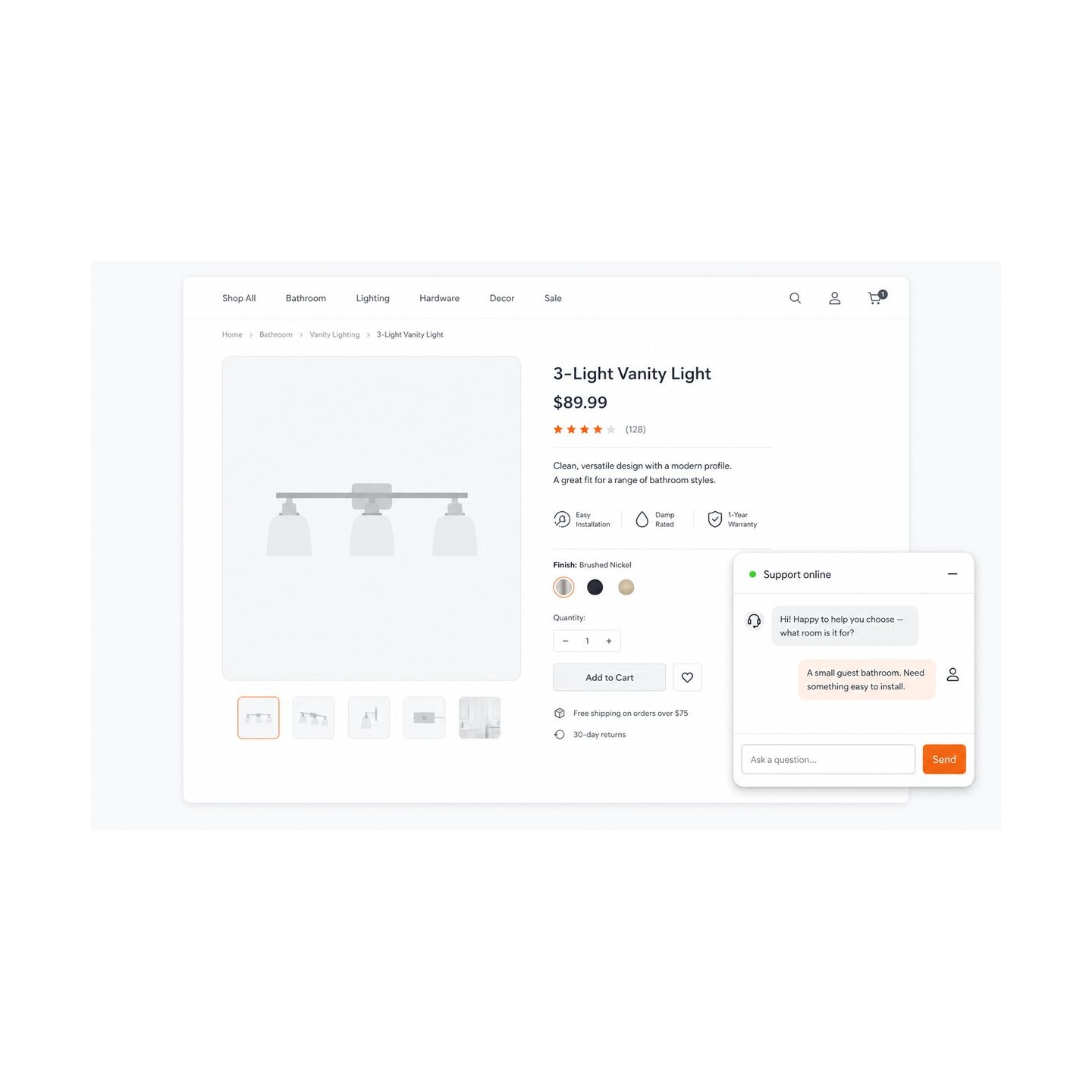


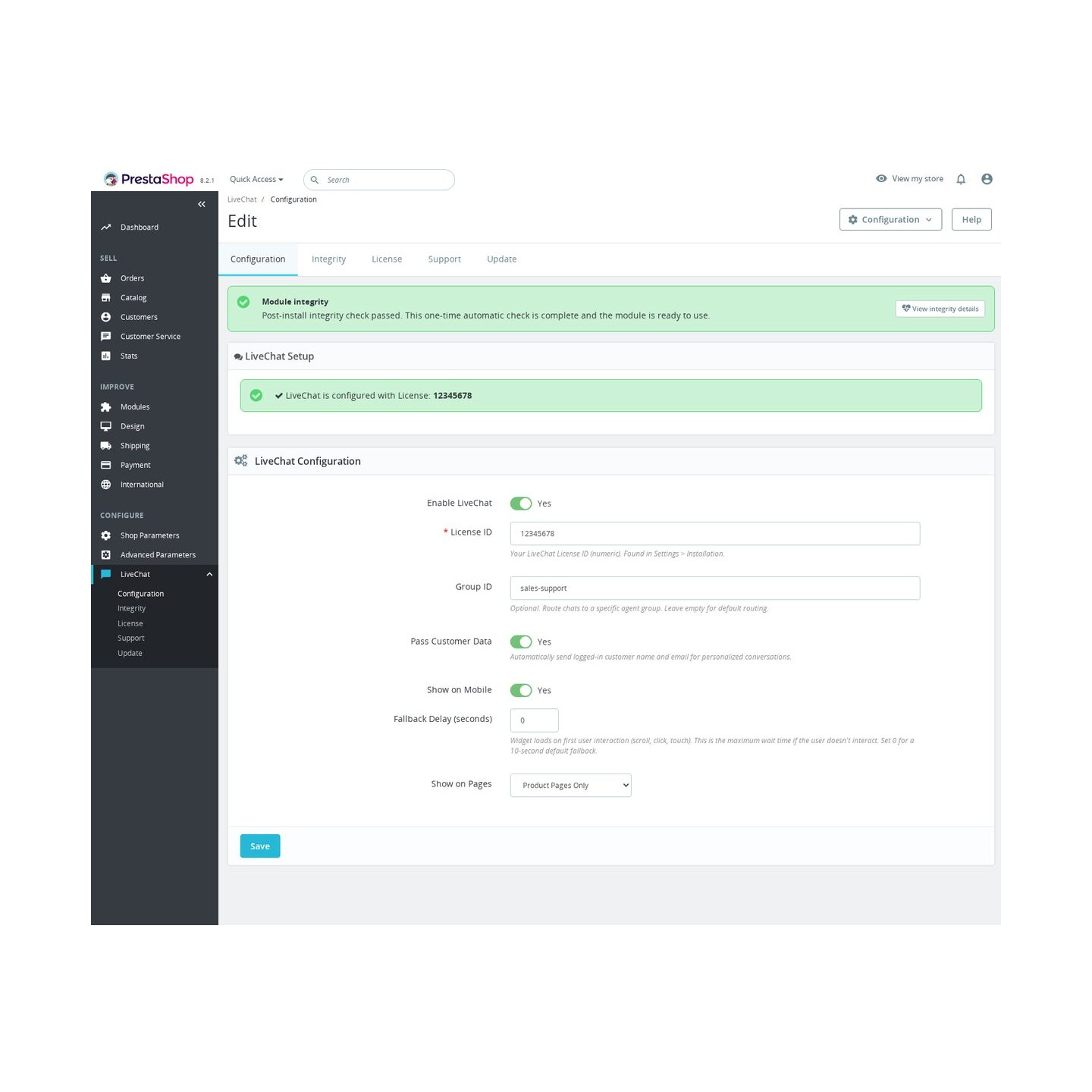
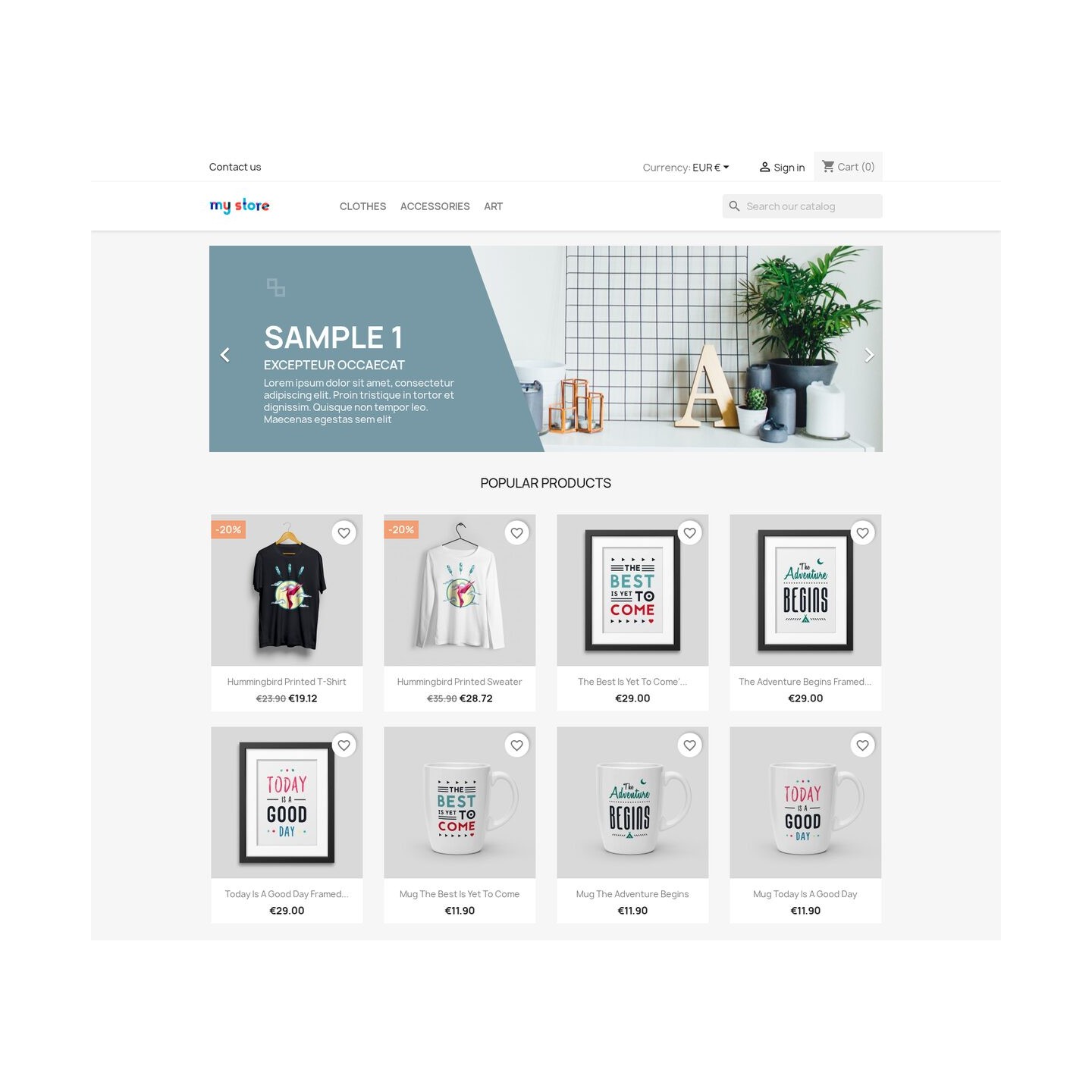
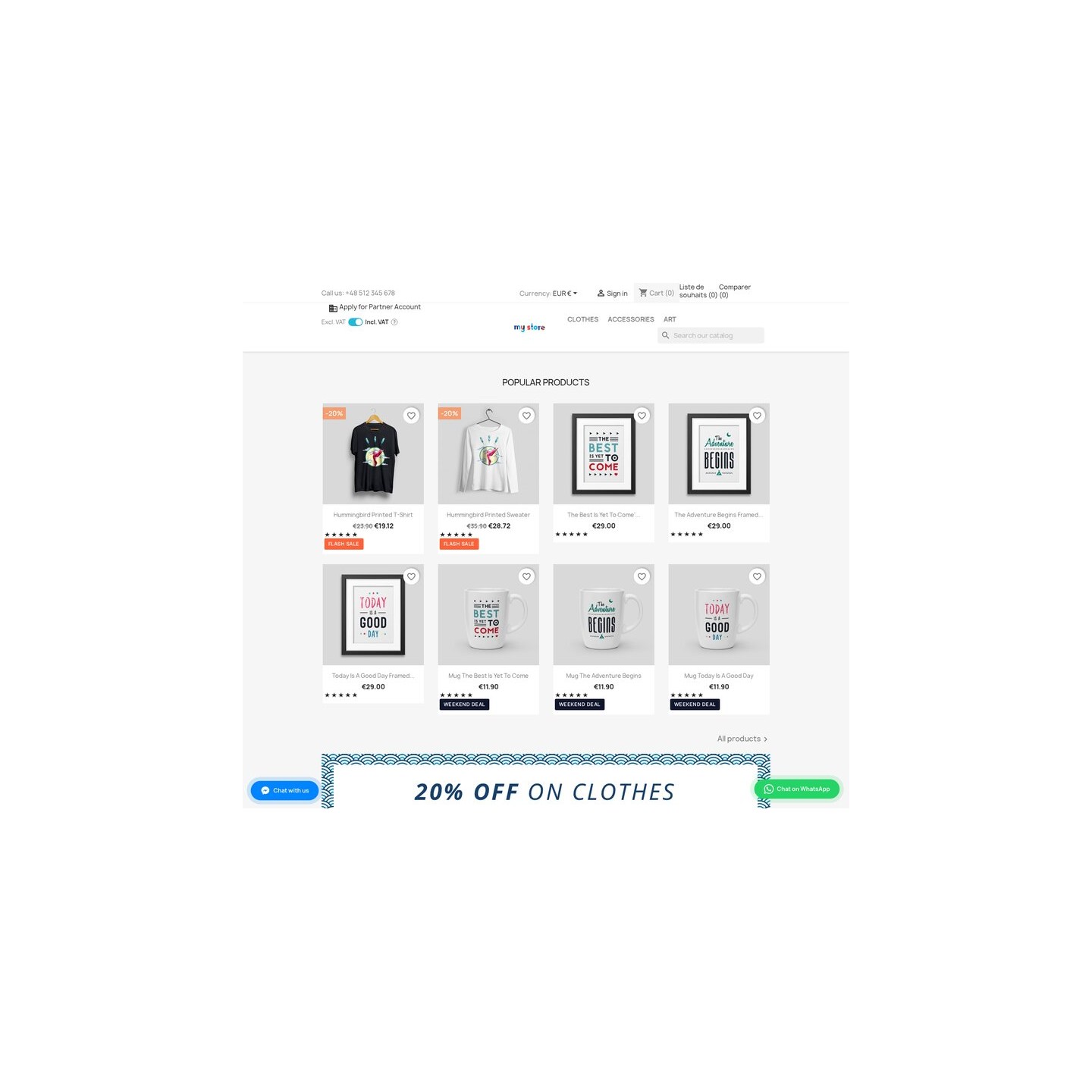
LiveChat Integration places an in-page conversation window in your PrestaShop store and routes questions with shopping context. Installation and the numeric License ID from your LiveChat account take minutes.
LiveChat handles conversations, agent accounts, history and shared files while shoppers stay on the current page. Its separate subscription starts at $19 per person monthly with annual billing, after a 14-day trial without a card.
You choose page visibility, office hours and phone behaviour. Independent switches govern customer identity and product, cart or order details sent to agents. Priority rules select a LiveChat group by language and shopping context, with a fallback when that group is unavailable.
Your support team receives the product and cart behind a question, reducing repeated requests for details during the purchase.
LiveChat Integration adds an in-page LiveChat conversation window to a PrestaShop store and gives the merchant precise control over placement, customer-data handoff and selection of the right LiveChat group.
One License ID starts the normal path, while the same configuration grows into exact visibility, schedule, appearance, language and context rules.

LiveChat handles the conversation, agent accounts, history and service-side reporting. LiveChat Integration handles the store decisions around it: placement, phone visibility, loading moment, office hours, customer-data permission, commerce context and the selection of a LiveChat group from shop conditions.
The price on this page covers the PrestaShop module, its updates and module support. The LiveChat trial and subscription are separate and are chosen directly with LiveChat, so the module and the hosted service have distinct roles.

In August 2026, LiveChat's official partner site reports more than 37,000 customers. The service offers a 14-day trial without a card, and its Starter plan begins at $19 per person each month when billed annually. That plan includes tracking for up to 100 visitors, 60 days of conversation history and one user; higher plans expand visitor limits, history, campaigns, customization and reporting.
LiveChat shows customer details such as name, email, location and the page currently being viewed. Its workspace holds active and queued conversations, archives, reusable replies and shared files, and the team works in a browser, on desktop or on a phone. The conversation window opens over the current shop page, so the shopper remains beside the product or checkout while the team answers. The module supplies the controlled shop entry and context for that service workflow.
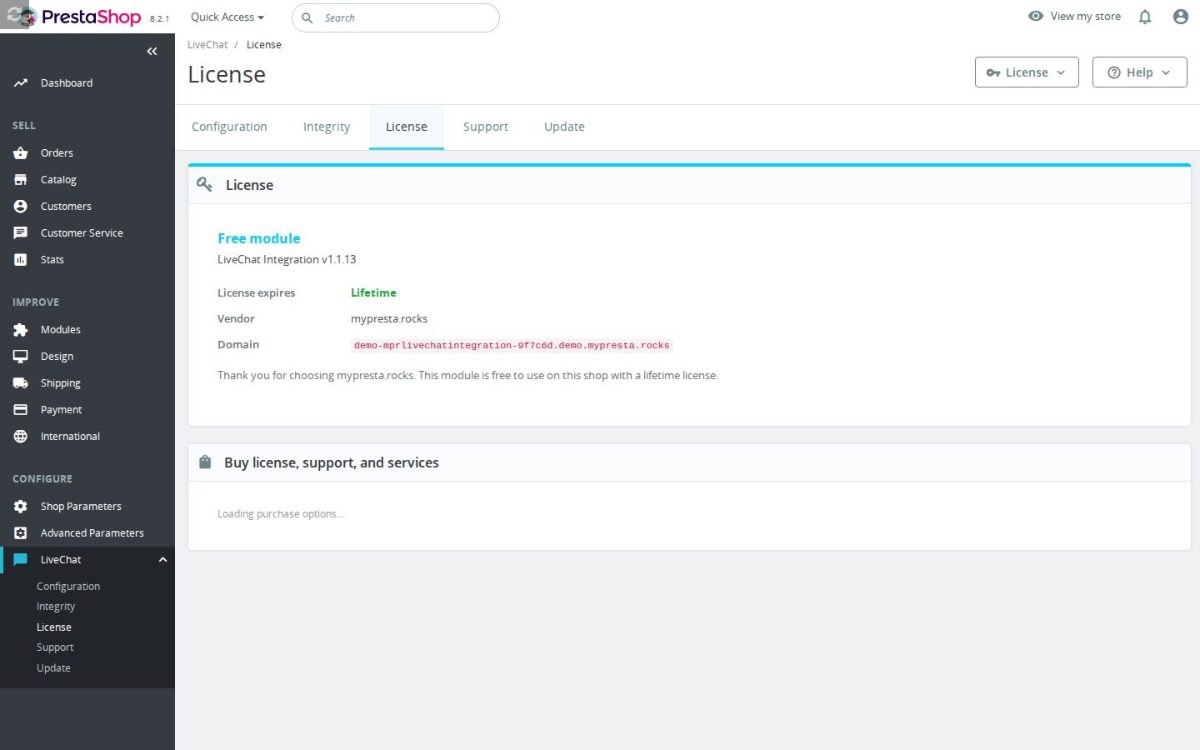
You choose a starting scope: all shop pages, product pages only, category pages only, or the cart and checkout only. Exact rules then include or exclude selected products and pages, use customer and cart conditions, and follow office hours in the shop's timezone. Their fixed order makes the result predictable.
A separate decision governs phones. Position, colour, icon, size, spacing, greeting and separate desktop and phone behavior are set in the shop, with language-specific text and right-to-left presentation. An optional product-page entry opens the same LiveChat session. Loading begins after the first scroll, click or touch, while the value in seconds sets the longest wait for a visitor who does not interact. Excluded pages, hours and devices emit no LiveChat window.

For a signed-in customer, the module sends LiveChat the name and email address together with the viewed product, cart lines and total, relevant orders, delivery state and direct shop links for the agent. Guests remain without account identity. Independent switches keep the merchant in charge of identity and commerce-data handoff.
Priority rules send each conversation to a LiveChat group according to store context. Store language, customer type, login state, page, product, cart and office hours select the group, and an unavailable group leads to the next matching route or the default group. LiveChat remains the owner of agents, availability and conversation history; the module supplies the store facts and predictable destination.

The simple path is installation and one numeric License ID copied from the LiveChat account. One optional default group starts routing, and a successful connection state confirms that the conversation window is ready. Invalid identifiers are rejected without replacing the last valid setting.
The deeper controls remain in the same shop admin: exact visibility, schedules, languages, appearance, data permissions, context and ordered routes. A health screen checks the required connection, module state and storefront placement, identifies the failing condition and repairs supported installation faults. A small store starts in minutes, while a larger team receives the controls needed for a structured sales and support process.

mprlivechatintegration ZIP in Modules > Module Manager.0.Requires PrestaShop 1.6 or later and PHP 7.1 or later.
 30 days return right
 Plug & Play Modules
 Dedicated Support First
Built and maintained by David Miller and mypresta.rocks. David Miller has worked with PrestaShop since 2013, and the company behind this shop has been registered since 3 December 2018. Every module in this catalogue is our own work, so your questions to support reach the people who wrote the code. The changelog on this page lists every update with its date.
LiveChat Integration adds professional live chat with routing, ticketing and analytics, and Knowledge Base publishes searchable articles your agents can point customers to. Shorter chats and better self-service.
LiveChat Integration lets your agents answer buying questions in real time, and Checkout Revolution lets the reassured shopper pay at once with an express checkout from any page. A good chat turns into an order straight away.
LiveChat Integration covers visitors who want an answer now, and Ask About Product covers those who prefer to send a question from the product page and get a reply by email. No product question goes unasked.
Compliance & Legal
News & Updates
News & Updates
News & Updates
News & Updates
News & Updates