


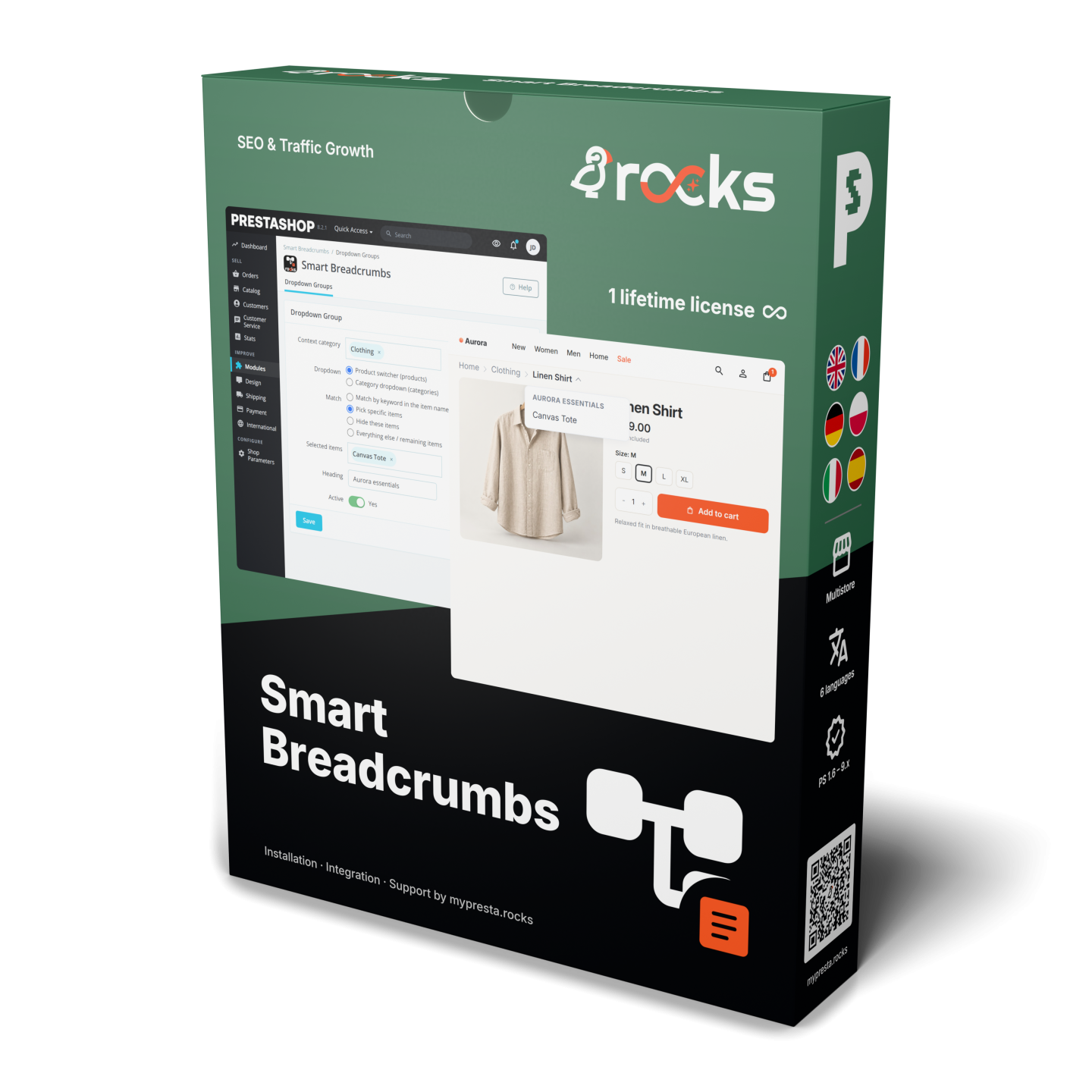
Smart Breadcrumbs


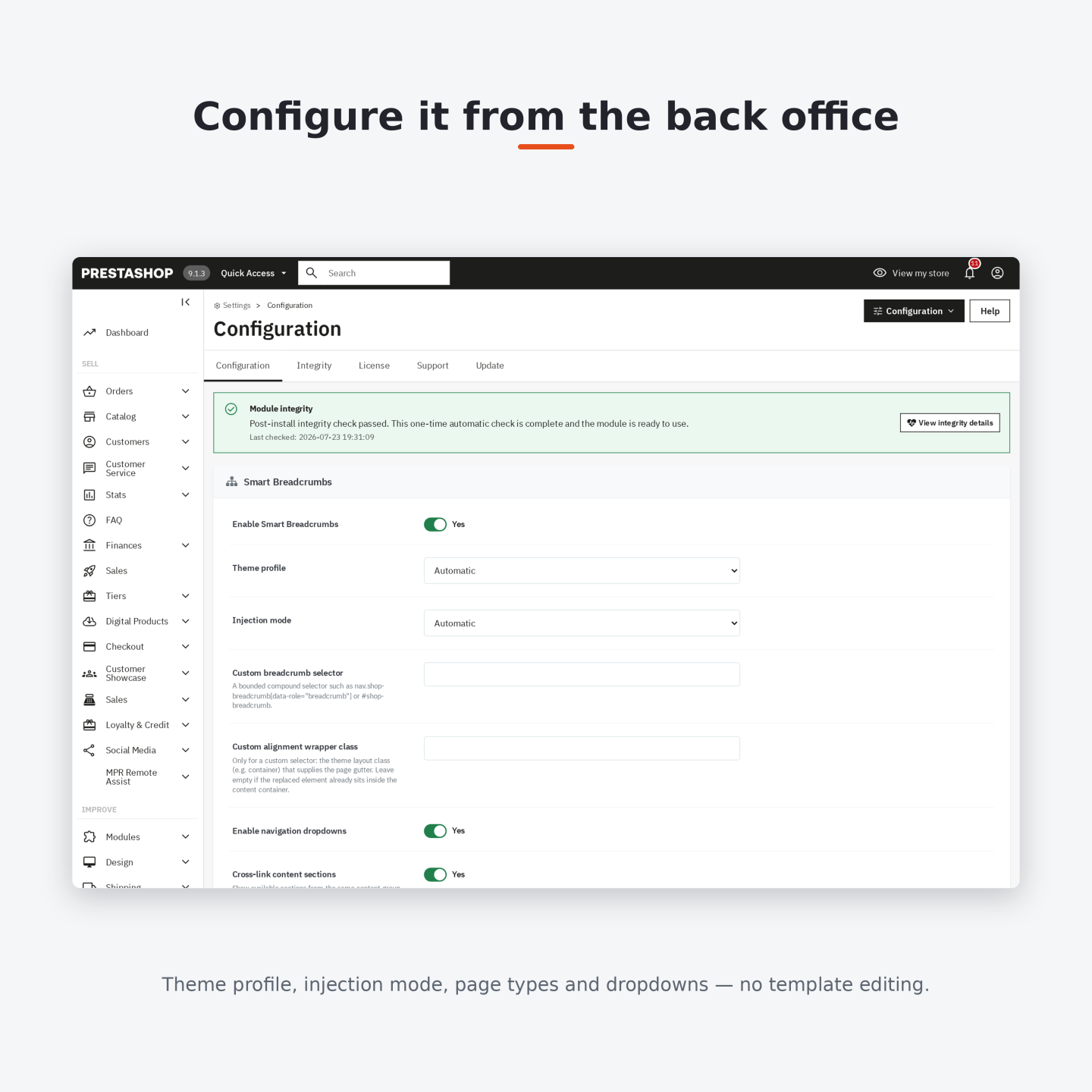
Smart Breadcrumbs organises PrestaShop breadcrumb paths and opens nearby categories or products from each relevant level. Installation supplies working defaults and recognises the active theme automatically.
A breadcrumb needs to show both the current location and a useful next destination. Menus beside the path keep related products and categories within reach, while long lists include a search field.
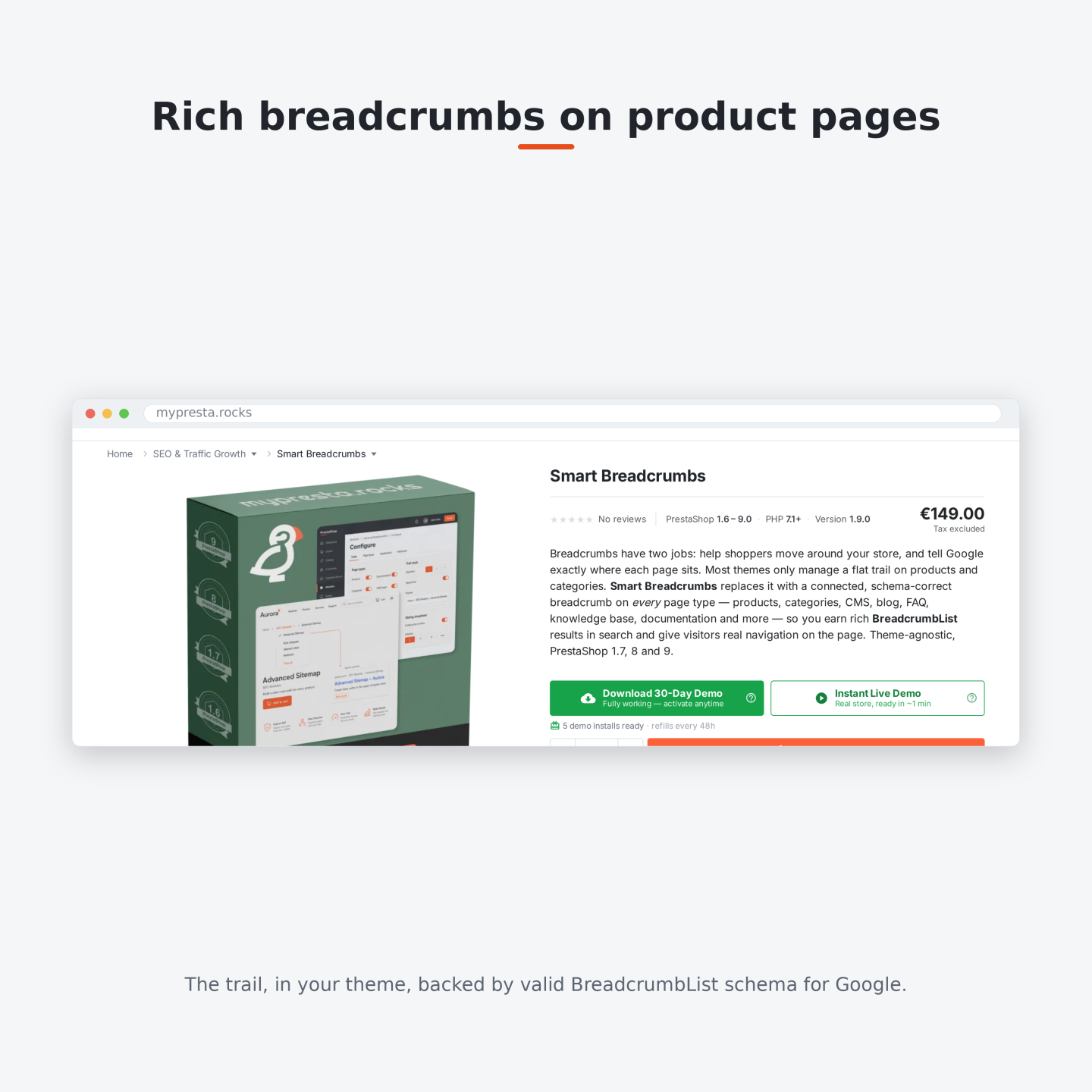
You define product trails, set priorities and choose page coverage and appearance profiles. Translated labels and shop-specific rules keep navigation appropriate to each storefront. Replacement requires one clear breadcrumb area; an ambiguous theme match leaves the existing element intact. Search information follows the same visible path.
Shoppers move between related ranges from the breadcrumb without first returning to the main menu to find an alternative.
Summary of what the module offers
Smart Breadcrumbs turns the breadcrumb across a PrestaShop store into merchant-controlled navigation. It joins a clear visible path, nearby destinations and one consistent set of breadcrumb information for search engines.
- Overview: working defaults after installation, automatic theme recognition and separate screens for settings, product trails and menu groups.
- Product merchandising: prioritized trails for products, categories, descendants and filtered landing pages.
- Sideways navigation: curated and searchable menus of categories, subcategories, products and related sections.
- Precise scope: page families, individual products, categories and pages and their own visibility and appearance profiles.
- Storefront fit: theme-safe replacement, four ready-made styles, mobile controls and multilingual multistore settings.
- Search clarity: a visible trail and breadcrumb information sent to search engines that agrees, with duplicate lists resolved conservatively.

How does each product receive the path that sells it best?
A product assigned to several categories follows the strategy selected by the merchant: its default category, the deepest eligible category or the path used by the visitor. On top of that automatic choice, Definable Trails set a deliberate route for an exact product, a default or assigned category, its descendants, or a filtered landing page. Priority settles overlaps predictably.
A definition replaces the ordinary ancestors or inserts extra levels after a chosen category. Ordered levels point to categories, content pages, filtered ranges or a custom destination, with a separate label and address for every language. The preview shows the complete result before it reaches the storefront. When the chosen trail changes the product's parent category, its product menu is rebuilt from that final category, so the alternatives match the path the customer sees.
Filter Revolution creates indexable landing pages for valuable filtered ranges; Smart Breadcrumbs places those pages inside selected product trails, joining filtered demand with the products that satisfy it.

How do customers move to a nearby category or product?
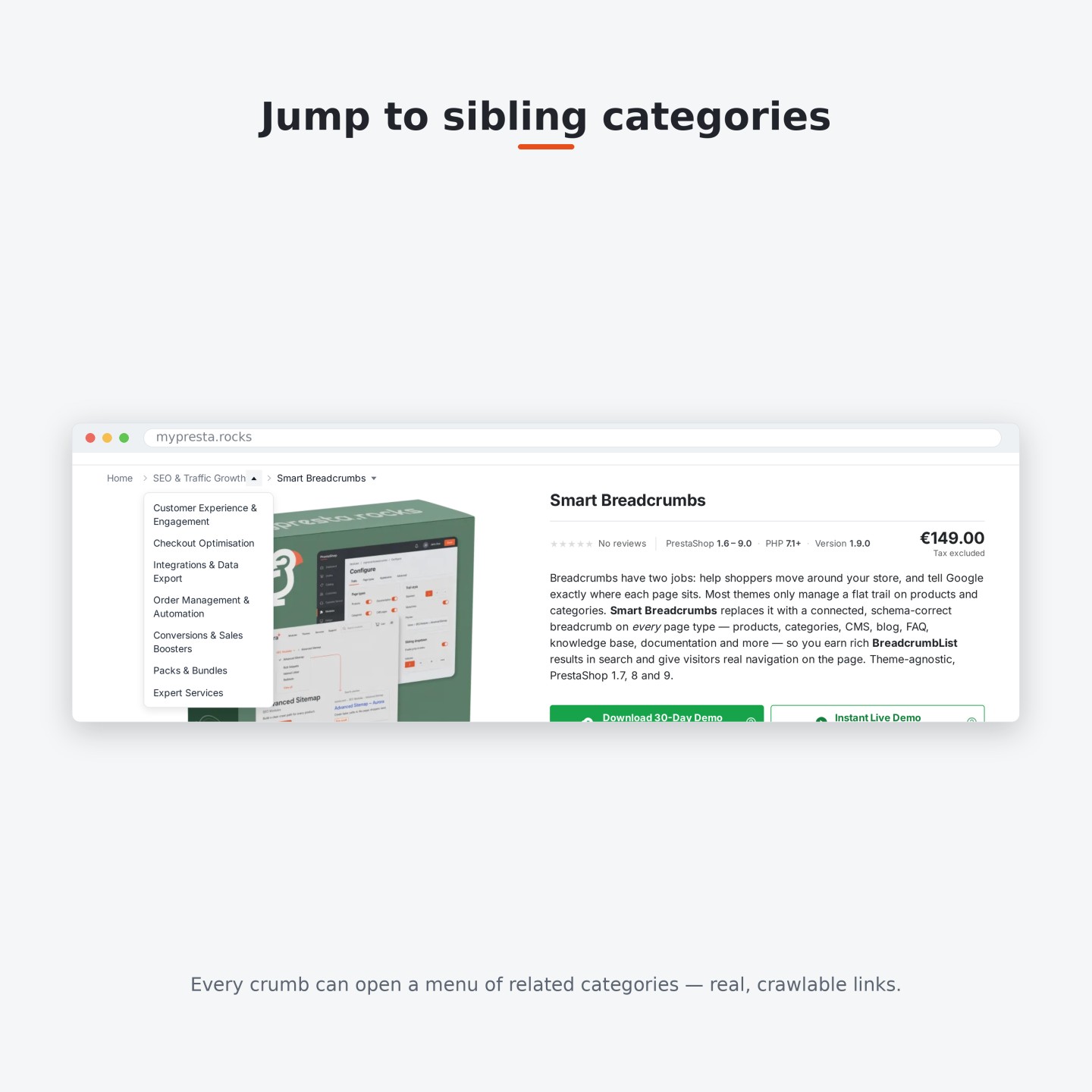
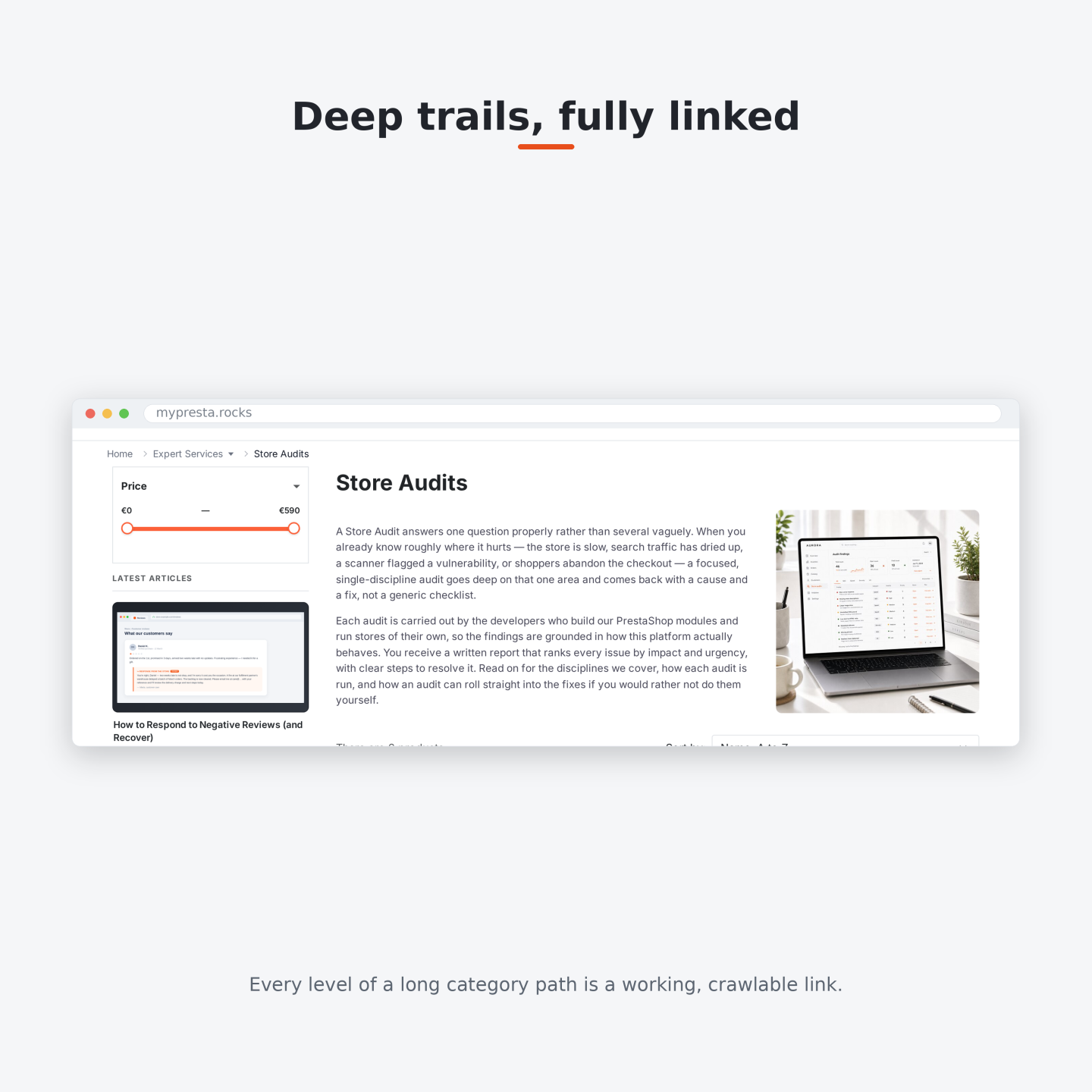
Each useful level has a separate opener for nearby destinations. A category level lists siblings, children or both. The current category opens its subcategories and falls back to siblings when it has no children. The current product lists other authorized products from the final category, while Home opens the top-level sections.
The panel opens directly beside the trail on the current store page. Only selecting a destination moves to another page. On a long list, a search field appears above the merchant-selected threshold and searches the complete authorized source, not only the first visible entries.
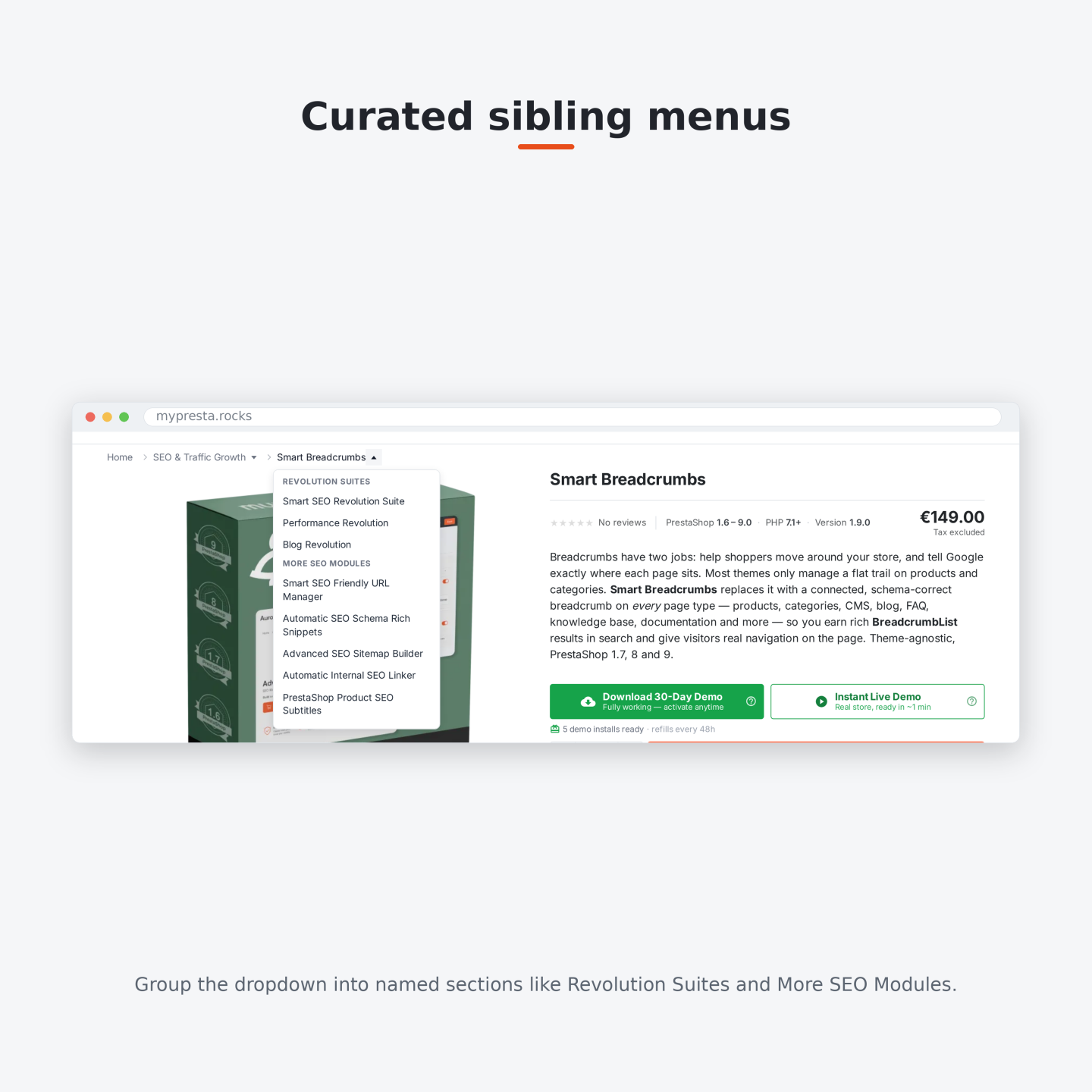
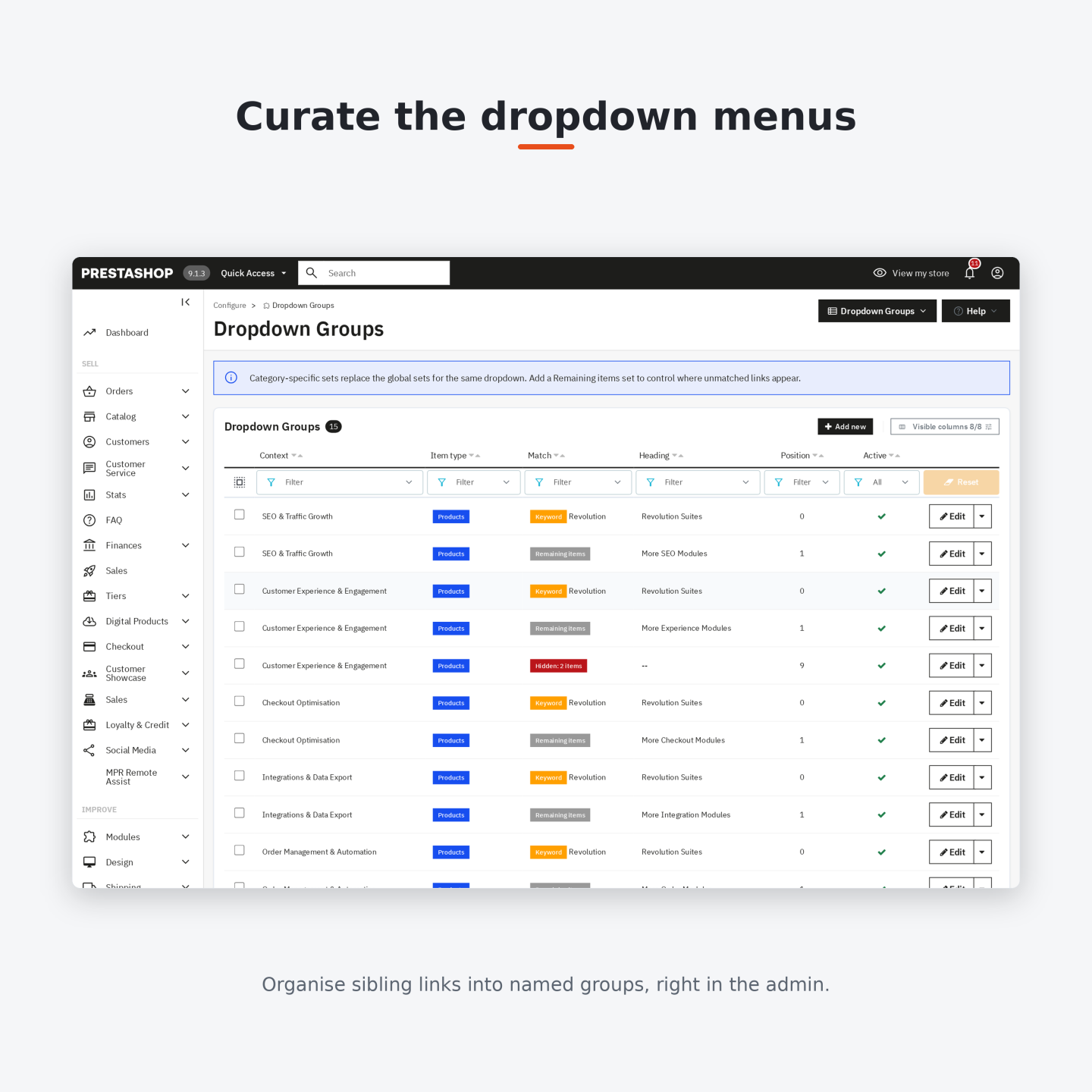
You organize category and product menus into translated headings by manual selection, preferred order, a word in the item name, a remainder group and explicit exclusions. One maximum covers every group in a combined menu, and a final link hands the customer to the complete category when more entries remain. Keyboard, touch and mouse controls all reach the same real links.

Where does the trail appear, and who sees each version?
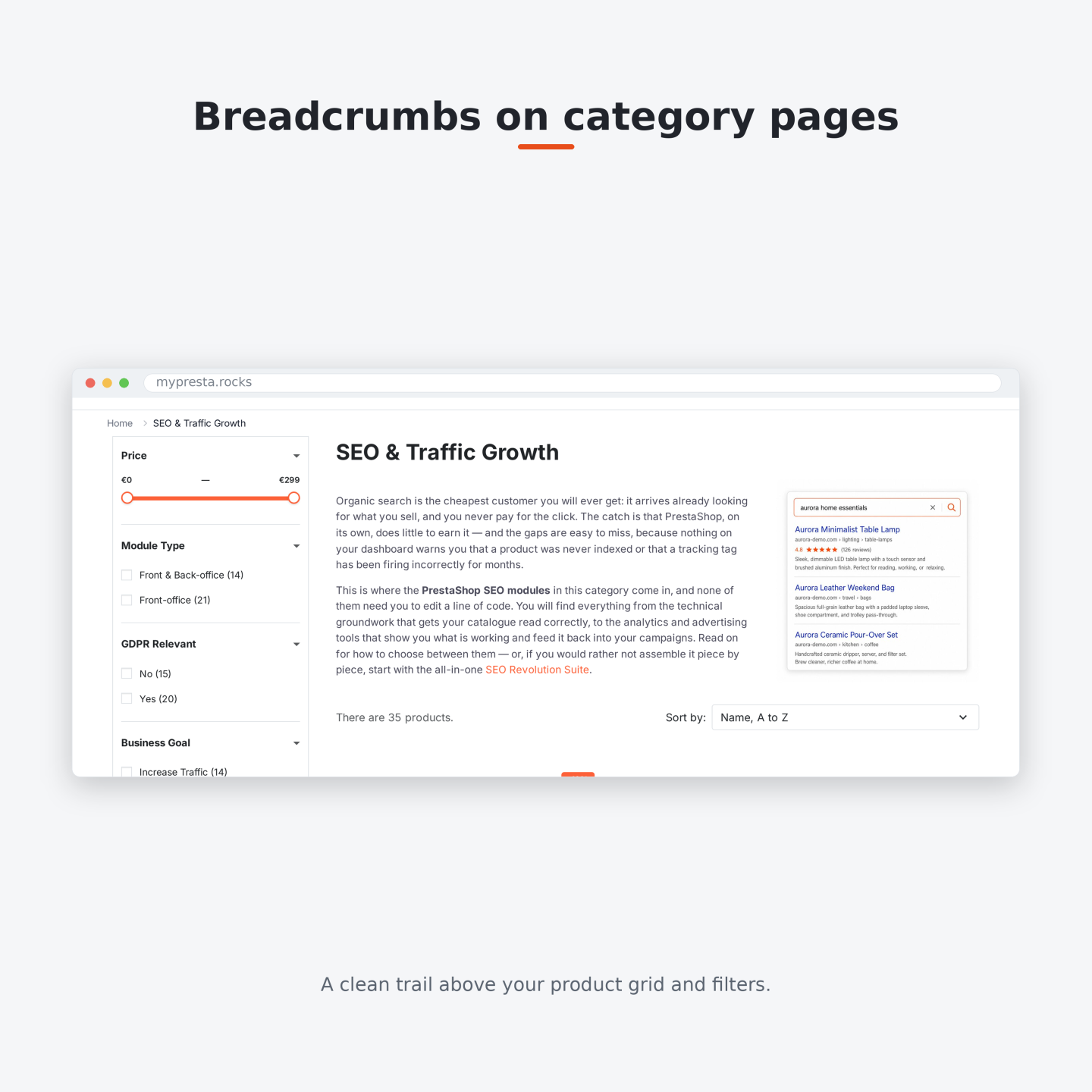
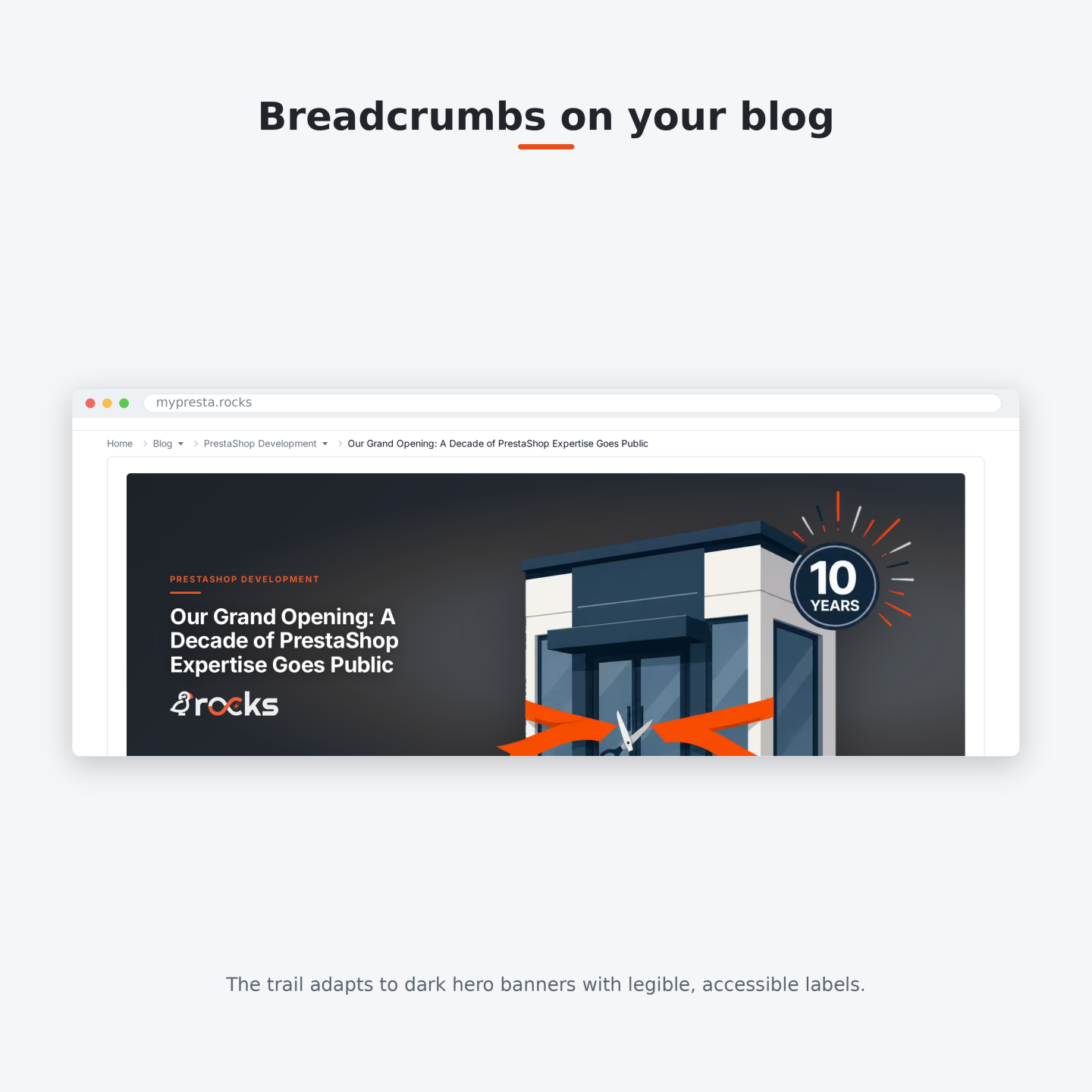
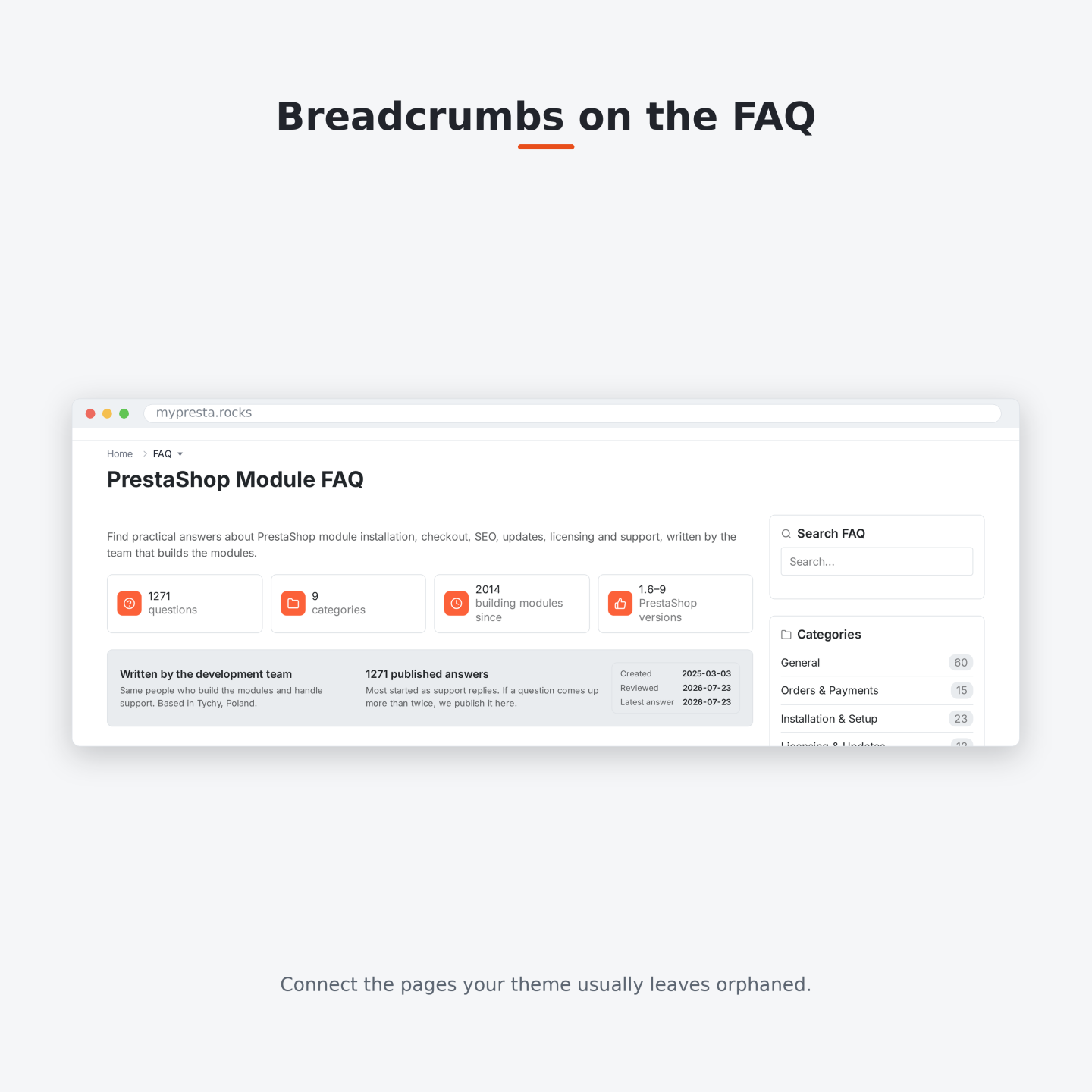
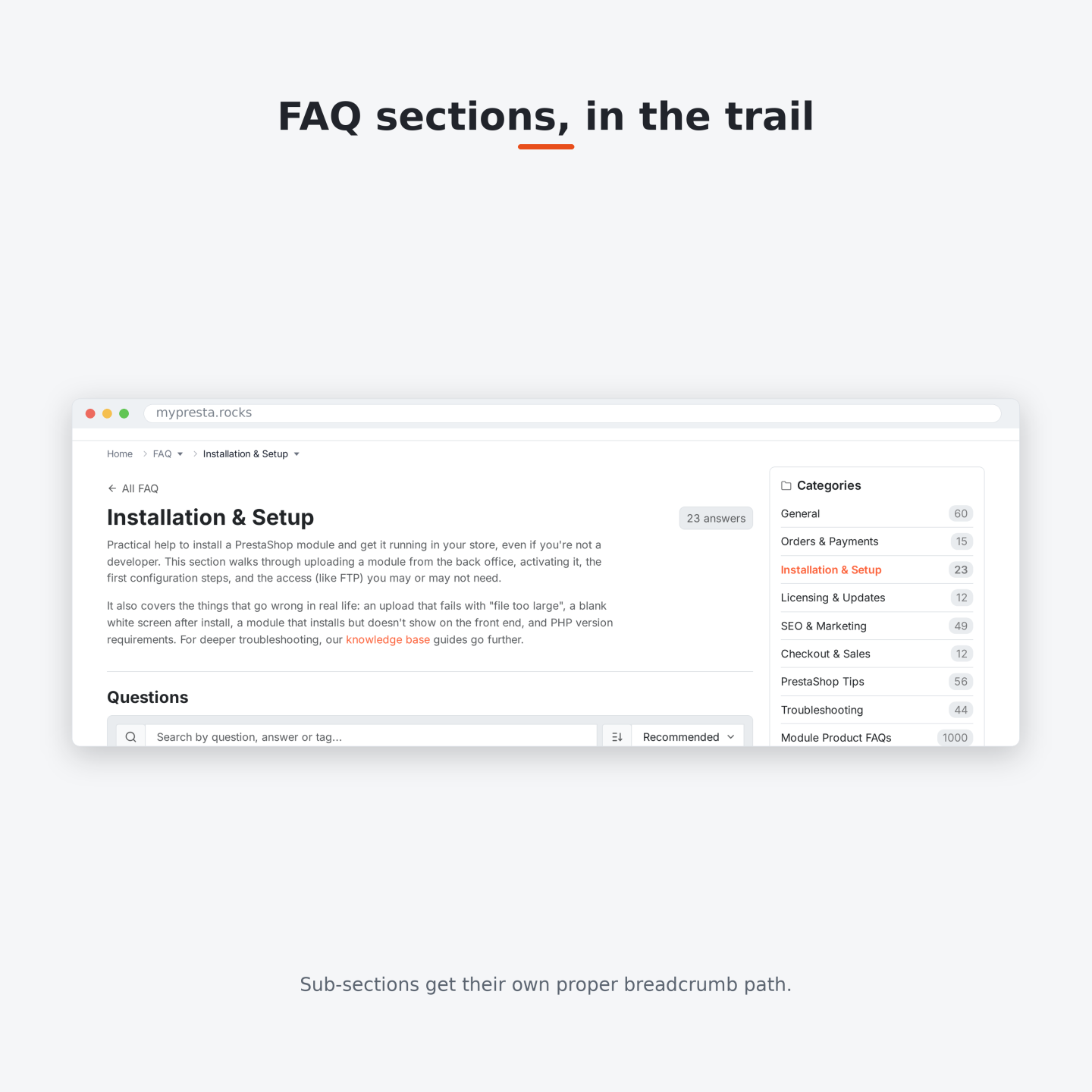
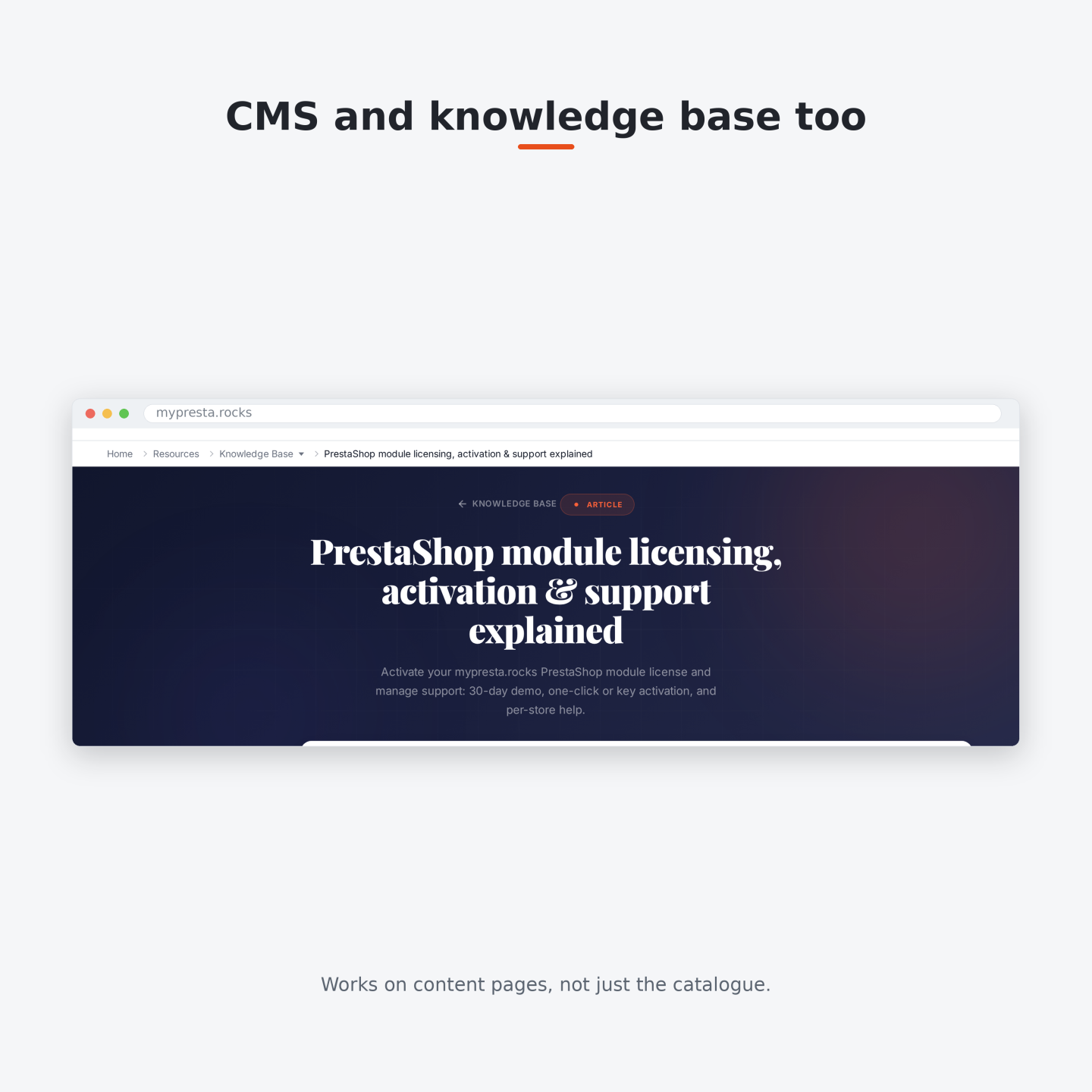
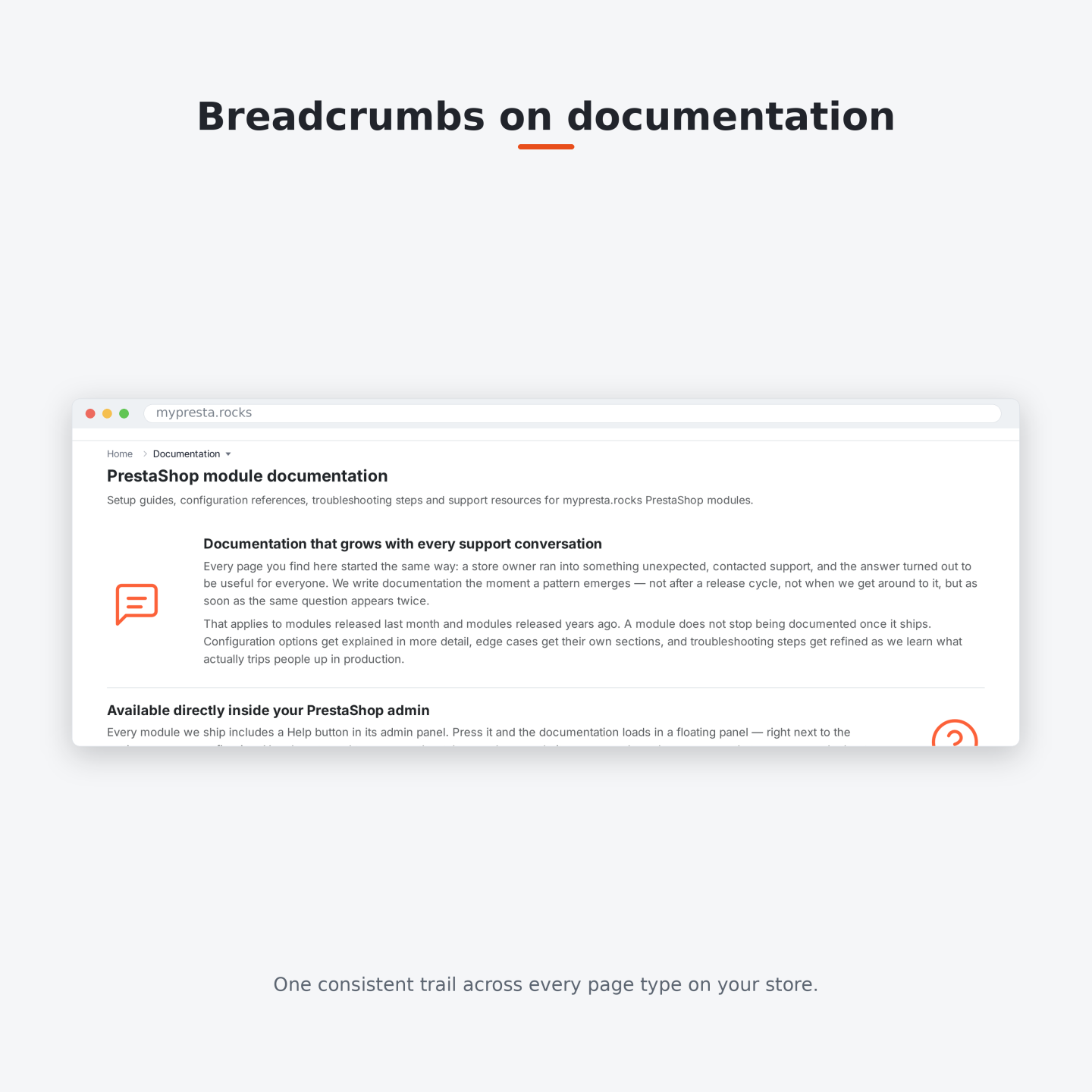
The module covers product and category pages, content pages, search and filtered ranges, manufacturers, suppliers, blog, FAQ and knowledge-base pages. It also connects authentication, customer account, cart, checkout, catalogue utilities, information pages and other storefront pages, so these areas no longer end in isolated trails.
You choose broad page families or create ordered rules for an exact product, category, content page or store page type. Every rule states whether the trail appears and which visual profile it uses. Profiles set background colour or image, text and link colours, type, padding, width, spacing, borders and hover treatment, with separate values where desktop and mobile need different geometry.
Catalogue alternatives follow the visitor's authorized customer groups. Per-shop definitions keep one multistore storefront from inheriting another shop's navigation, and translated labels, group headings and custom levels follow the active language.

How does Smart Breadcrumbs fit the theme and a small screen?
Installation supplies a working configuration and recognizes Hummingbird, Warehouse, Classic, inherited themes and older layouts. Replacement happens only when the module finds one clear breadcrumb area. If a theme produces an ambiguous match, the existing element stays intact; a custom theme receives an exact target from the settings screen.
You choose Minimal, Boxed, Pill or Underline, then set the separator and the menu indicator. The current item has separate desktop and mobile choices to show, shorten or hide it, and the selected character limit determines the visible shortened label while the complete name remains available to assistive tools and search engines.
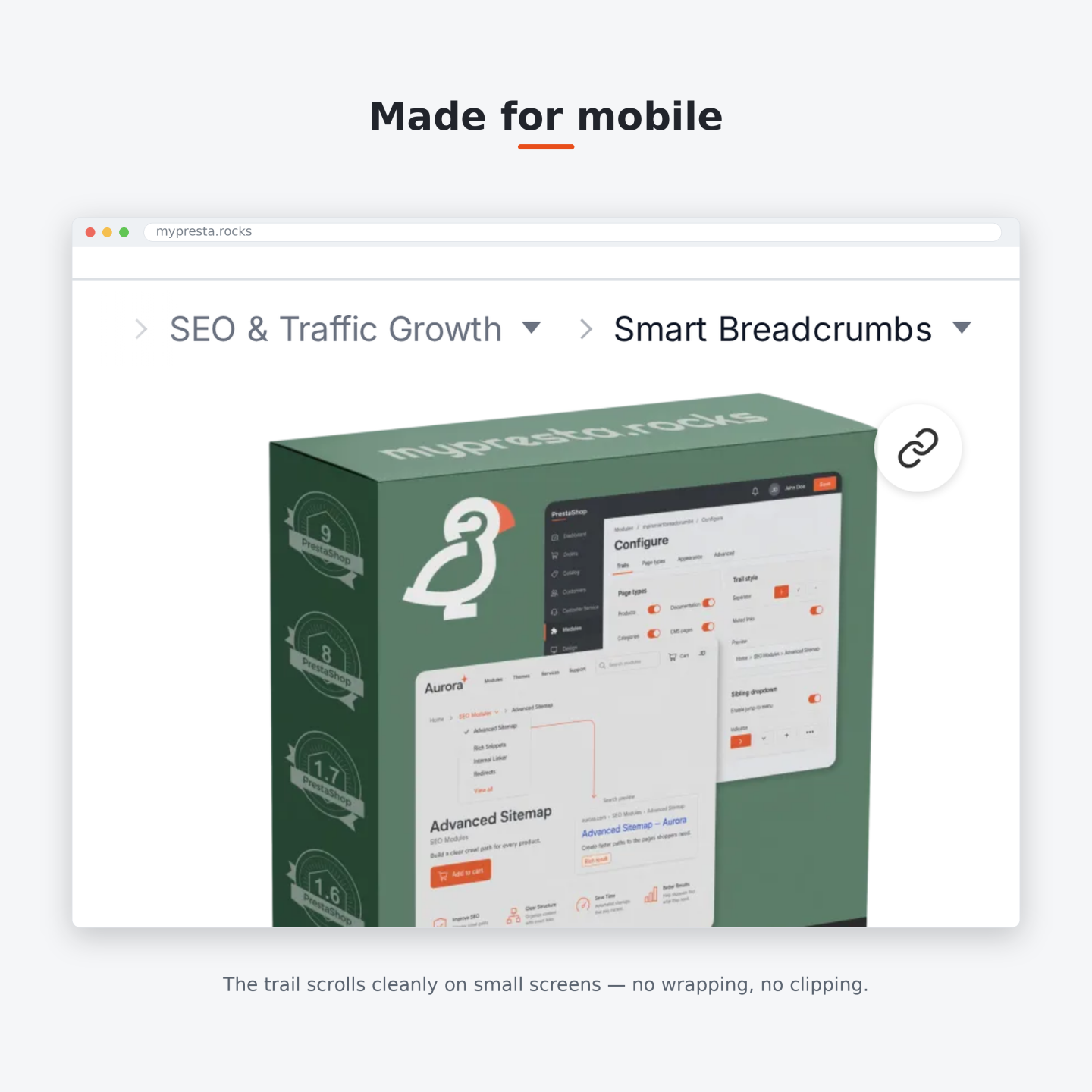
On narrow screens the trail stays on one line, moves horizontally and brings the current level into view. Open panels remain inside the visible screen, move above the trigger when space is tighter below, and respect the visitor's reduced-motion preference. The built-in health screen verifies the installation, essential settings and shop environment.

What breadcrumb information reaches Google?
The ordered levels visible to the customer also form the breadcrumb path sent to search engines for a page intended to appear in results. Names, addresses and positions therefore describe the same path in both places. Search, cart, checkout and account pages still receive useful on-page navigation, but pages excluded from indexing do not receive a breadcrumb list from the module.
You choose whether Smart Breadcrumbs owns the single reference list, keeps an existing valid matching list, or leaves this function off. When a theme or another module publishes duplicates, Smart Breadcrumbs retains one matching path and removes the other readable breadcrumb lists without touching product, company or other page information.
Anything that is unsafe to interpret remains untouched and raises an integrity notice instead of being rewritten. This gives the merchant one consistent path without trading away the rest of the page's search information.

-
Referencemprsmartbreadcrumbs
-
Version1.10.5
-
Improvements118
-
Released
-
Updated
-
PrestaShop CompatibilityPS 1.6 – 9.x
-
Pricing ModelOne-time Purchase
-
Module TypeFront & Back-office
-
GDPR RelevantNo
-
Business GoalIncrease Traffic
-
Module ComplexityFeature-Rich Module
-
Customer Journey StageAttract Visitors
-
Works With PlatformNo External Platform
No product reviews yet
Write a Review
Customer Reviews for PrestaShop Modules and Support
Be the first to share your experience with this product.
Have a question about this product?
Our experts are here to help. Ask anything about installation, compatibility, or specifications.
Ask a question
1350
questions
9
categories
Does it emit schema on pages I don't want indexed?
No. When the final page or its headers say noindex, or a page is marked schema-ineligible, it emits no breadcrumb schema and removes its own and recognised native breadcrumb data, while preserving unknown third-party data. You still get the on-page trail for visitors.
Which pages does it add breadcrumbs to?
There are dedicated trails for products, categories, CMS pages, manufacturers, suppliers and search. When the matching mypresta.rocks modules are installed it also covers your blog, FAQ, knowledge base and documentation, and it connects account and checkout pages that themes usually leave without a trail. You choose which page types are active from the settings screen.
Will it cause duplicate BreadcrumbList or structured-data errors?
That is exactly what it prevents. On eligible pages it keeps one breadcrumb list, reusing an existing one if it already matches what visitors see, otherwise emitting its own, and safely removes the parseable duplicates from your theme or other modules while leaving Product and Organization data intact. Anything it cannot safely read is preserved untouched, so it never damages unknown data.
Does it work on PrestaShop 1.6, 1.7, 8 and 9?
The module officially targets PrestaShop 1.6 through 9.x, and it is built to run on PHP 7.1 and up. It also carries legacy code paths for 1.6, if you are on 1.6 or an unusual setup, order it and we will make sure your install works.
What are Definable Trails?
For chosen product pages you can author the exact ancestor path, for example to place a campaign or landing product under a specific category route. A rule matches by product, category or SEO filter page, then either replaces the ancestors or inserts your own category, CMS, filter or custom-link steps. Home and the current product always stay locked in place, and an invalid definition simply falls back to the normal trail.
Is it accessible?
It follows the WAI-ARIA disclosure pattern: a real button with aria-expanded and aria-controls, ordinary link lists, visible focus states, and keyboard support (Enter and Space, arrow keys, Home/End and Escape). The current page uses aria-current, reduced-motion is respected, and the menu works with a screen reader and on touch.
Will it slow down my store?
It is careful, but let us be honest: building a trail and checking the page's structured data does a little work. Category, product-switcher and Home lookups are cached with targeted invalidation so the result is computed once and reused, and the storefront code sets no cookies or tracking. We do not publish a magic “zero impact” number because that would not be truthful.
How is the breadcrumb schema kept correct?
The visible trail and the JSON-LD come from one ordered source, so they always match. The schema uses an absolute, fragment-free URL and sequential positions for each step, is encoded with HTML-safe flags, and contains only the linear trail, never the sibling dropdown links. If fewer than two steps remain, or the page is not eligible, no schema is emitted.
Does Smart Breadcrumbs replace my theme's breadcrumb?
Yes. When it can identify a single safe breadcrumb in your theme, or your theme uses the standard breadcrumb hook, it takes over cleanly. It recognises Hummingbird, Classic, Warehouse and legacy markup out of the box and supports a custom selector for bespoke themes. If the target is missing or ambiguous, it leaves your theme's breadcrumb alone rather than risk breaking the page.
Does it support right-to-left themes?
Yes. It uses logical CSS properties, reverses directional separators and edge fades, aligns dropdown panels by computed direction and scrolls correctly in RTL.
What can the sibling dropdown show?
Category crumbs can show sibling categories, child categories or both; the Home crumb can list your top-level categories; and a product crumb can show other active, catalog-visible products from its category. Manufacturer, supplier and content-section peers can appear too. Everything respects the current shop, language and customer-group access.
Can I match it to my theme's look?
Yes, from one screen: pick a display preset (Minimal, Boxed, Pill or Underline), choose the separator (chevron, slash, arrow, dot, pipe, dash or none) and the dropdown indicator, decide whether the current page is shown, truncated or hidden, and set the alignment wrapper for your theme. No template editing required.
Are the dropdown links good for SEO?
Yes. They are rendered as real server-side links, so search engines crawl them without opening the menu, which adds genuine internal linking between sibling pages. At the same time they never enter your BreadcrumbList schema, that stays a clean, linear trail.
Does it set cookies or need GDPR consent?
The storefront breadcrumb sets no cookies, no browser storage and no tracking identifiers. It only reads your existing PrestaShop customer and group context to avoid showing links a visitor cannot access, so it does not add any new consent requirement.
Does it support multiple languages and multistore?
Yes. Labels, entity links, group headings, trail overrides and custom URLs are all language-aware, and configuration, dropdown groups, definable trails and caches are scoped per shop.
No known issues
There are currently no open or resolved issues registered for this module.
 30 days return right
Easy return - no questions asked
 Plug & Play Modules
Install, set up and take profit
 Dedicated Support First
Priority Help & Satisfaction Over Sales
You might also like


More From This Category


Who builds and maintains this module
Built and maintained by David Miller and mypresta.rocks. David Miller has worked with PrestaShop since 2013, and the company behind this shop has been registered since 3 December 2018. Every module in this catalogue is our own work, so your questions to support reach the people who wrote the code. The changelog on this page lists every update with its date.