Blog Revolution
Taboola places your content on publisher sites, and Blog Revolution produces the articles worth placing there. Taboola Pixel + S2S Postback tracks which readers continue to your products, carts and checkout.


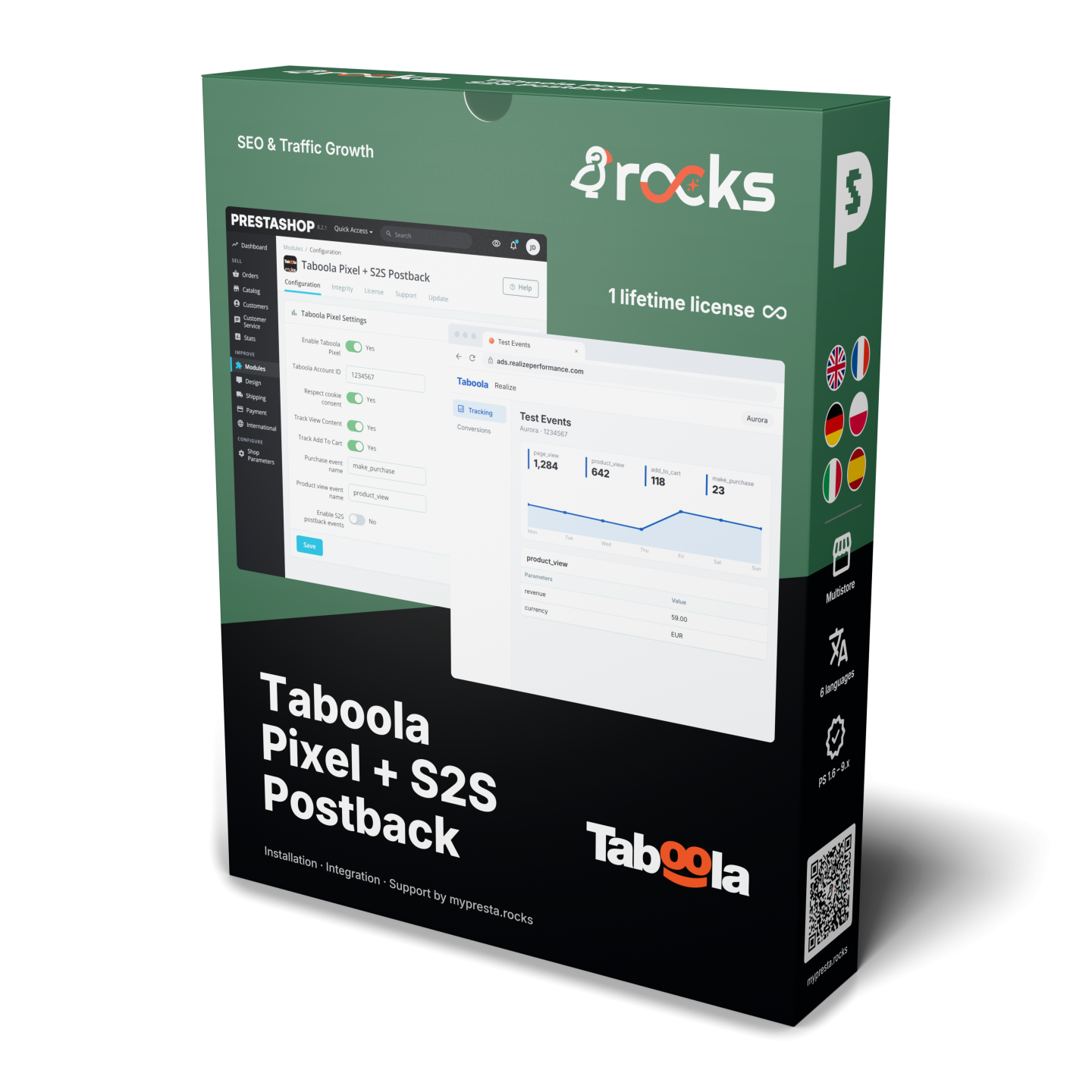
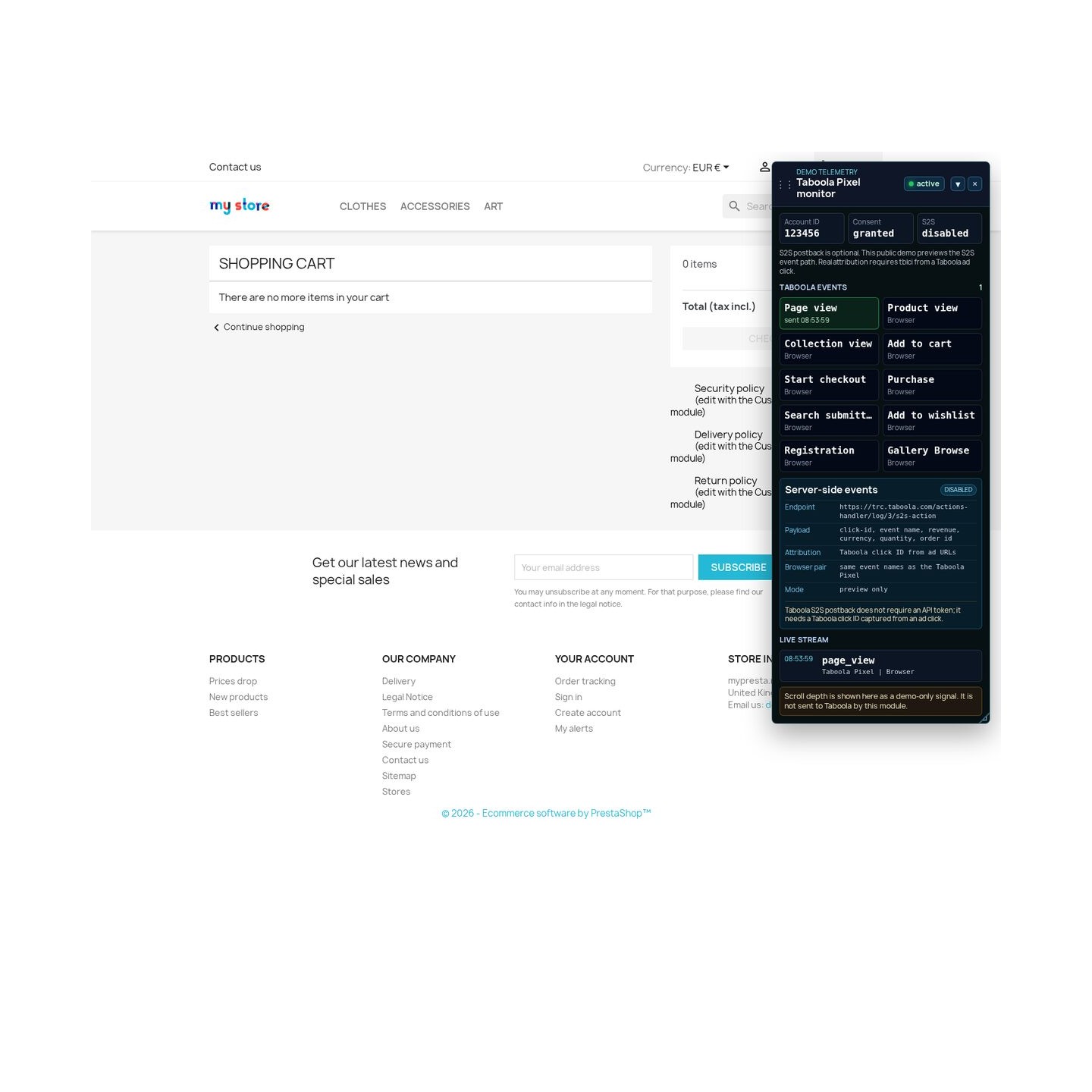
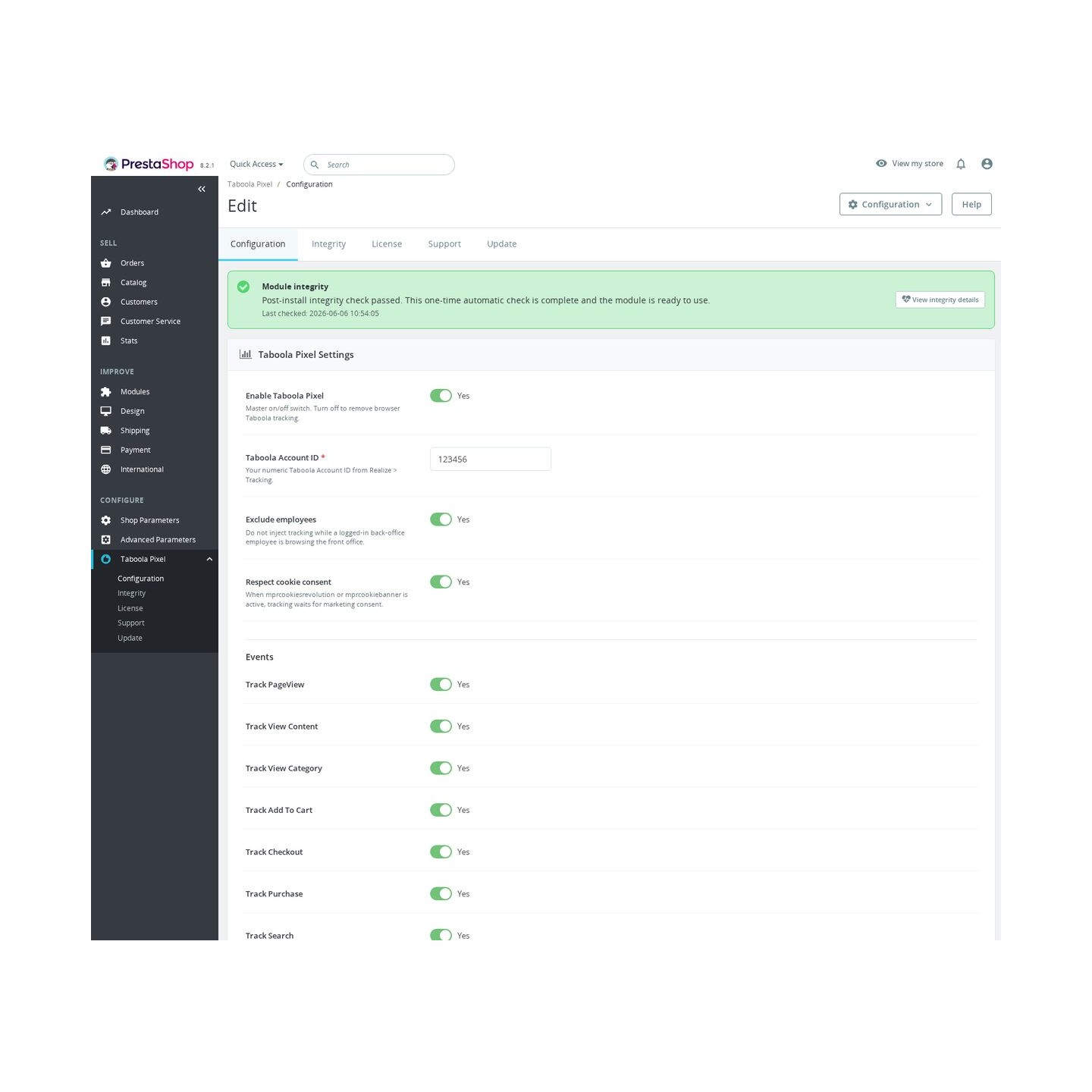
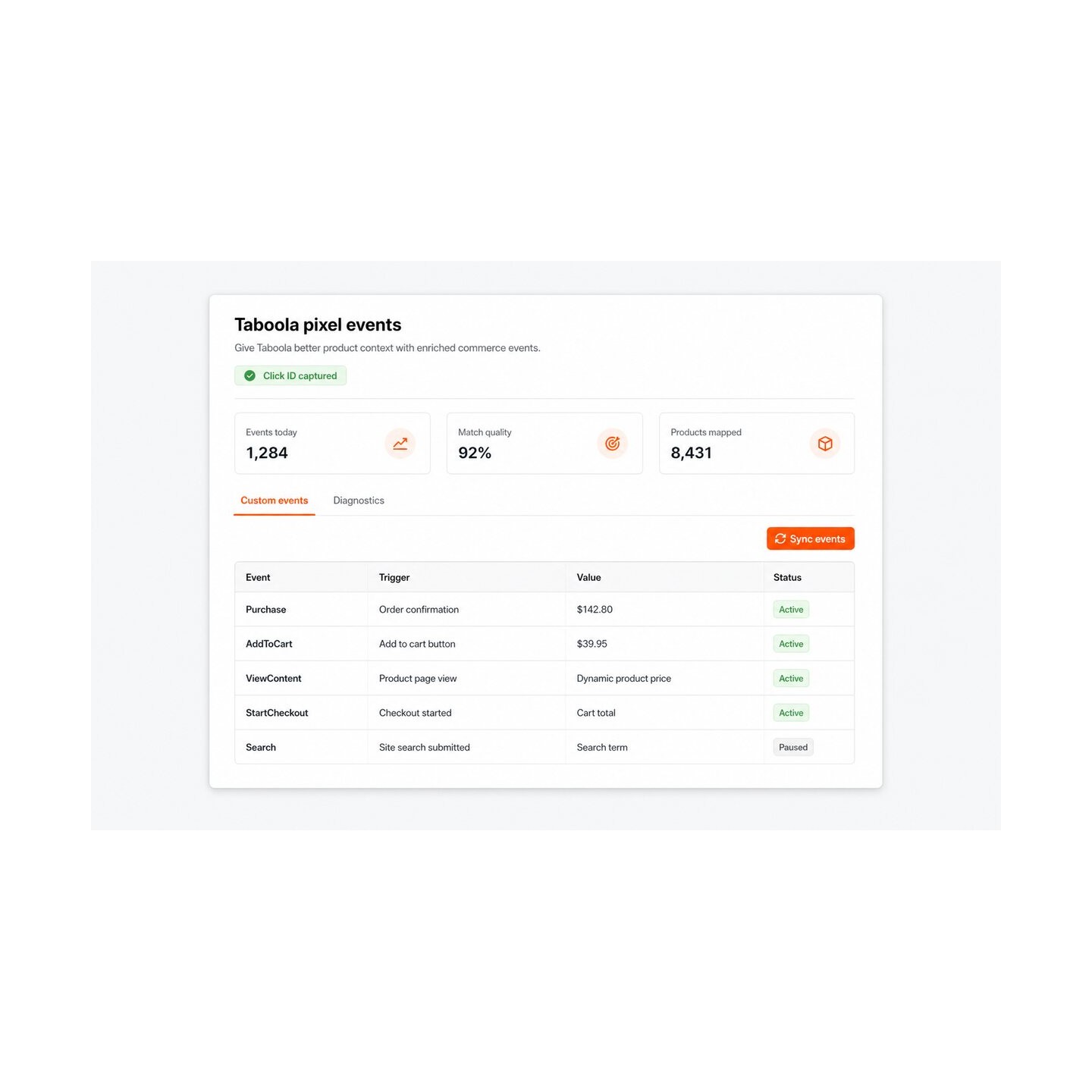
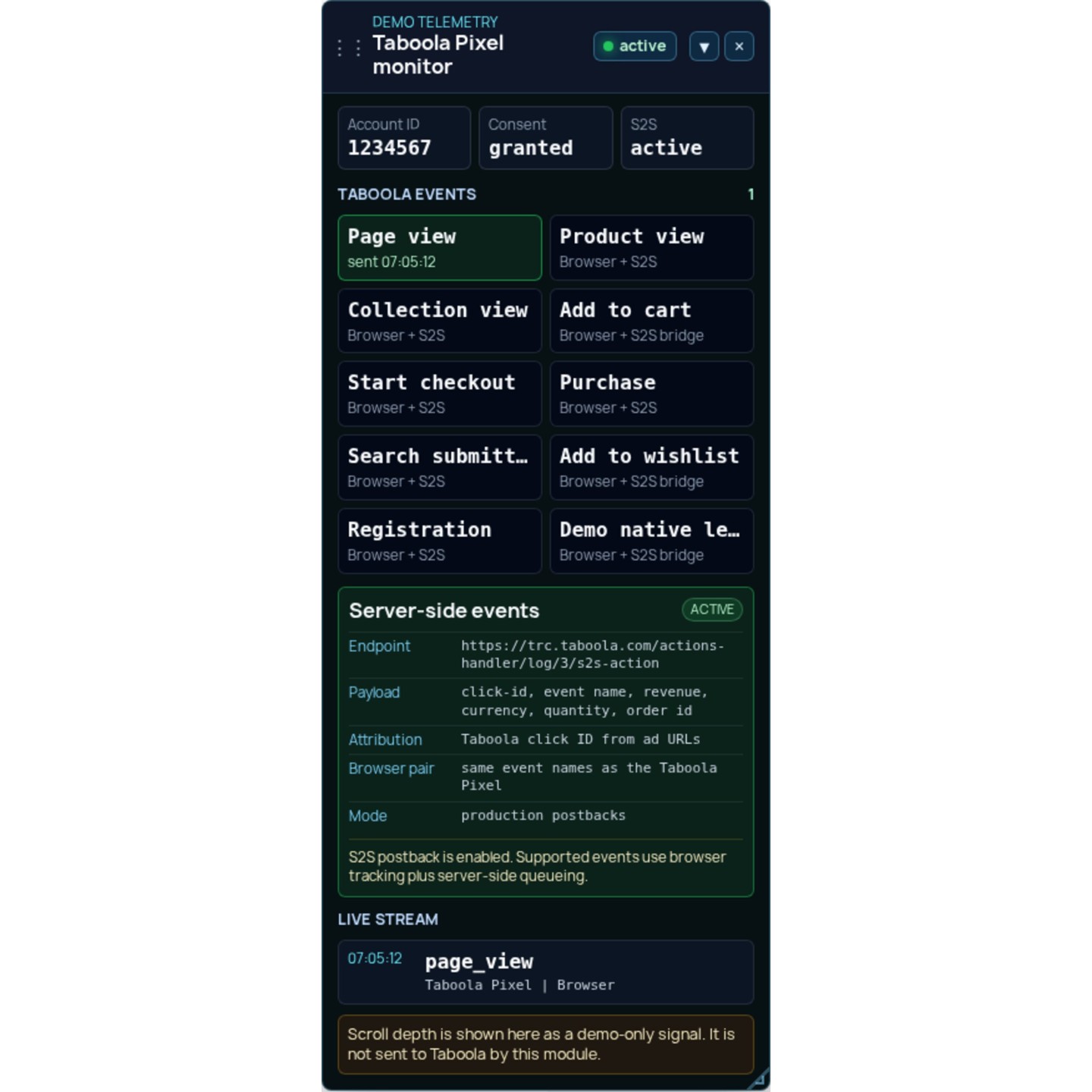
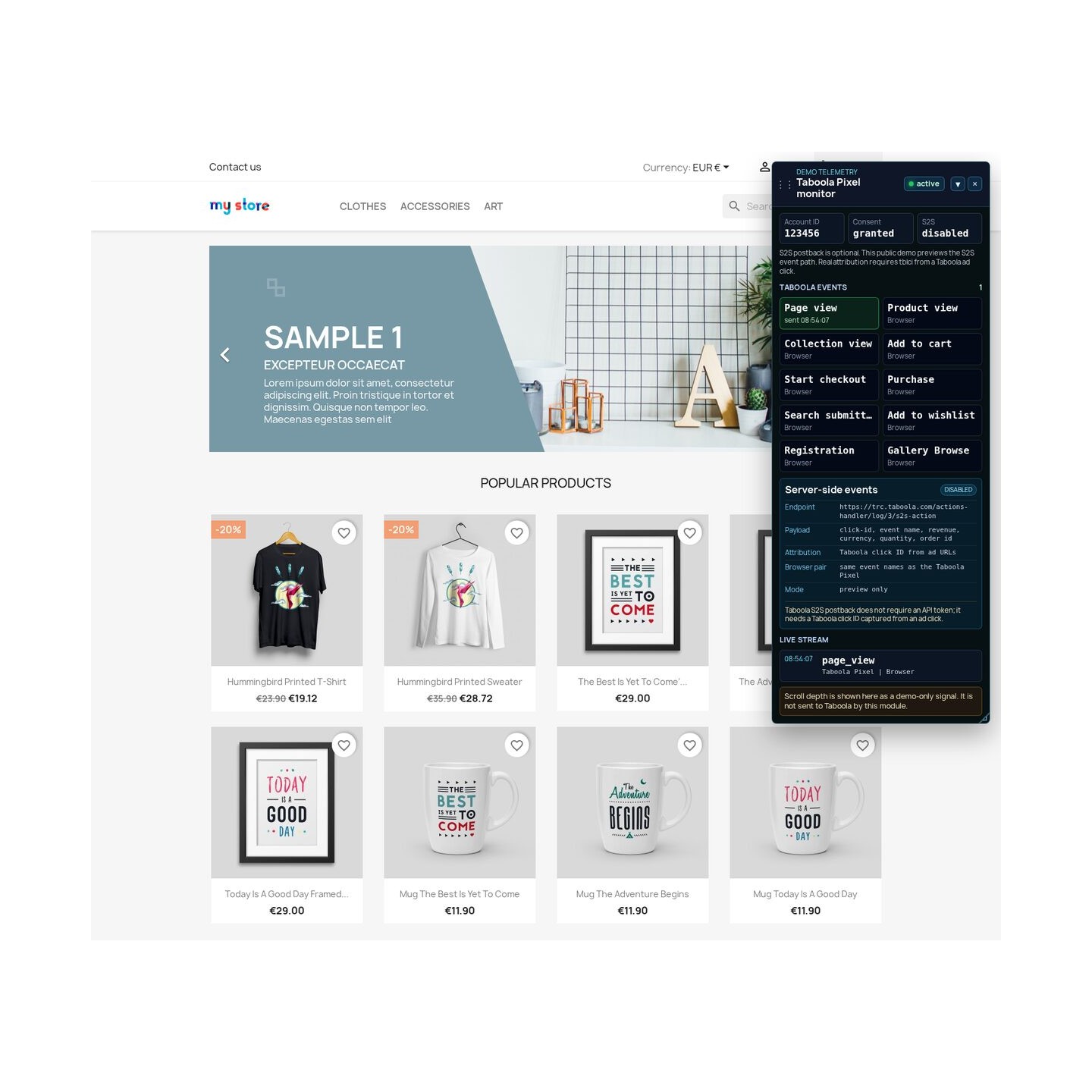
Taboola Pixel + S2S Postback connects PrestaShop shopping activity to Taboola through browser and direct server delivery. One Account ID and an activation switch start guided checks of consent, delivery and a test purchase.
Taboola's Realize manages advertising across its publisher network, turning shop actions into attribution, audiences and revenue reports. Advertising spend follows your campaign budget and is separate from the module price.
You choose events, paid order states and a delivery route for each action. Shared references prevent duplicate sales, while failed server messages wait for retry. Marketing consent governs measurement; server delivery does not send customer names, emails or telephone numbers.
Cancellation and refund events correct campaign revenue after an order changes, keeping advertising decisions connected to the sale's final value.
Taboola Pixel + S2S Postback connects the buying path in a PrestaShop store with Taboola. The first setup needs one Account ID, while the deeper controls cover action names, order states, delivery paths, markets, catalogue identity, consent and diagnostics.
Independent controls cover page visits, product and category views, search, cart additions and removals, wishlist activity, checkout, payment information, registration, newsletter and contact leads, paid purchases, cancellations and refunds. Product and cart actions carry identifiers, names, quantities, prices, currency and category context. Purchase and refund actions carry the order reference and the corresponding revenue change.
The merchant sets the conversion name for every standard action so it matches the name used in Realize. Registration is recorded at account creation or held until the first consent-eligible request. Theme-specific cart controls remain configurable alongside the standard shop signal. Custom rules cover a click, a page address, a store section, a successful form, scroll depth or a named on-page action, with fixed or live values and one-time or repeated measurement.
Realize receives these actions and turns them into attribution, campaign reports, audiences and optimization signals. The module supplies the store facts; Realize owns the advertising decision.
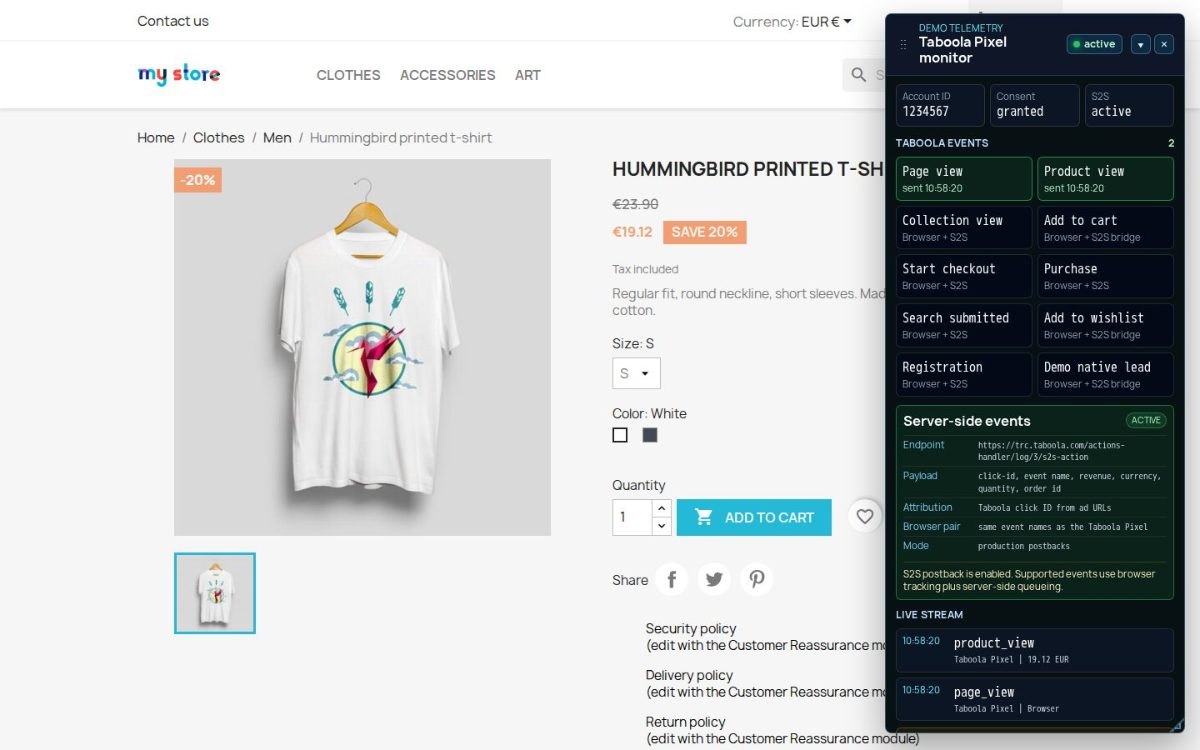
The merchant assigns each action to browser delivery, store-server delivery or a duplicate-safe combination. Both paths share one durable conversion identity, and an order guard prevents a refreshed confirmation page from creating another sale. The browser Pixel preserves Taboola's audience functions, while direct server delivery keeps eligible conversions moving when the browser path is interrupted.
When a shopper arrives from a Taboola advertisement, the module stores the valid click marker in the shop's own cookie for up to 90 days. A later order keeps that connection. Server entries wait in a local queue, retry after temporary failures and expose their delivery state. Purchase timing follows the selected paid order states, while cancellation and partial or full refund actions correct the original revenue.
Rules select a different Taboola account by shop, language, delivery country and currency, with a clear priority when several conditions match. The selected account is attached to the queued conversion at creation, so a later settings change does not move an old sale into another market.
Product identity follows the catalogue used by the campaign. The merchant selects the base product, the combination, a merchant reference or a combined value, then adds the required prefix, suffix and separator. A live preview compares the identifiers in product, cart and purchase actions and flags mismatches before campaign reporting depends on them.
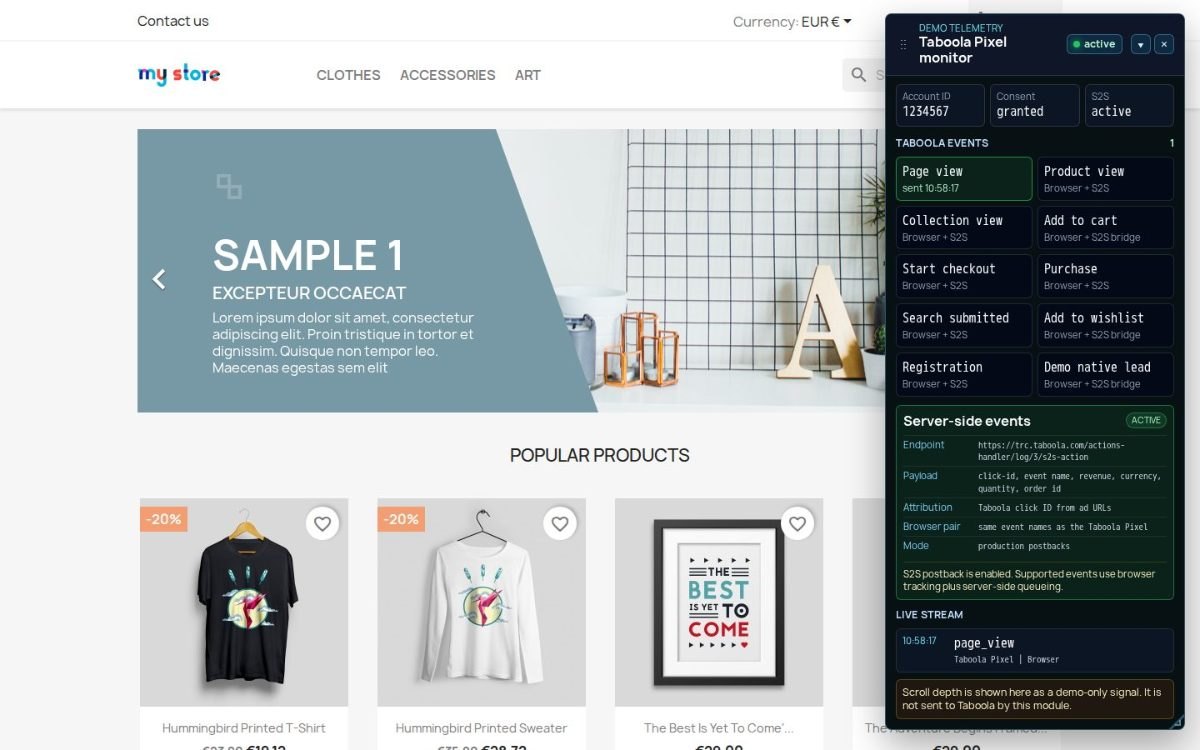
Marketing measurement waits for consent from the selected consent platform and starts on the same page after approval. Denied attempts are recorded as a non-marketing diagnostic without sending the customer action to Taboola. Signed-in employee sessions stay outside tracking by default, so tests in the storefront do not distort campaign results.
The module's server transmission uses the Taboola click marker and conversion fields and does not send the customer's email address, name or telephone number. Network and device details remain available for protected diagnostics only when the merchant enables them, consent covers them and the chosen retention period has not expired. The module also assigns each Account ID to one responsible MPR integration and suppresses the second.

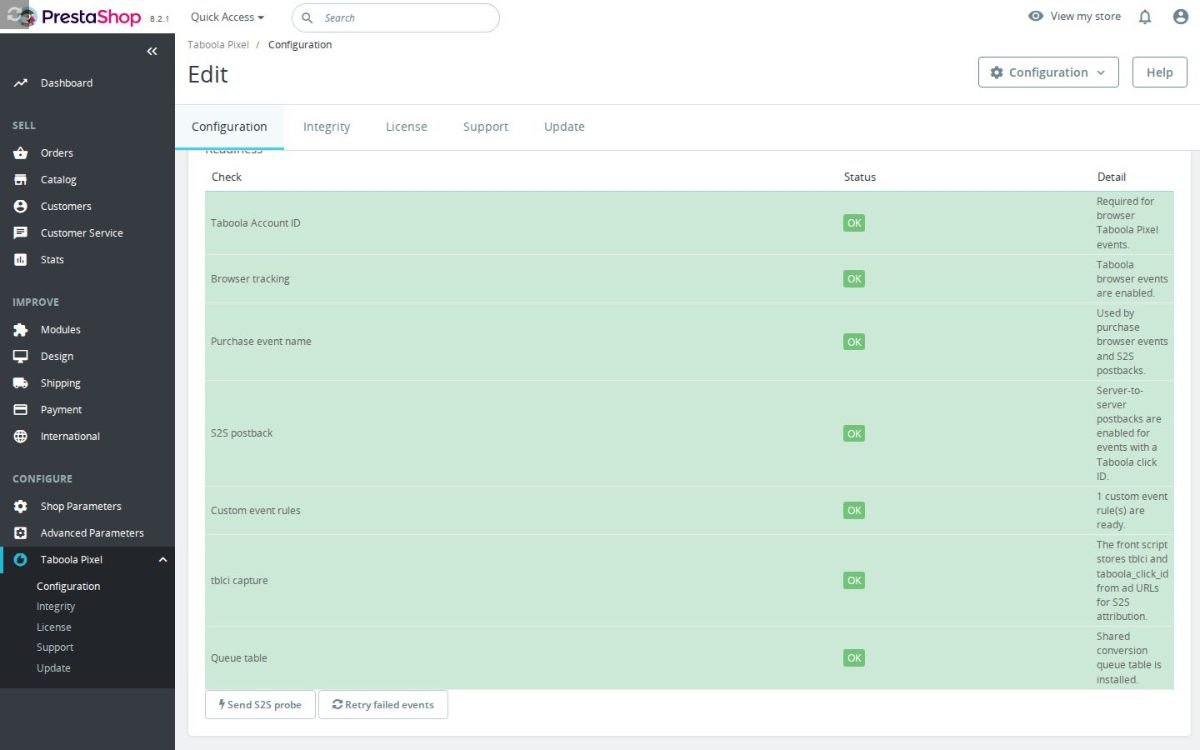
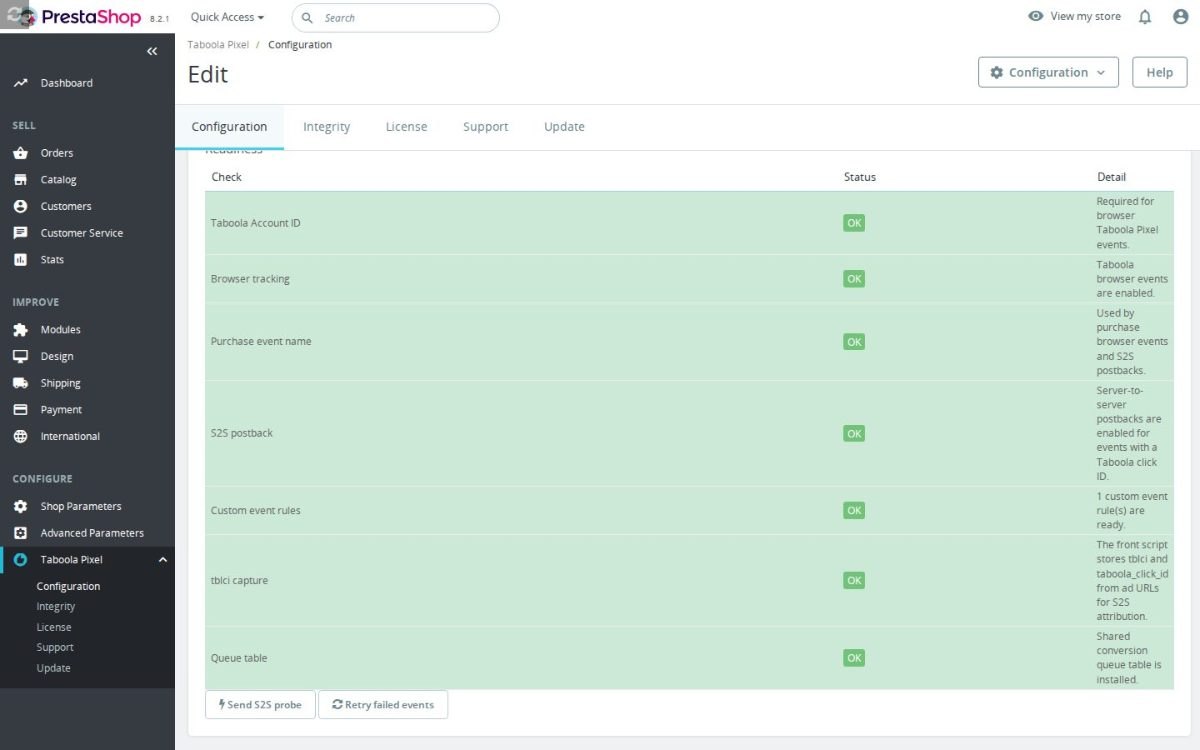
The guided setup checks the Account ID, consent state, selected browser and server paths, catalogue identity and a test purchase. An authorized storefront inspector shows which action is recognized, what context accompanies it and which path is selected without sending a test conversion. This keeps the first launch small while leaving detailed control available for a complex store.
One live timeline joins browser and server actions with filters, refresh and configurable retention. Readiness adds event match quality, consent and catalogue checks, while the funnel view identifies purchases without earlier cart or checkout signals and separates delivered, recovered, cancelled and refunded outcomes. Failed server entries return to the queue from the same screen, and ranked repairs explain what needs attention first.
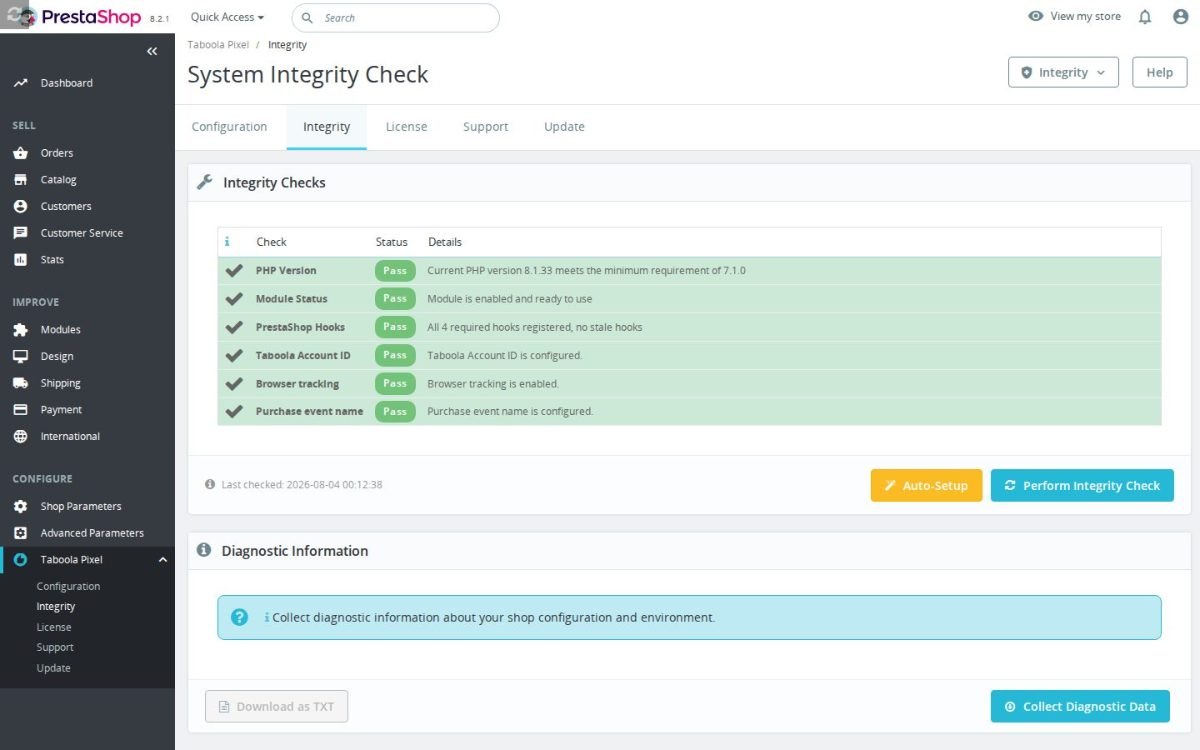
tblci click ID) as a buyer who accepts tracking, and check that the order reaches the queue and is sent by the scheduler.Requires PrestaShop 1.6 or later and PHP 7.1 or later.
 30 days return right
 Plug & Play Modules
 Dedicated Support First
Built and maintained by David Miller and mypresta.rocks. David Miller has worked with PrestaShop since 2013, and the company behind this shop has been registered since 3 December 2018. Every module in this catalogue is our own work, so your questions to support reach the people who wrote the code. The changelog on this page lists every update with its date.
Taboola places your content on publisher sites, and Blog Revolution produces the articles worth placing there. Taboola Pixel + S2S Postback tracks which readers continue to your products, carts and checkout.
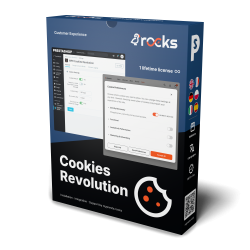
Taboola Pixel + S2S Postback tracks views, carts, checkouts and purchases for your Taboola campaigns, and Cookies Revolution collects visitor consent by category with script blocking and consent logs. Native ad tracking with consent handled properly.
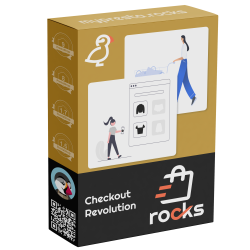
A reader who clicks a Taboola recommendation needs an easy way to buy, and Checkout Revolution offers it with an express checkout, wallets and guest checkout. Taboola Pixel + S2S Postback reports every purchase that follows.
Compliance & Legal
News & Updates
News & Updates
News & Updates
News & Updates
News & Updates