




Do I need FTP access to install modules?
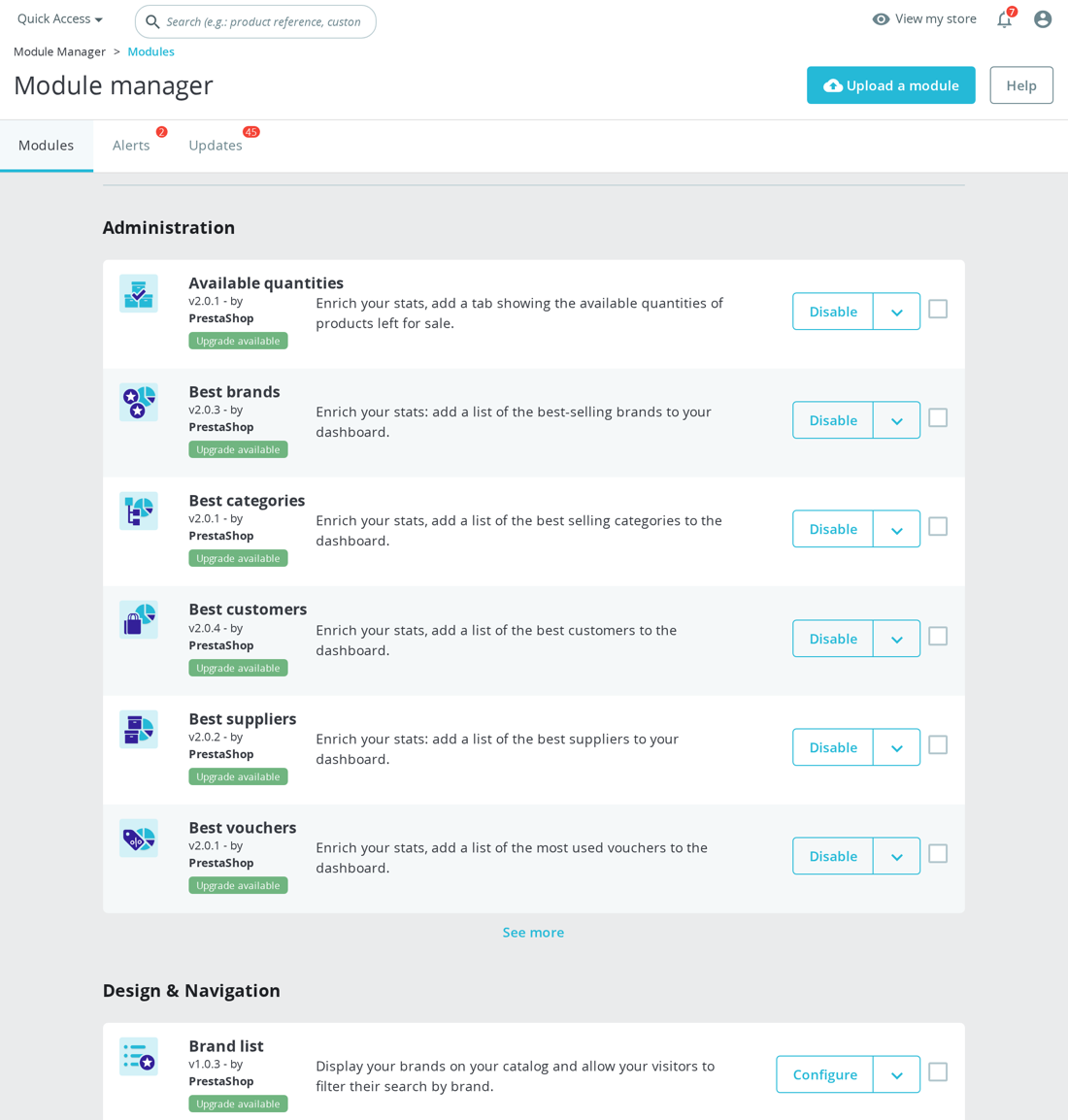
No — for most modules you never touch PrestaShop FTP at all. The standard path is the back office: Modules → Module Manager → Upload a module, drag in the ZIP, done. FTP is only a fallback for two well-known cases.
- The ZIP exceeds your PHP upload limit. Shared hosts often cap
upload_max_filesizeandpost_max_sizeat a few megabytes, so larger module ZIPs fail in the browser. Either raise both PHP values in your hosting panel, or upload the module by FTP. - Permission or partial-upload errors. If the back office reports a permission error or a half-installed module, FTP gives you a clean way to recover.
To install a module over FTP: unzip it locally, upload the resulting folder (for example mprseorevolution/) into /modules/ at your shop root, make sure the files are readable by the web-server user (your host can confirm), then open Module Manager, search for the module name and click Install.
Most of our modules are small enough to upload straight through Module Manager, so FTP stays a backup, not a requirement. See also: installing a module on PrestaShop.
The folder name matters. Module classes declare a technical name such as mprcanonicalmanager, mprinternallinking or mprcheckoutrevolution. That folder is what PrestaShop expects under /modules/. Keep the module's main PHP file, composer autoloader, controllers, views and source classes together inside that folder.
FTP does not bypass module setup. It only bypasses the browser upload limit. You still need to click Install so the module can create its tables, register hooks and add its back-office screens. For example, a module may declare database tables for link groups or quote statuses, then create those tables and register hooks during its install method.
Use FTP as a recovery tool, not as a daily workflow. If the back office upload works, it is cleaner because PrestaShop handles the archive, folder placement and install flow in one place. If FTP is required, upload once, install once, then configure the module from its admin page rather than repeatedly overwriting files while it is active.
Was this answer helpful?
Still have questions?
Can't find what you're looking for? Send us your question and we'll get back to you.