




How do I add photo reviews to PrestaShop product pages?
Photo reviews let shoppers attach real product images to their ratings, which builds trust and adds unique, keyword-rich content to your product pages. PrestaShop has no built-in image-review feature, so you add it with a reviews module. With Reviews & Ratings, enable image uploads in the review settings: the form then accepts JPEG, PNG and WebP files, enforces your maximum file size and image count, automatically resizes large uploads, generates thumbnails, and attaches the images to the saved review record. Approved photo reviews display alongside the product and feed star-rating rich results. Set a sensible limit - for example 3-5 images per review - and keep moderation on so only genuine, on-topic photos go live. Customer photos also reduce returns by setting accurate expectations before purchase.
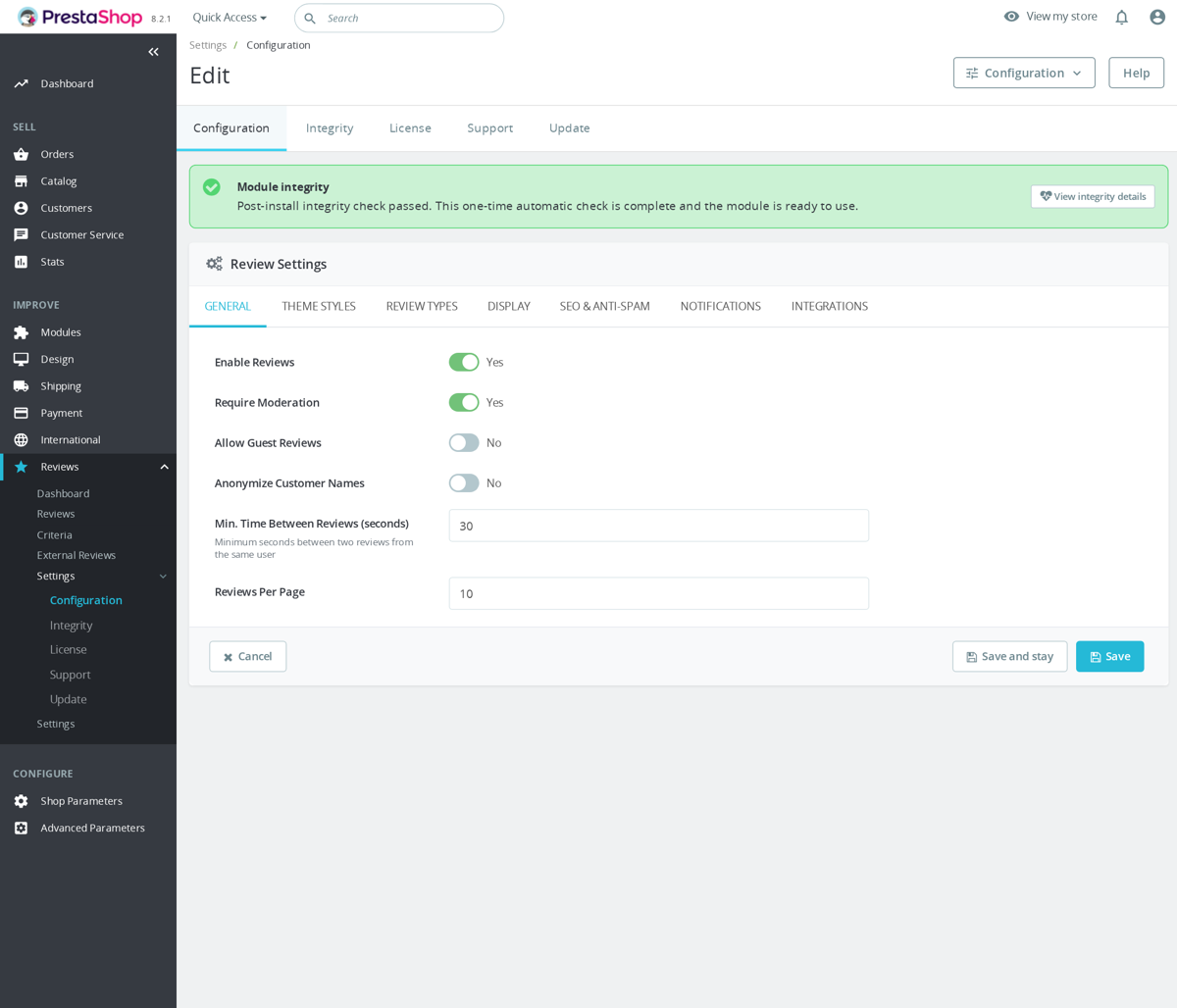
In the local source this feature lives in the mprcomments module. Image uploads are enabled by ALLOW_IMAGES, with defaults of 3 images per review and 2 MB per image. The product review template uses a multiple file input named review_images[] and accepts image/jpeg, image/png and image/webp. The uploader validates MIME type, file size and image dimensions, then resizes large images to a maximum 1200 by 1200 pixels and creates 150 by 150 thumbnails.
The review is saved first with either pending or approved status depending on moderation settings, then image uploads are processed immediately against that saved review ID. Approval gates public visibility, not image attachment. Normal review validation still applies first: the review content must meet the minimum length, the rating must be between 1 and 5, guests are blocked unless allowed, duplicate customer reviews are checked, and moderation can leave the review pending instead of immediately public. Structured data is intentionally based on native product reviews; imported company reviews are excluded from product schema, and the schema renderer limits embedded review items while still outputting aggregate rating when native reviews exist.
Was this answer helpful?
Related products

Still have questions?
Can't find what you're looking for? Send us your question and we'll get back to you.