




How do I clean old carts, logs and statistics from a PrestaShop database?
Over time a PrestaShop database fills with data you no longer need: abandoned carts, orphaned cart rows, expired specific prices and cart rules, old connection and guest records, search statistics, mail and 404 logs, page views and closed customer threads. Left unchecked, these tables slow queries and bloat backups. To clear them safely, use Cleanup Revolution: it groups every cleanup into named tasks, counts the affected rows before deletion, supports dry-run previews by default, and records real deletion runs in the cleanup history. Start with abandoned carts older than 30 days and stale search/connection stats, review the preview counts, then delete in batches. Always take a database backup first. For ongoing upkeep, schedule the tasks instead of running them by hand; see our PrestaShop performance guide.
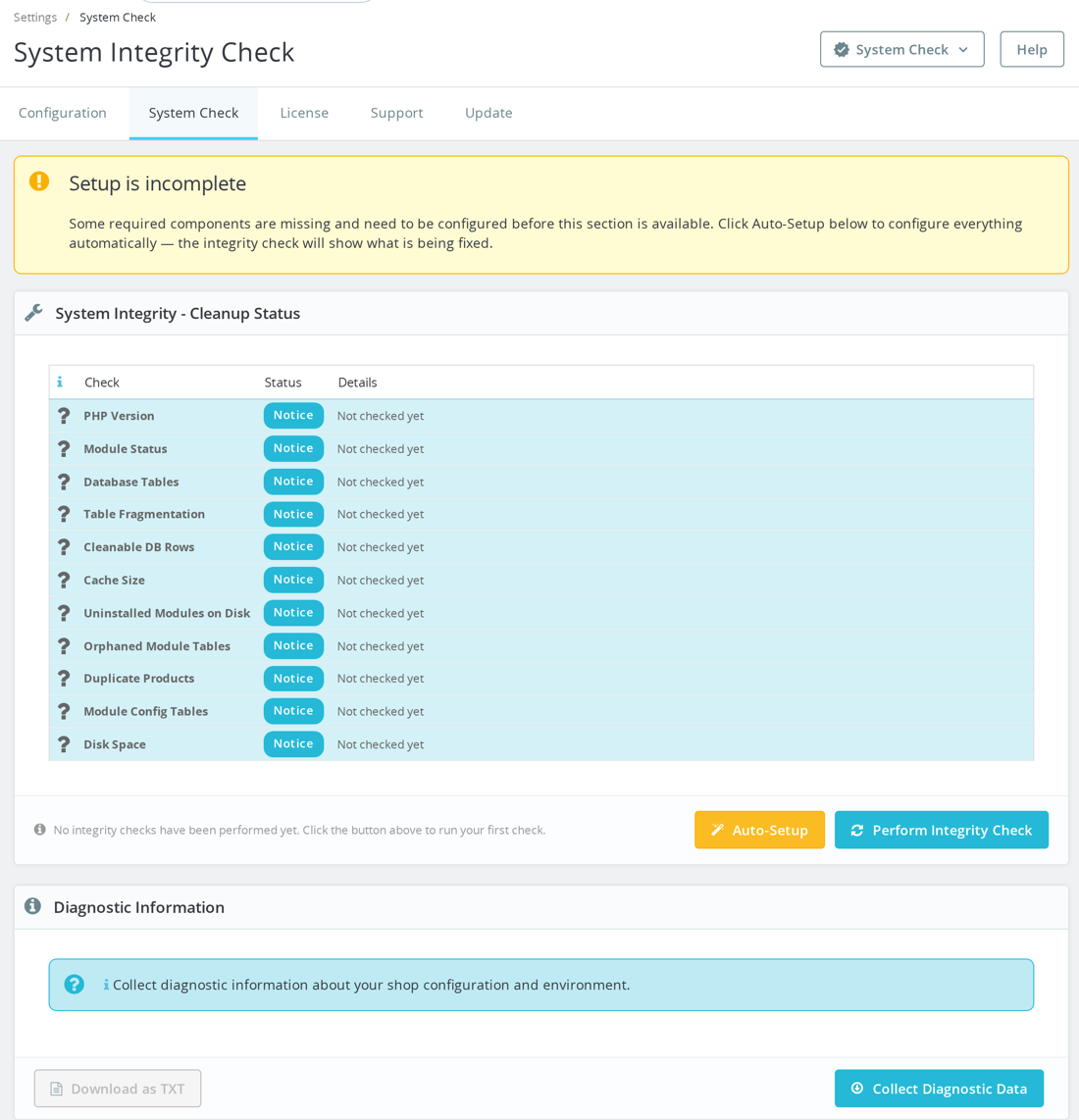
Before any real cleanup, make a fresh database backup and run the module preview first. Do not delete rows manually with SQL; use Cleanup Revolution's dry-run counts, review the affected tasks, then run the cleanup from the module in controlled batches.
mysqldump -u db_user -p db_name > prestashop-before-cleanup.sqlThe default configuration is deliberately conservative: dry run is enabled by default, trash mode is enabled, abandoned carts default to 30 days, many logs/statistics default to 90 days, closed customer threads default to 180 days, empty accounts default to 365 days, and the engine uses per-task batch sizes plus a total limit of 50000. A task with no rows to remove is skipped by the bulk runner, and real deletion happens in batches rather than as one huge statement.
One audit-log detail matters: dry-run executions return the affected count before MPRCleanupLog::record() is called, so dry-run previews are not written to cleanup history. Real database cleanup runs are logged with dry_run = 0. Manual Back Office actions call DatabaseCleanupEngine::executeTask(..., $employeeID) or DatabaseCleanupEngine::executeAll($dryRun, $employeeID), so they use the default trigger_type = manual and record the employee ID when one is available. Scheduled database cleanup calls MPRCleanupRevolution::cronDBCleanup(), which passes DatabaseCleanupEngine::executeAll(false, null, 'cron'), so those log rows record trigger_type = cron with no employee ID.
The database cleanup engine includes named tasks for abandoned carts, orphan cart products, search statistics, expired specific prices, expired cart rules with zero quantity, old logs, old connections, orphan connection rows, old guests, mail logs, 404 logs, page views, closed customer threads and referrer cache. It also has higher-risk commercial cleanups such as guest accounts without orders, orphan addresses and old registered accounts without orders or recent carts. The cron defaults split work into database cleanup, file cleanup and table optimization windows, so you can automate maintenance without running every heavy operation at once.
Was this answer helpful?
Related products

Still have questions?
Can't find what you're looking for? Send us your question and we'll get back to you.