





I accidentally broke my .htaccess file. How to fix it?
A broken .htaccess file can break friendly URLs, redirects, static asset handling or even back-office access. PrestaShop can regenerate its own rewrite rules, but custom server rules should be backed up first.
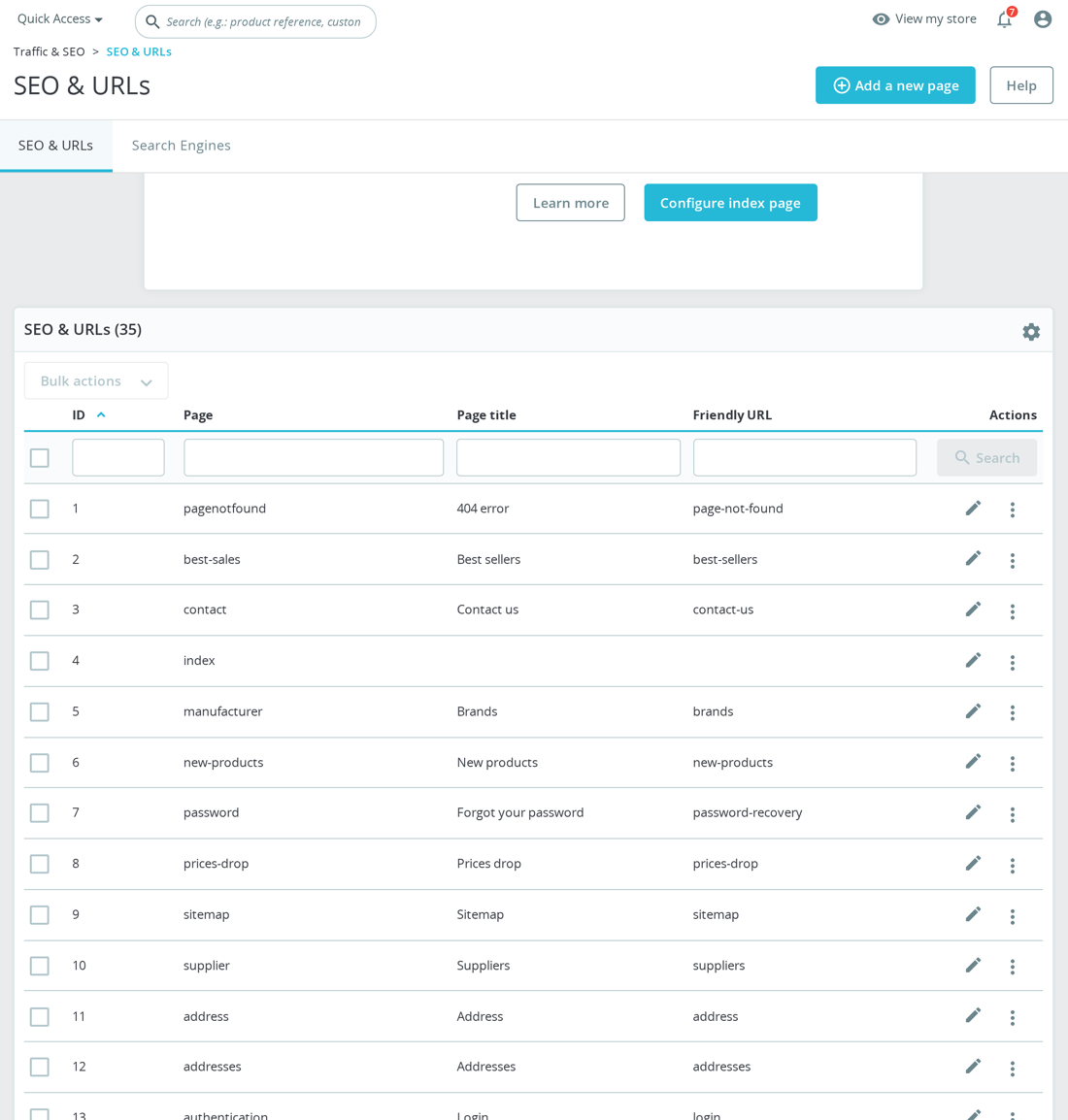
PrestaShop writes its generated rules inside its managed markers and preserves custom code outside that block. If the file is badly broken, rename the current file, create a fresh empty .htaccess, then regenerate friendly URL rules from the back office by saving the SEO & URLs / friendly URL settings. Clear cache afterwards.
# Temporary minimal Apache rewrite block - not a full PrestaShop .htaccess
<IfModule mod_rewrite.c>
RewriteEngine On
RewriteBase /
</IfModule>
That snippet is only a recovery aid. A real PrestaShop .htaccess includes generated dispatcher, image, asset and redirect rules for the shop's base URI. If the shop is in a subdirectory, the regenerated RewriteBase must match that path. If the file breaks again immediately after regeneration, look for custom rules from a theme, module, CDN, security plugin or hosting panel.
Before regenerating, save the broken file as a dated backup so you can recover any custom redirects, CDN rules or security headers that were outside PrestaShop's managed block. After regeneration, compare the backup and restore only the custom rules you understand. Put custom redirects above or below the generated block according to their purpose, but avoid editing inside PrestaShop's markers because the back office can overwrite that section again.
If regeneration fails, check Apache has mod_rewrite enabled and that the web-server user can write the shop root. On Nginx, .htaccess is ignored entirely, so the fix belongs in the Nginx server block instead of in this file. Always test a product URL, category URL, image URL, CSS/JS asset and back-office login after the repair, because a rewrite file can look fine while one class of URLs is still broken.
Was this answer helpful?
Still have questions?
Can't find what you're looking for? Send us your question and we'll get back to you.